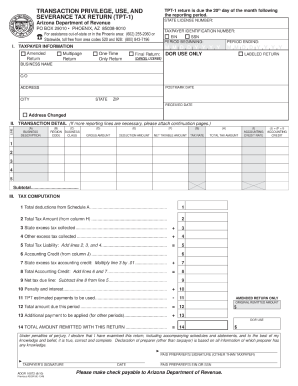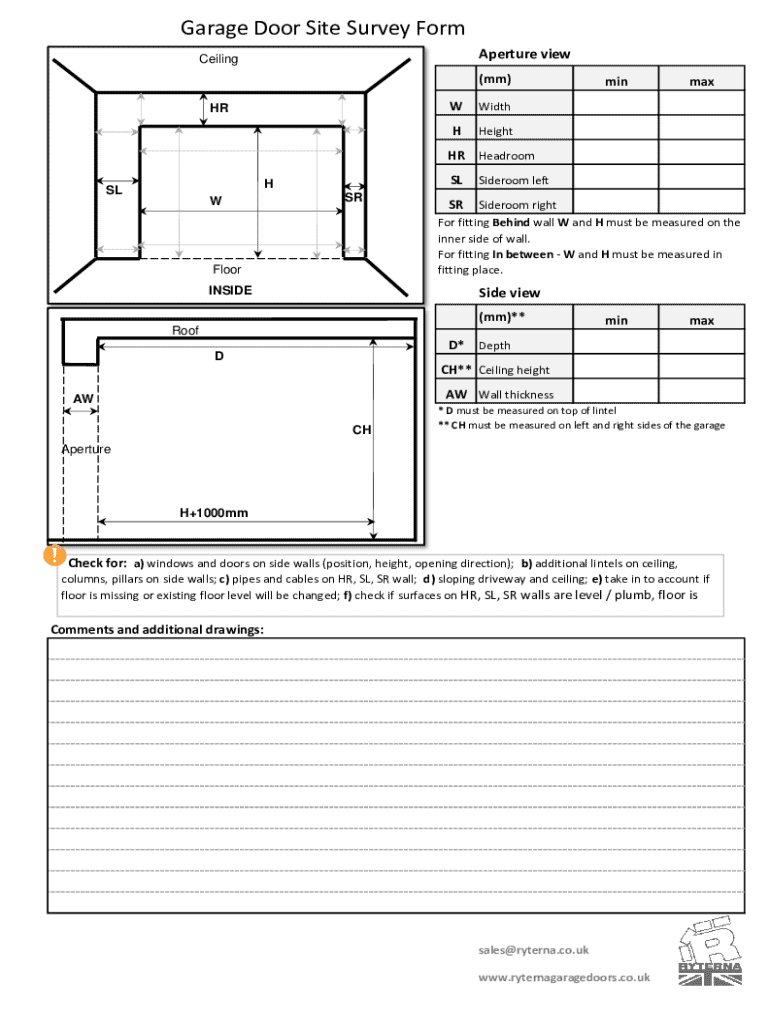







Definition and Meaning of Form Online
The term "form online" refers to digital forms that are created, filled out, and submitted over the internet. These forms can replace traditional paper forms for a variety of uses such as applications, surveys, and registrations. The digital format allows for enhanced accessibility and reduces the need for physical storage and transportation of documents. Online forms are designed to capture information in a structured manner, ensuring accuracy and efficiency in data collection.
Steps to Complete the Form Online
-
Access the Form: Locate the online form through the relevant website or platform, such as DocHub.
-
Read Instructions Carefully: Review any provided instructions thoroughly to understand the form's purpose and the information required.
-
Fill Out Required Fields: Enter information into all mandatory fields, ensuring accuracy and completeness. These might include personal information, contact details, or specific data related to the form's purpose.
-
Additional Sections: Some forms may include optional fields or areas for additional comments; complete these if applicable to your situation.
-
Review and Edit: Before submission, review all entered information to correct any errors or omissions. Many platforms offer a preview feature to visualize the completed form.
-
Submit the Form: Once verified, submit the form through the designated button or link. You might receive a confirmation message or email upon successful submission.
Why Should You Use a Form Online?
-
Efficiency: Online forms streamline the data collection process, reducing the time required for handling and processing physical documents.
-
Environmental Impact: By eliminating the need for paper, online forms contribute to environmental sustainability.
-
Enhanced Accuracy: Built-in validation checks help ensure that all necessary fields are filled out correctly, minimizing errors.
-
Convenience: Forms can be completed from any device with internet access, offering flexibility for users to fill them out from anywhere at any time.
Key Elements of the Form Online
Online forms typically include several key components:
-
User-Friendly Interface: A well-designed interface that guides users through the form-filling process with ease.
-
Field Validation: Automated checks that confirm all mandatory fields are filled and that entered data complies with required formats.
-
Data Security: Protection of user data through encryption and secure servers to prevent unauthorized access.
-
Interactive Fields: Elements such as dropdown lists, checkboxes, and radio buttons that enhance user interaction and data accuracy.
Legal Use of the Form Online
Using forms online must comply with legal standards to ensure validity, especially when dealing with contracts or signatures. Many online platforms, like DocHub, offer legally binding electronic signatures that meet standards such as the ESIGN Act. Users should always ensure that their use of online forms adheres to relevant legal frameworks, safeguarding both parties' interests.
Examples of Using the Form Online
Online forms are versatile tools used in many scenarios:
-
Job Applications: Candidates submit employment applications directly through employer websites.
-
Event Registrations: Participants register for events, indicating preferences and providing necessary details with ease.
-
Feedback Surveys: Organizations collect customer feedback or conduct market research through online surveys.
-
Legal Agreements: Parties sign contracts electronically, enabling expedited processes compared to traditional methods.
Steps to Obtain the Form Online
-
Identify the Form Source: Determine the website or service (like DocHub) where the form is hosted.
-
Create an Account: Some platforms require user registration to access forms.
-
Locate the Form: Use search functions or browse categories to find the specific form you need.
-
Download or Open for Editing: Depending on platform capabilities, you may download the form or begin editing it directly in your web browser.
-
Save for Later: If you need more time, save your progress on platforms that support such functionality.
Required Documents for Form Online Submission
Gather all necessary supporting documents beforehand, which may include:
-
Identification Proof: Such as a driver’s license or passport for identity verification.
-
Financial Records: Such as income statements if applicable.
-
Previous Correspondence: For instances that require referencing past communications.
-
Consent Forms: Any required consents or agreements for information sharing.
Ensuring you have all required documentation prepared will help in completing your form efficiently and accurately.