




01. Edit your form online
Type text, add images, blackout confidential details, add comments, highlights and more.

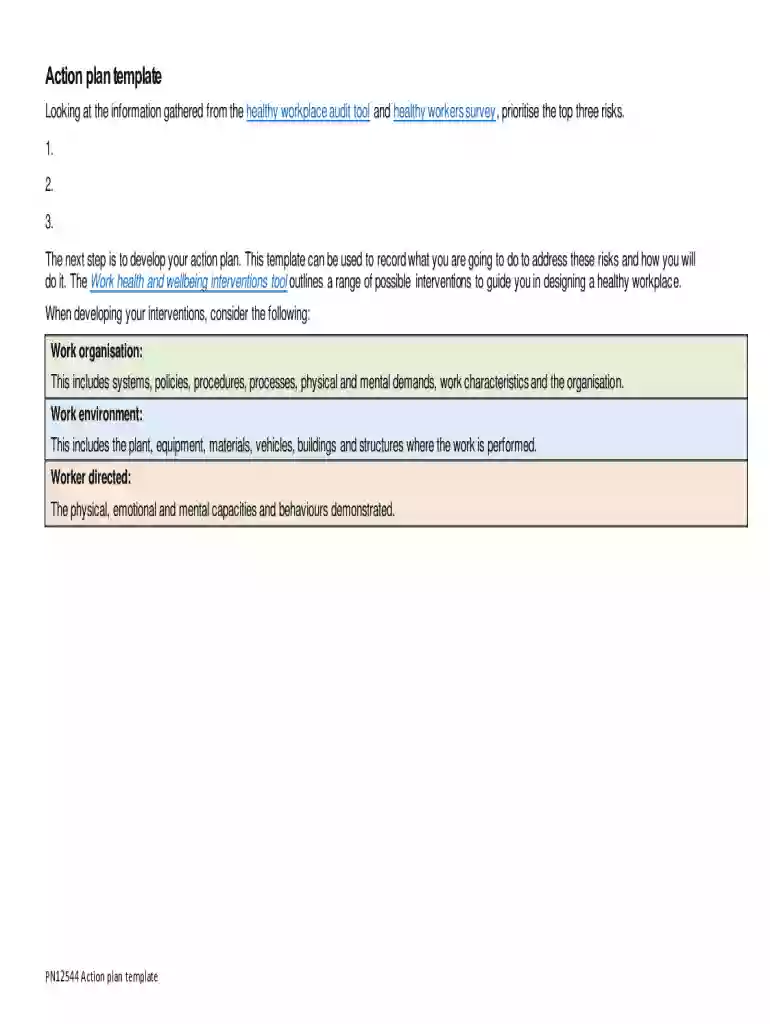
Type text, add images, blackout confidential details, add comments, highlights and more.

Draw your signature, type it, upload its image, or use your mobile device as a signature pad.

Send it via email, link, or fax. You can also download it, export it or print it out.
"Form online" refers to a digital version of a paper document that users can complete and submit via the internet. This digital transformation is designed to streamline processes, reduce the need for physical paperwork, and increase accessibility. An online form can range from simple feedback submissions to complex applications requiring multiple sections and validations. By converting traditional forms into online formats, organizations can collect information more efficiently and ensure data is easily accessible for analysis and storage.
To use a form online, users typically need to follow a straightforward process. First, access the form through the provided link or platform, which is frequently available on an organization's website or a dedicated online forms portal. Many platforms, like DocHub, make it possible to edit, sign, and submit forms all within the browser, removing the need for specialised software. Users then input the required information into text fields, check boxes, or selection menus. The final step usually involves reviewing the entered data for accuracy before clicking the 'Submit' button to send the form electronically.
Obtaining a form online is generally a simple process. Users can typically find these forms on the organization's official website or through direct links shared via email or other communication channels. Websites may have a dedicated section for online forms, categorized for easy navigation. In some cases, forms are integrated into a document management system like DocHub, allowing direct access and completion without additional downloads. For government or tax-related forms, official sites such as IRS.gov or state-specific portals provide downloadable forms that can also be filled out and submitted electronically.
Filling out forms online offers several advantages. Primarily, it saves time and resources by eliminating the need to print, mail, or physically deliver forms. Online forms also reduce the risk of errors with the implementation of validation rules that guide users to complete all necessary fields before submission. Furthermore, they facilitate a more seamless integration into databases and workflow systems, providing immediate access to data and analytics for future reference. Security features ensure data remains protected, maintaining confidentiality and integrity.
The essential components of an online form include a title or subject, clear instructions, and detailed form fields for data entry. Each field should be appropriately labeled to guide users on the information required. For forms that necessitate signatures, a digital signature feature should be available. Validation rules are critical to ensure data accuracy and completeness. A review and submission section at the end of the form allows users to verify and authorize their inputs before final submission.
It is essential to recognize that certain forms may have state-specific requirements or variations. For example, tax forms often have different fields or filing deadlines based on state regulations. Users must check if their form has state-specific instructions provided within the form itself or on the issuing organization's website. This ensures compliance with all relevant legal and procedural requirements, minimizing the risk of rejection or issues with governmental or legal authorities.
Online forms are legally binding when used correctly, especially when they incorporate secure technologies like digital signatures complying with legislation such as the ESIGN Act. For transactions involving personal information, organizations must ensure that forms adhere to privacy laws and data protection regulations. Proper implementation of security protocols and clear consent clauses are necessary to maintain legal compliance and protect against unauthorized data sharing or misuse.
Many online forms are designed for compatibility with various software platforms, which enhances their accessibility and usability. Systems like DocHub can seamlessly integrate with cloud-based services such as Google Workspace, allowing users to import and export documents from platforms like Google Drive. Compatibility with accounting or tax software such as TurboTax or QuickBooks ensures that financial data can be efficiently processed and reflected in accounting records or tax filings.
We've got more versions of the Healthy Workplace Action Plan Template form. Select the right Healthy Workplace Action Plan Template version from the list and start editing it straight away!
At DocHub, your data security is our priority. We follow HIPAA, SOC2, GDPR, and other standards, so you can work on your documents with confidence.
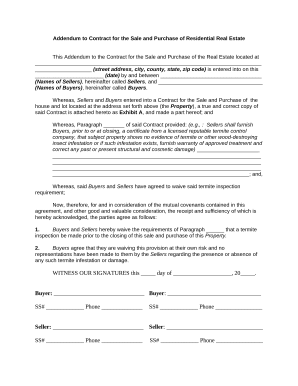
by DL Stoewen 2016 Cited by 94 A healthy workplace is one in which workers and managers collaborate to use a continual improvement process to protect and promote the health, safety and well-Read more
Design Work and Workplaces for Employee Health. a healthy workplace looks, feels, operates, and stimulates healthy work behaviors, habits and personal


