Definition & Meaning of Form Online
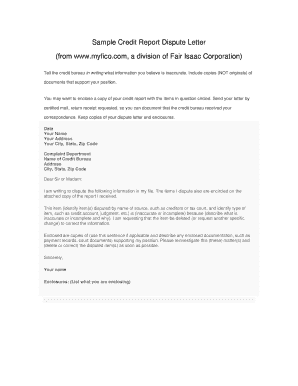
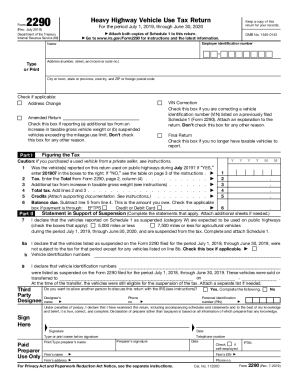
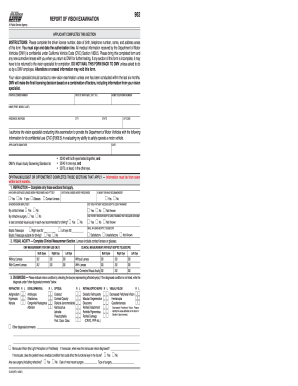
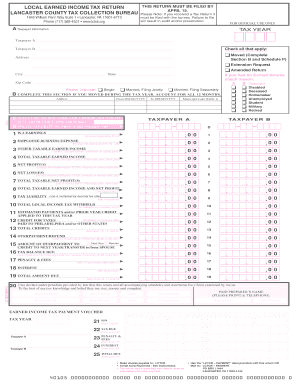
Form online refers to the digital version of forms that are traditionally distributed as paper documents. This approach allows users to fill out necessary details using an online platform, eliminating the need for physical paperwork. Common uses include tax forms, business registrations, and government applications. Online forms are favored for their convenience, efficiency, and ease of access from various devices.
How to Use the Form Online
Utilizing an online form involves several straightforward steps:
-
Access the Form: Navigate to the website hosting the form, ensure you have a stable internet connection, and select the appropriate form you need to complete.
-
Fill Out Required Information: Type in all necessary personal, financial, or business details as prompted. Ensure accuracy to avoid the need for corrections.
-
Review and Edit: Before finalizing your submission, review all entered information for any errors or omissions. Most platforms allow you to edit your entries easily.
-
Submit the Form: Once satisfied, submit the form by following the provided prompts. Confirmation sites will often provide a summary or verification number as proof of submission.
Steps to Complete the Form Online
Completing an online form involves a structured process to ensure accuracy and compliance.
-
Step 1: Gather Information: Before starting, collect all necessary documents and data needed to fill out the form.
-
Step 2: Read Instructions Carefully: Each form has specific instructions that must be followed to ensure proper completion.
-
Step 3: Complete Each Section: Address each part of the form in sequence, providing detailed and accurate information.
-
Step 4: Use Built-in Tools: Utilize built-in features like dropdown menus or checkboxes for streamlined input.
-
Step 5: Double-check All Entries: Review for typos or missing information to prevent submission delays.
-
Step 6: Save Your Progress: Many online platforms allow saving progress, which is useful if you need to pause and return later.
Key Elements of the Form Online
An online form typically comprises several critical elements:
- Form Header: Includes the title and purpose of the form.
- Instruction Block: Provides guidance on how to fill out the form correctly.
- Input Fields: Areas where users enter personal or required information.
- Validation Indicators: Systems that ensure all necessary fields are completed accurately.
- Submit Button: A function that sends the form data to the appropriate recipient.
Legal Use of the Form Online
Forms online must comply with legal requirements to ensure data is collected and used effectively and ethically:
- Privacy Compliance: Online forms must adhere to regulations like GDPR or CCPA, safeguarding user data.
- Valid Digital Signatures: Many forms allow for electronic signatures, which are legally binding under acts such as the ESIGN Act.
- Usage Terms: Users must be informed of how their data will be used, ensuring transparency and accountability.
State-Specific Rules for the Form Online
The regulations governing online forms may vary between states:
- Different Filing Requirements: Some states have unique fields or information requirements.
- Specific Submission Guidelines: Methods and deadlines for submission could differ.
- State-Specific Identifiers: Certain forms may require state-specific identification numbers or documents.
Examples of Using the Form Online
Various scenarios illustrate the use of online forms effectively:
- Tax Preparation: Individuals filing taxes can use online forms to report and calculate due amounts quickly and accurately.
- Business Applications: Entrepreneurs can register their businesses or apply for trademarks using state-specific online forms.
- Educational Enrollments: Schools and universities may use online forms for student applications and registrations.
Software Compatibility
Numerous online platforms support form completion and submission:
- Integration with Tax Software: Forms can often be completed using tools like TurboTax or QuickBooks, which handle calculations automatically.
- Cloud Services Compatibility: Forms saved in formats such as PDF can be stored and accessed through cloud services like Google Drive or Dropbox.
- Compatibility with E-signature Tools: Electronic signature applications can be integrated, enabling secure and efficient signing of documents digitized forms require.
Understanding these aspects ensures that using online forms is a seamless process, maximizing efficiency while maintaining compliance with legal and procedural standards.