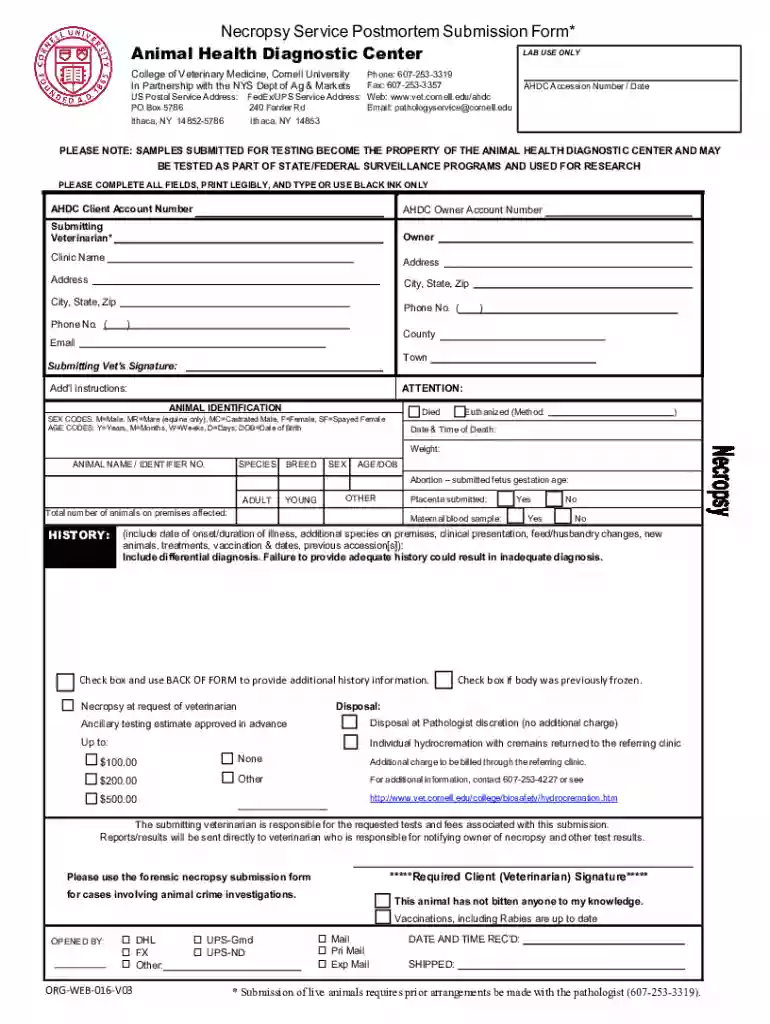
Understanding the Concept of "Form Online"
The phrase "form online" generally refers to the process of creating, accessing, submitting, and managing forms in an electronic format via the internet. This approach offers significant advantages over traditional paper-based processes, including ease of access, timeliness, and the ability to integrate with digital tools. Forms online can range from simple contact forms to complex application forms and are used across various industries for data collection, transactions, and administrative purposes.
Benefits of Using Forms Online
Using forms online significantly streamlines workflows, improving efficiency across different sectors. Here are some advantages:
- Accessibility: Users can access forms anytime and anywhere, facilitating round-the-clock operations without geographical constraints.
- Efficiency: Online forms usually include features that automate data collection and processing, reducing manual entry errors.
- Data Management: Digital forms are easier to store, retrieve, and analyze than paper forms, helping organizations maintain comprehensive records.
- Cost Savings: Minimizing paper usage and related logistical expenses leads to cost reductions.
Steps to Complete a Form Online
Completing a form online involves a systematic process that ensures data is entered correctly and the form is submitted successfully:
- Access the Form: Navigate to the relevant website or platform that hosts the form.
- Review Instructions: Before filling out the form, carefully read any instructions provided to understand all requirements.
- Fill in Required Information: Enter accurate information in each required field. Many online forms have validation checks to prevent errors.
- Attach Documents: If applicable, upload necessary documents as specified in the form guidelines.
- Review Your Entries: Double-check all entries for accuracy and completeness.
- Submit the Form: Click the submit button to send your form for processing. Confirmation or submission receipt is often provided.
Common Features in Online Forms
Most online forms will include functionalities such as:
- Auto-Fill: Fields that can automatically populate with relevant user data.
- Validation Checks: Alerts and notifications for incorrect or missing information.
- Save and Resume: Ability to save progress and return to complete the form later.
- Confirmation Receipt: An acknowledgment email or message upon successful submission.
Who Typically Uses Forms Online
Forms online are utilized by a wide range of entities, from individuals to large organizations, across various domains:
- Individuals: For personal tasks like online applications, registrations, and surveys.
- Businesses: Utilize online forms for transactions, customer feedback, and employee onboarding.
- Government Agencies: Use online forms for public services, tax filings, and census data collection.
- Educational Institutions: For student enrollment, feedback collection, and administrative tasks.
State-Specific Rules for Forms Online
When completing forms online, it's crucial to consider state-specific regulations and guidelines that may affect the form's content and submission process. Key factors include:
- Legal Compliance: Ensure the form adheres to all relevant legal requirements within the state.
- Specific Fields: States may require unique fields or documentation included in online forms.
- Submission Protocols: Varying deadlines and submission methods mandated by state authorities.
Examples of State-Specific Forms
- California: May have additional environmental disclosure requirements.
- Texas: Specific tax exemptions and criteria for local business registrations.
Legal Use of Forms Online
Legal considerations when using forms online center around ensuring the legality and compliance of form-related activities:
- Electronic Signatures: Forms online often incorporate electronic signature capabilities. These need to follow legal standards, such as the ESIGN Act, to ensure they are legally binding.
- Data Protection: Forms must comply with applicable data protection laws, like GDPR or CCPA, to safeguard personal information.
- Privacy Statements: Disclosure statements regarding data usage and privacy policies may be required.
Key Elements of Forms Online
Forms online typically consist of several core elements designed to capture necessary information:
- Header: Includes a title and brief description of the form's purpose.
- Input Fields: Text boxes, multiple-choice options, and dropdown menus for data entry.
- Instructions: Detailed guidelines to aid the user in filling out the form correctly.
- Footer: May contain important notes, legal disclaimers, or contact information for support.
Advanced Features
- Dynamic Fields: Fields that adjust based on user input.
- Progress Indicators: Show completion status for multi-page forms.
- Conditional Logic: Displays or hides certain sections based on responses.
Examples of Using Forms Online in Various Scenarios
Forms online find applications across diverse scenarios, providing versatile solutions:
- Job Applications: Candidates apply by submitting information through online platforms.
- Customer Feedback: Businesses collect feedback via surveys to enhance products and services.
- Event Registrations: Participants register for events, workshops, or conferences through online bookings.
- Healthcare Forms: Patients complete medical history forms before consultations.
Real-World Case Study
Consider a healthcare clinic that transitioned to online patient intake forms. This change not only improved efficiency by reducing manual entry errors but also enabled the clinic to maintain more organized patient records and achieve faster processing times.
Potential Challenges and Solutions
Despite the benefits, forms online come with challenges that need addressing:
- Technical Issues: Users may face difficulties with internet access or form platforms; solutions include offering offline capabilities and ensuring mobile compatibility.
- Security Concerns: Protect data with SSL encryption and stringent access controls to reassure users about form security.
- Complex Compliance Requirements: Regular updates and audits can help an organization stay informed about changing legal requirements.
By understanding these aspects of forms online and addressing potential challenges, users can leverage technology to streamline operations, enhance accuracy, and improve overall efficiency in data management and services delivery.