01. Edit your form online
Type text, add images, blackout confidential details, add comments, highlights and more.

Type text, add images, blackout confidential details, add comments, highlights and more.

Draw your signature, type it, upload its image, or use your mobile device as a signature pad.

Send it via email, link, or fax. You can also download it, export it or print it out.
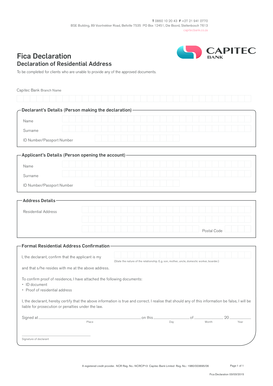
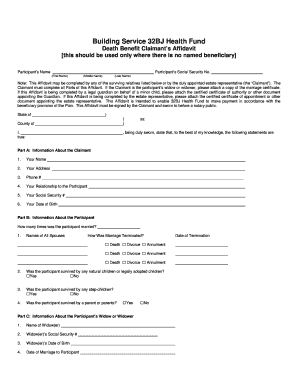
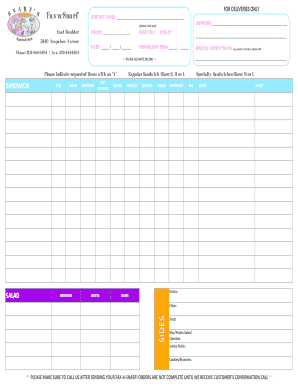
Online forms are digital versions of paper documents designed for quick, organized data collection over the internet. With technology's evolution, these forms have become integral tools for businesses, government, and various organizations to streamline communication and manage data efficiently. Online forms often serve purposes such as surveys, applications, registrations, or policy exception requests. A typical online form includes fields to fill out, such as text boxes, checkboxes, dropdown menus, and even electronic signature options, providing a cohesive method for gathering and processing information seamlessly.
Online forms offer several advantages over traditional paper forms. They streamline data entry and retrieval, reducing manual data collection efforts and errors. Users can conveniently complete and submit forms from any device with internet access, facilitating ease of use and flexibility. These forms support integration with databases and other digital tools, allowing for efficient data management and real-time access. Furthermore, online forms often come with automated features, such as email notifications, data validation, and security measures, enhancing their reliability and effectiveness.
Access the Form: Navigate to the website where the form is hosted. This might be a company's portal, a public directory, or a shared link.
Fill Out Required Information: Carefully input data into each field. Mandatory fields are often marked with an asterisk (*) to signify their importance.
Attach Necessary Documents: Upload any required supporting documents in the specified format, such as PDF or DOCX.
Review Your Input: Double-check all your entries for accuracy and completeness to prevent submission errors.
Submit the Form: Once satisfied, click the submit button. You may receive an acknowledgment or reference number as confirmation.
Receive Confirmation: Await a confirmation response, which is typically sent via email or displayed on-screen immediately after submission.
Forms can be acquired from various sources online depending on their purpose and issuer. Government websites often host tax forms, while educational institutions might provide admission forms on their portals. Businesses may offer forms directly on their official websites or email them to stakeholders. Additionally, online form-building platforms can be used to create custom forms tailored to specific needs, accessible through a shared link or embedded on a web page.
Online forms typically consist of various elements designed to capture specific data efficiently:
Ensuring the security and legality of online forms is paramount. Websites hosting forms should employ data encryption, such as SSL encryption, to protect information from unauthorized access. Electronic signatures, permissible under acts like the ESIGN Act, validate the authenticity of submissions, making them legally binding. It's crucial for issuers and users to be aware of legal stipulations concerning data security and electronic submissions to ensure compliance and protect both parties involved.
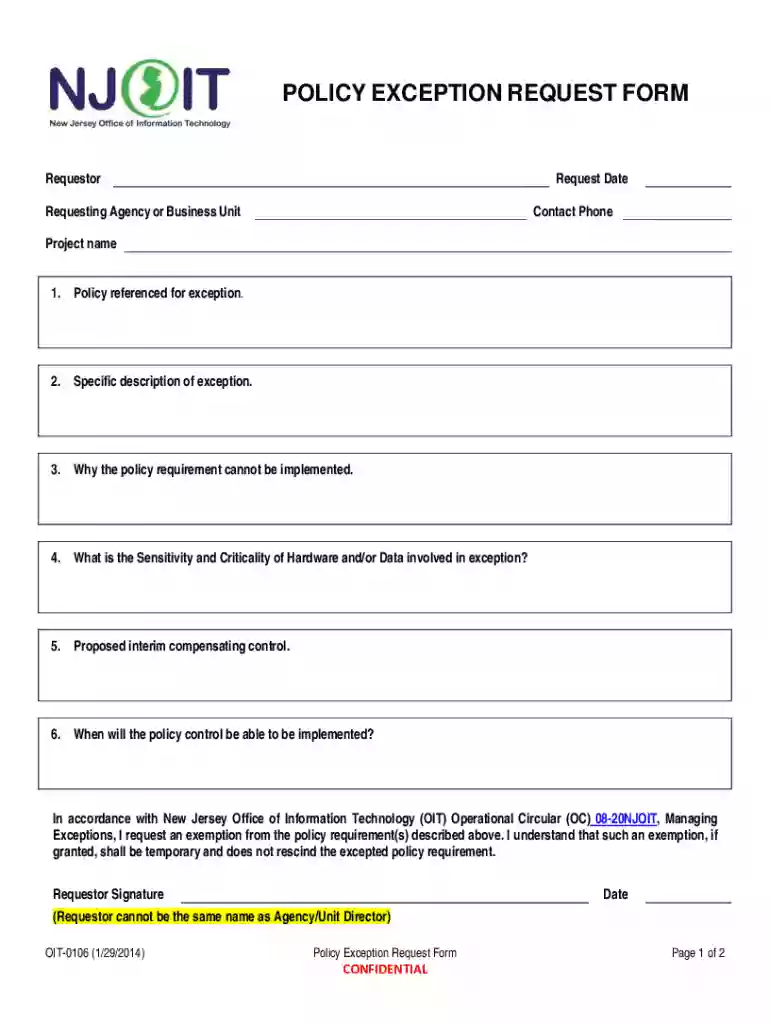
Policy Exception Requests: Businesses and agencies may use online forms to request exceptions to internal policies, detailing reasons, data sensitivity, and compensating controls.
Applications and Registrations: From school admissions to job applications, online forms simplify the process of collecting necessary applicant information.
Surveys and Feedback: Organizations utilize forms to gather opinions and data from clients or employees systematically.
Event Registrations: Participants can sign up for events or conferences easily, while organizers collect essential participant data.
While online submission methods offer convenience and speed, some forms may still be accepted via traditional channels like mail and in-person submissions. Online methods provide real-time confirmation and easier tracking, whereas traditional methods may suit users without reliable internet access or those preferring paper records. Depending on the form's nature, an integrated system might support both digital and paper versions to cater to all user preferences.
When dealing with tax-related forms, it's essential to follow IRS guidelines for submission, accuracy, and timeliness. Online forms often reflect current tax year requirements and allow for electronic filing, which the IRS encourages for faster processing. It's crucial to use authentic sites and double-check all entered information to ensure compliance and avoid penalties.
We've got more versions of the New Jersey Policy Exception Request Form form. Select the right New Jersey Policy Exception Request Form version from the list and start editing it straight away!
At DocHub, your data security is our priority. We follow HIPAA, SOC2, GDPR, and other standards, so you can work on your documents with confidence.