




01. Edit your form online
Type text, add images, blackout confidential details, add comments, highlights and more.

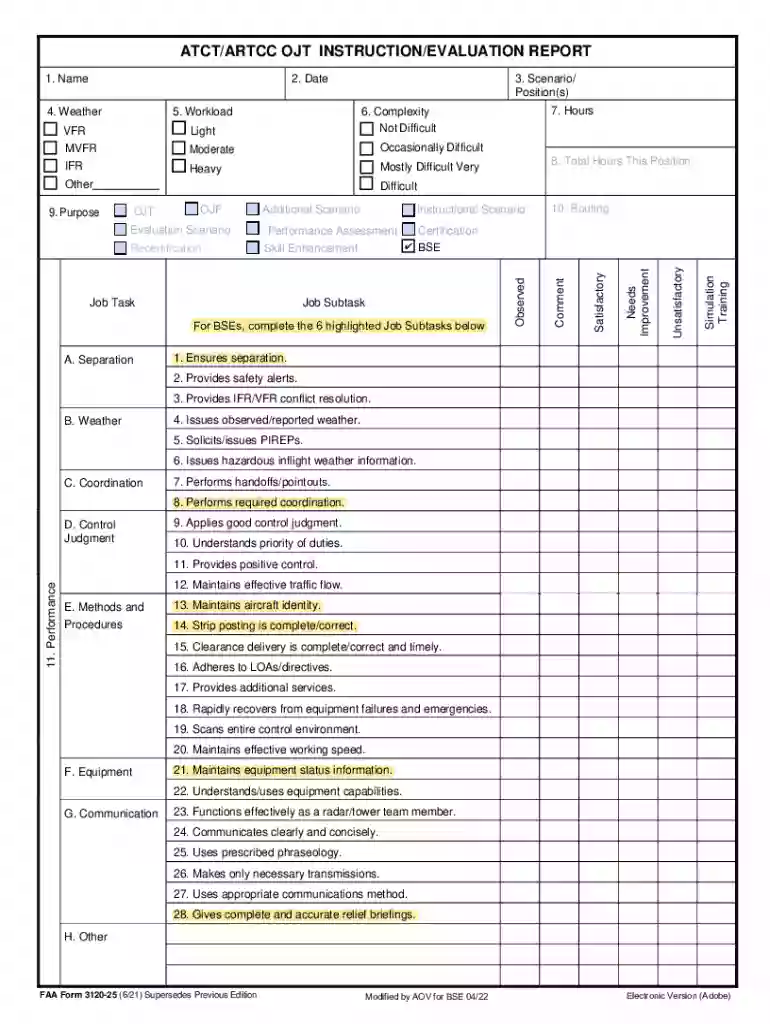
Type text, add images, blackout confidential details, add comments, highlights and more.

Draw your signature, type it, upload its image, or use your mobile device as a signature pad.

Send it via email, link, or fax. You can also download it, export it or print it out.
The term "form online" refers to digital templates or files that users can fill out and submit via the internet, using a computer, smartphone, or other electronic devices. These forms are designed to facilitate the collection of information for various purposes, such as legal applications, tax filings, or surveys. The nature of these forms varies widely depending on their purpose, from simple contact forms to complex tax documents like the W-9.
In this context, using a platform like DocHub enhances the user experience of filling out forms online. DocHub offers capabilities to edit, sign, and send documents without requiring downloads or installations, making the process more streamlined and efficient. Its compatibility with various file types, such as PDFs and DOCs, ensures users are not limited to one format, adding flexibility to how forms are handled online.
Using forms online through platforms like DocHub is straightforward, thanks to their user-friendly interfaces. Here are the general steps to use an online form:
Access the Platform: Open the DocHub website or app on your device. No special software is needed, just a web browser or compatible mobile app.
Load the Form: Import the form you wish to fill out. You can do this by uploading a file from your device or selecting a document stored in your cloud storage.
Edit the Form: Utilize editing tools to complete the form. Add text to fields, use annotation tools to highlight critical sections, or insert images as required.
Save and Review: Double-check your entries for accuracy and completeness.
Submit the Form: Send the completed form directly from DocHub, whether via email or by saving it back to a cloud storage service, ensuring it reaches its intended recipient.
This process can be tailored to fit specific requirements, making it ideal for various form types, from government applications to business documentation.
Forms online are used by a wide spectrum of individuals and organizations, each with distinct needs:
Each category may require different features and support from an online form platform like DocHub, emphasizing usability and compliance.


Completing a form online typically involves the following steps:
Download or Access: Obtain the form from a secure source, such as an official website or document management platform.
Open Digital Editor: Use a tool like DocHub to open the form, providing a digital space to input your information.
Input Information: Fill out necessary fields with accurate data. Use text boxes, checklists, and dropdown menus.
Add Signatures: If required, apply an electronic signature using various options like drawing directly on a touchscreen or uploading a scanned signature.
Validate Entries: Use built-in checks or guides to ensure all necessary fields are completed correctly.
Save and Export: Once satisfied, save the completed form and export it to the desired format or send it directly via email.
This methodical approach ensures efficient and accurate completion and submission of forms online.
Several elements are crucial to understanding how online forms work and their effectiveness:
Fillable Fields: Spaces within the form where users can input data or select options.
Validation Checks: Automated systems that verify entries to ensure they comply with format and completeness requirements.
Digital Signatures: Legally binding electronic signatures that authenticate the form's submission, ensuring security and validity.
Submission Options: Various ways to submit a completed form, such as through direct cloud uploads, email, or integrated submission portals.
Recognizing these elements helps users navigate and complete forms more effectively.
Forms online, when used and signed through compliant platforms like DocHub, hold legal weight, thanks to legislation such as the ESIGN Act. This act ensures that digital signatures are recognized as equivalent to handwritten signatures if they meet specific criteria, enhancing the legal standing of online forms.
Additionally, these forms must be securely stored and transmitted, often protected by encryption methods and password protections to adhere to legal and privacy standards. Users should be aware of terms like "terms of service" and "privacy policy" to understand rights and responsibilities when using these forms.
Different states in the U.S. may have specific guidelines and requirements concerning the forms online due to varying legal and administrative frameworks:
Document Requirements: Some states may require additional documentation or information not necessary in federal forms.
Submission Protocols: There might be unique protocols for submitting forms online, such as through state-specific portals or following local electronic document standards.
For instance, a tax form submitted in California might differ slightly in requirements compared to one submitted in New York. Users must consult local regulations or use platforms that provide localized support and compliance to ensure their forms meet all necessary criteria.
Transitioning from paper to digital forms offers numerous advantages, making the process faster, more secure, and eco-friendly:
Time Efficiency: Digital forms can be filled, signed, and submitted in minutes, unlike paper forms that require manual handling.
Security: Online forms benefit from secure encryption, safeguarding sensitive information during and after submission.
Environmental Impact: Reducing paper usage contributes to environmental conservation efforts, decreasing the carbon footprint associated with producing and transporting paper forms.
Platforms like DocHub have capitalized on these advantages, ensuring users can efficiently switch from traditional paper forms to more advanced digital solutions, thus enhancing their workflow and compliance.
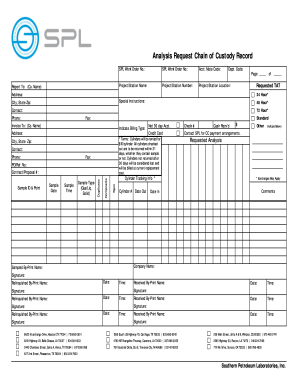
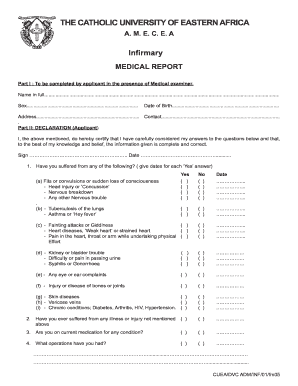
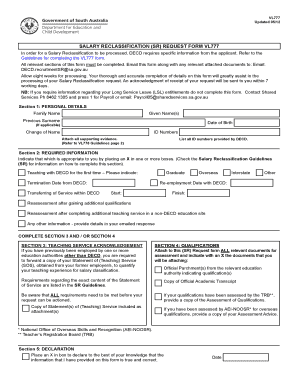
We've got more versions of the ATCT OJT Instruction Evaluation Report form. Select the right ATCT OJT Instruction Evaluation Report version from the list and start editing it straight away!
At DocHub, your data security is our priority. We follow HIPAA, SOC2, GDPR, and other standards, so you can work on your documents with confidence.



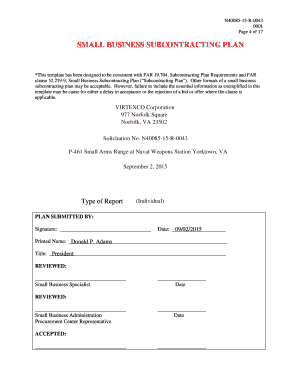
Jan 23, 2020 The proposed framework consists of three broad categories: instruction skills, coaching skills and evaluation skills.
ATC OJT Instruction/Evaluation Report. This form is restricted to internal-use only by FAA employees and is not accessible to the public.


