




01. Edit your form online
Type text, add images, blackout confidential details, add comments, highlights and more.

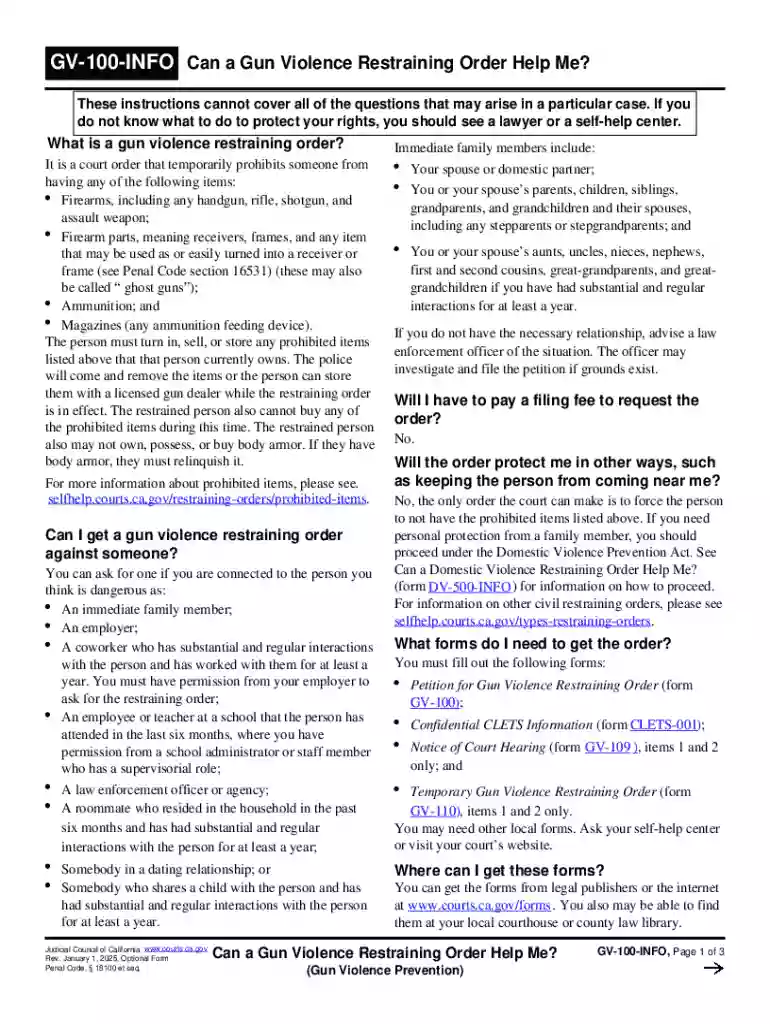
Type text, add images, blackout confidential details, add comments, highlights and more.

Draw your signature, type it, upload its image, or use your mobile device as a signature pad.

Send it via email, link, or fax. You can also download it, export it or print it out.
Forms online refer to digital versions of traditional paper forms that can be completed, submitted, and processed over the internet. These forms are integral to various processes, from applications and registrations to surveys and questionnaires. Utilizing forms online streamlines data collection, reduces processing time, and enhances accessibility for users. Such forms are often interactive, allowing users to enter information, check boxes, and upload documents, directly contributing to more efficient administrative workflows.
Using a form online typically involves accessing the form through a website or platform, filling in required fields, and submitting it electronically. To begin, locate the specific form you need by navigating to the appropriate section of the website. Once opened, fill out all pertinent sections, ensuring accuracy and completeness. Some forms may offer features like auto-fill or validation checks, guiding users to correct potential errors in real-time. After completing all fields, review your entries carefully before hitting the submit button. Many platforms also allow you to save a copy of the completed form for your records.
Accessing a form online is generally straightforward. Visit the website hosting the form and navigate to the forms section. Many platforms have a search function to help locate specific forms quickly. Once you find the desired form, it can usually be downloaded as a PDF or filled out directly on the site. Some sites might require you to create an account or log in to access the form. In cases where email confirmation is needed, ensure you have access to your email account to complete this step seamlessly.
Forms online provide numerous advantages. They enhance efficiency by allowing data to be easily collected and stored without the need for physical handling. Users benefit from the convenience of completing forms from any location with internet access. Additionally, digital forms often include features to minimize errors, such as real-time entry validation and guidance on required fields. For organizations, managing digital forms can reduce costs associated with printing and paper storage while also supporting environmentally-friendly practices.
A wide range of users, including individuals, businesses, and government agencies, utilize forms online. Individuals may use them to apply for jobs, enroll in programs, or file taxes. Businesses often rely on digital forms for customer feedback, order processing, and employee onboarding. Government agencies utilize forms online for citizen services such as license applications, voter registration, and social service enrollment. This digital approach caters to a diverse audience, accommodating varying needs across personal, professional, and administrative contexts.
Online forms typically contain several key elements to facilitate user interaction and information collection:
Forms completed online often carry legal significance, equating to their paper counterparts. This is especially true when proper digital security measures, such as encryption and e-signatures, are in place. The ESIGN Act in the United States supports the validity of electronic signatures and contracts, facilitating business and legal processes in the digital realm. However, users should ensure that the online environments in which they input their details are secure and comply with regulatory standards to safeguard personal information against unauthorized access or breaches.
We've got more versions of the California Gun Violence Restraining Order Guide form. Select the right California Gun Violence Restraining Order Guide version from the list and start editing it straight away!
At DocHub, your data security is our priority. We follow HIPAA, SOC2, GDPR, and other standards, so you can work on your documents with confidence.

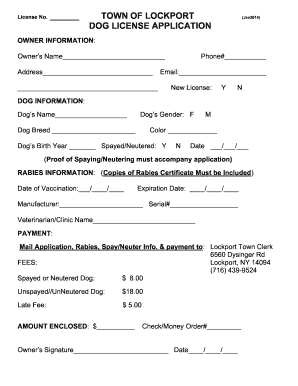
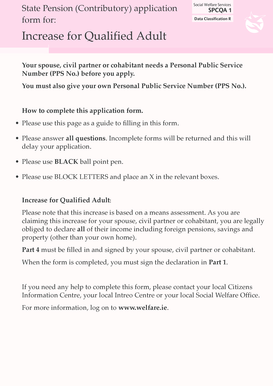



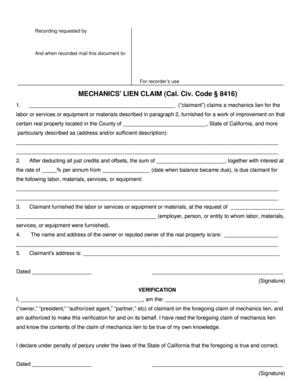
Emergency Gun Violence Restraining Order A Guide to the Process in California amends and increases the duration and renewal of a GVRO from one year to a
This guide can help you: Learn about gun violence restraining orders, sometimes called a red flag gun law; Learn what you must do if you receiveRead more


