




01. Edit your form online
Type text, add images, blackout confidential details, add comments, highlights and more.

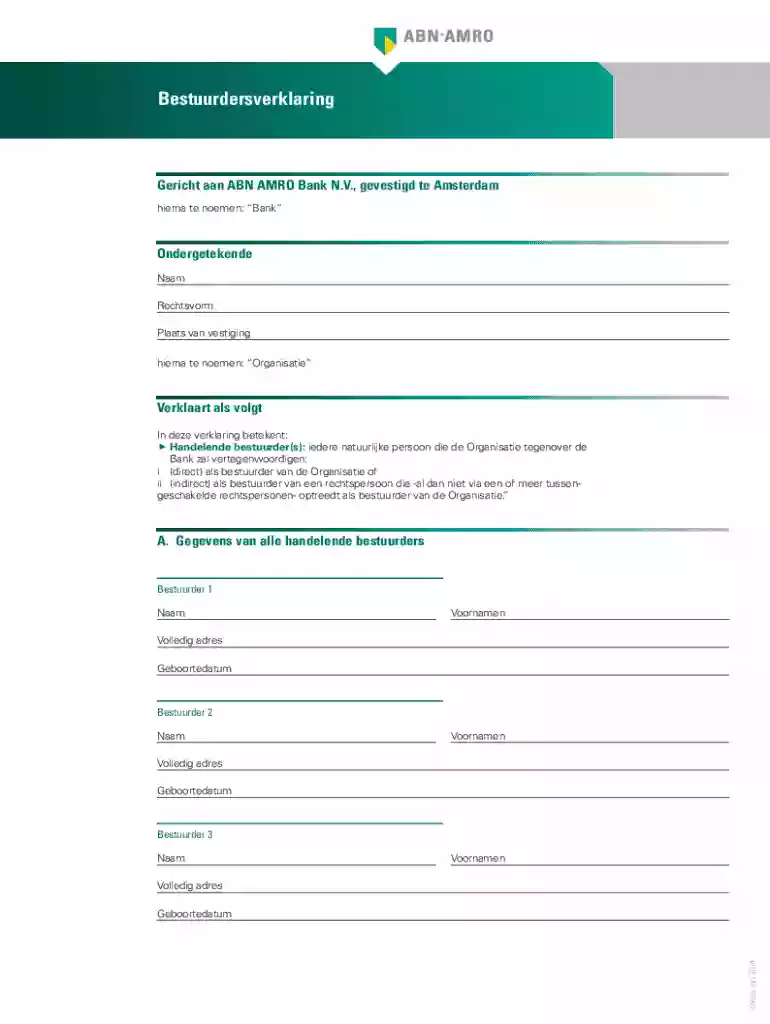
Type text, add images, blackout confidential details, add comments, highlights and more.

Draw your signature, type it, upload its image, or use your mobile device as a signature pad.

Send it via email, link, or fax. You can also download it, export it or print it out.
Online forms are digital versions of paper forms that allow individuals and businesses to collect, submit, and process data through web-based platforms. These forms can range from simple contact forms to complex legal documents like tax returns or business registration applications. They are used for a variety of purposes such as gathering personal information, completing surveys, or facilitating e-commerce transactions. Online forms are designed for ease of use, with features that guide users through the completion process efficiently.
Using forms online involves accessing a digital document via a specific platform and filling out the required fields before submission. Platforms like DocHub simplify this process by allowing users to import documents from their devices or cloud storage services. Once imported, users can easily navigate through the form, filling in various fields such as text boxes, checkboxes, or dropdown menus, ensuring all required information is provided. Online forms capitalize on user-friendly interfaces to ensure a smooth and intuitive completion experience.
Online forms typically contain several key elements designed to capture and process user data effectively:
Online forms that require legally binding agreements, such as DocHub’s electronic signature forms, are compliant with legislation like the ESIGN Act. This ensures that electronically signed documents are legally recognized and enforceable. Users can create secure, tamper-proof records of signatures, which are logged with time stamps and audit trails to confirm the authenticity and integrity of the document.
The adoption of online forms offers several advantages:
Understanding the terminology associated with online forms can enhance user experience:
DocHub offers compatibility with popular software ecosystems, enabling seamless integration and enhanced workflow productivity. The platform’s integration with Google Workspace allows users to import and export forms from Google Drive and collaborate using tools like Gmail. Compatibility features enable users to open, edit, sign, and share documents directly from their existing digital environment, eliminating the need for additional applications or software installations.
We've got more versions of the Bestuurdersverklaring for ABN AMRO Bank form. Select the right Bestuurdersverklaring for ABN AMRO Bank version from the list and start editing it straight away!
At DocHub, your data security is our priority. We follow HIPAA, SOC2, GDPR, and other standards, so you can work on your documents with confidence.
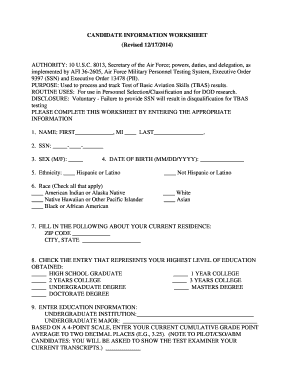
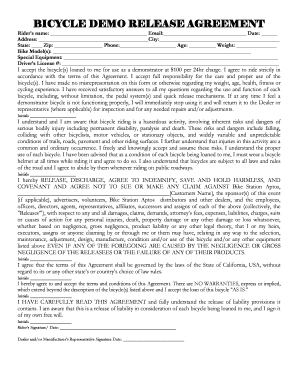


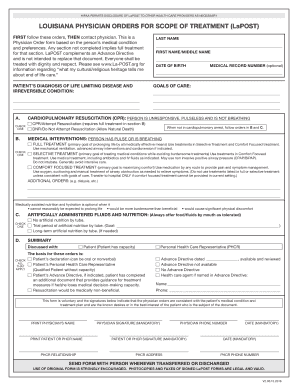

Q: Is the accident report form available on the Internet? A: Yes. The Motor Vehicle Accident Report Form is now available in fillable PDF format. Visit our
Create powerful online forms with pre-fill, AI, and multi-step workflow features. Try our easy-to-use online form builder with enterprise-level
This page lists the USCIS forms that are currently available to file online. Visit the File Online page to learn about the benefits of filing a form using


