
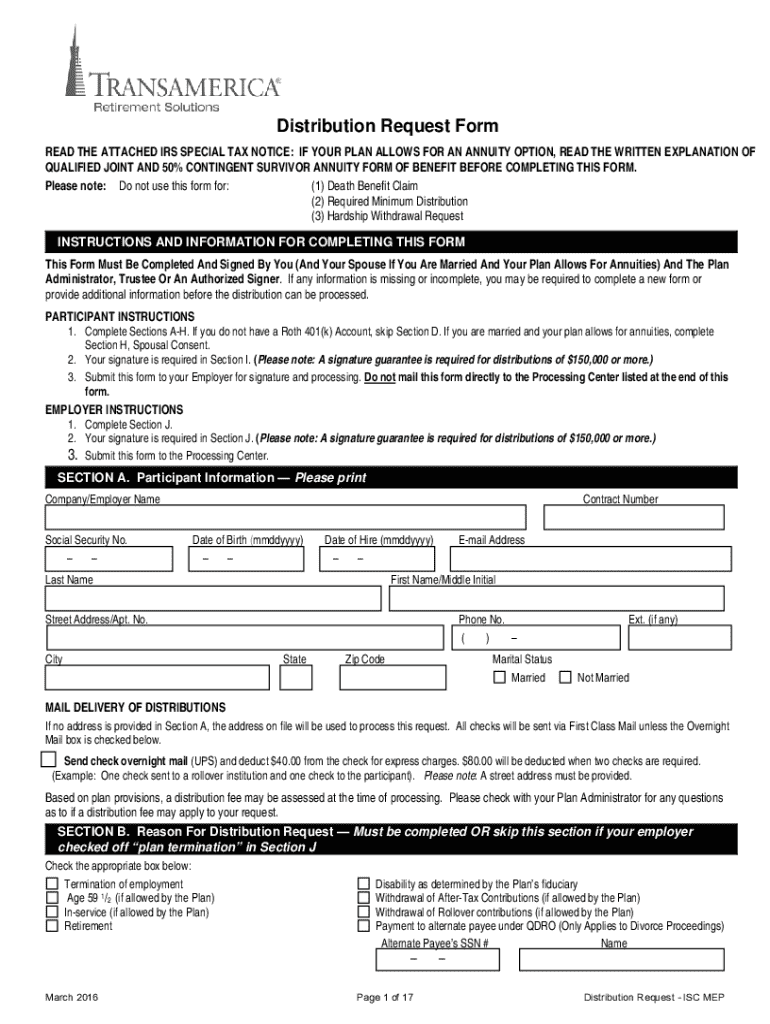







Definition and Meaning of "Form Online"
"Form online" refers to digital forms that can be filled out and submitted through the internet, eliminating the need for paper forms. These forms are utilized in various contexts, including tax filings, business applications, and legal documentation. The primary benefit of using a form online is convenience, as individuals and businesses can complete and submit necessary information from any location with internet access. Additionally, online forms often provide tools like dropdowns and auto-fill options that simplify the data entry process. This digital approach saves time and resources, providing a streamlined experience.
How to Use a Form Online
Using a form online typically involves several straightforward steps. Here’s a typical process:
-
Access: Navigate to the website hosting the form. Most forms are accessible via a browser on your computer or mobile device.
-
Completion: Fill out the required fields. Online forms usually contain interactive elements such as text boxes, checkboxes, and dropdown menus for easy data entry.
-
Review: Before submitting, review the completed form for accuracy. This step is crucial to ensure all information is correctly entered.
-
Submit: Use the ‘Submit’ button to send your form. Some platforms offer a confirmation message or email to acknowledge receipt.
-
Save: It’s advisable to save a copy of the completed form for your records. Many online platforms enable downloading or printing of completed forms.
Using a form online not only simplifies submission but also reduces errors through built-in validations that ensure fields are correctly filled.
Steps to Complete the Form Online
Completing a form online can vary depending on its complexity. Below is a general guide:
-
Preparation: Gather all necessary documents and information before starting. This includes identification details, financial records, and any other relevant data.
-
Initial Entry: Enter your personal information like name, address, and contact details. Use auto-fill options if available to speed up this process.
-
Specific Information: Fill in the fields specific to the form’s purpose. This could include financial data, business details, or legal information.
-
Attachments: Upload any required documents that support your application. Ensure these are in accepted formats as specified by the form.
-
Legal Agreements: Some forms may require agreements or acknowledgements. Read these sections carefully before agreeing.
This step-by-step process enhances accuracy and compliance with the form’s requirements.
Why Should You Use a Form Online
There are several compelling reasons to use a form online:
-
Efficiency: Online forms are designed to streamline the process, allowing for faster completion and submission.
-
Accessibility: With online forms, you can access and complete submissions from anywhere with an internet connection, making it ideal for remote work.
-
Cost-saving: Reduces need for physical supplies, postage, and storage space.
-
Environmentally Friendly: Minimizes paper usage and waste, supporting eco-friendly practices.
These benefits make online forms a preferred choice for both individuals and businesses aiming to modernize their workflows.
Key Elements of a Form Online
Most online forms share common elements that enhance functionality:
-
Identifiable Sections: These are usually organized into personal details, specific data inputs, and submission sections.
-
Interactive Fields: Including text boxes, radio buttons, and drop-down menus to facilitate data entry.
-
Validation Checks: Immediate feedback on entered data, reducing errors.
-
Security Features: Such as SSL encryption to protect submitted information.
Understanding these elements can help users navigate and complete forms more efficiently.
Software Compatibility
Online forms often integrate seamlessly with various software platforms:
-
Tax Software: Programs like TurboTax and QuickBooks often allow direct integration, helping in automatic form completion.
-
Cloud Storage: Compatibility with services like Google Drive or Dropbox for easy document management.
-
E-signature Platforms: Many forms incorporate electronic signature capabilities, eliminating the need for physical signatures.
Such compatibility enhances the user experience by integrating online forms with existing digital workflows.
Legal Use of the Form Online
Online forms frequently serve legal purposes, with certain stipulations:
-
Compliance: Forms must comply with relevant laws like the ESIGN Act, which ensures that electronic signatures are legally binding.
-
Privacy: Compliance with data protection laws such as GDPR or CCPA is essential, safeguarding the user’s personal information.
-
Authentication: Secure login mechanisms ensure that only authorized individuals can complete or submit the form.
Being aware of these legal aspects can help users navigate online form submissions confidently.
Examples of Using a Form Online
Online forms are employed in various scenarios:
-
Tax Filing: Platforms like the IRS website offer tax forms that can be completed and submitted online with ease.
-
Job Applications: Many companies use online portals for job requisitions, promoting a paperless hiring process.
-
Permit Requests: Local government websites often accept applications for permits digitally, from business licenses to construction permits.
These examples illustrate the broad applicability and convenience of using online forms in everyday activities.




