




01. Edit your form online
Type text, add images, blackout confidential details, add comments, highlights and more.

Type text, add images, blackout confidential details, add comments, highlights and more.

Draw your signature, type it, upload its image, or use your mobile device as a signature pad.

Send it via email, link, or fax. You can also download it, export it or print it out.
The concept of a "form online" refers to any digital document that users can fill out and submit over the internet. This type of form allows individuals and businesses to collect information without traditional paper processes. By utilizing online forms, users can gather data quickly and efficiently from their audience, customers, or employees. Online forms are commonly used for applications, registrations, surveys, and feedback collection.
Online forms enhance user convenience by eliminating the need for physical paperwork, allowing for instant data collection and processing. They also simplify administrative tasks, reduce environmental impact, and provide a seamless experience for participants.
Filling out a form online typically involves several straightforward steps. First, access the form by clicking a link or visiting a specific website. Ensure you have all required information before starting the process to ensure accuracy and completeness. Once opened, you will see fields prompting you to input your details. Common sections include personal details, contact information, and other relevant data based on the form's purpose.
To fill out the form, enter the requested information in the provided fields. Online forms may include dropdown menus, checkboxes, or radio buttons to streamline data entry. Review all entries carefully to avoid errors. Some forms require specific formats for input, such as date or phone number formats, so pay attention to any instructions provided.
After completing the form, you can typically submit it directly through the website by clicking a "submit" or "send" button. Once submitted, you may receive a confirmation email or a message on the screen, indicating successful submission.
Access the Form: Start by navigating to the website where the form is hosted. Ensure you are using a reliable internet connection to avoid disruptions.
Enter Required Information: Fill in all necessary fields. Mandatory fields are often marked with an asterisk (*). Ensure accuracy by double-checking your entries.
Upload Necessary Documents: If the form requires additional documents, upload them as instructed. Most forms accept formats like PDF, JPEG, or DOC.
Review Your Entries: Before submitting, review all the information you have entered to ensure it is correct. Making changes before submission is typically easier.
Submit the Form: Click the submit button to send the form. Some platforms may ask you to confirm your submission.
Receive Confirmation: Look for any on-screen confirmation or email receipt that verifies submission. Keep a copy of this confirmation for your records.
Online forms may contain several components:
These elements make the form user-friendly and facilitate efficient data collection.
Online forms are legally recognized when they comply with certain standards. For example, if the form requires a signature, many online platforms support electronic signatures, which are legally binding under laws like the U.S. ESIGN Act. A secure platform often employs encryption to protect user data during transmission, ensuring that personal information is not compromised.
Forms intended for legal purposes should meet all specific regulatory and compliance requirements pertinent to their use. Users need to be aware of terms and conditions, privacy policies, and consent mechanisms linked to these forms.
The specific documents required when completing a form online depend on the form's purpose. For tax forms, users might need income statements, identification documents, and prior tax returns. Employment-related forms may require resumes, identification proofs, and qualification certificates. Always check the form's guidelines or instructions to gather the necessary documents beforehand.
Online forms are typically accessible through standard web browsers like Chrome, Firefox, or Safari, ensuring compatibility across devices such as desktops, tablets, and smartphones. Some forms, especially those for tax or accounting purposes, may integrate with software solutions like TurboTax or QuickBooks, making it easier to import or manage data.
Online forms present significant advantages over traditional paper forms. They provide instantaneous data transmission, reduce the potential for manual entry errors, and allow for easy data storage and retrieval. Digital forms typically include interactive elements such as auto calculations or conditional logic, offering a dynamic user experience. In comparison, paper forms are static and require manual handling, leading to potential delays in processing.
These real-world applications highlight the versatility and efficiency offered by online forms in various domains.
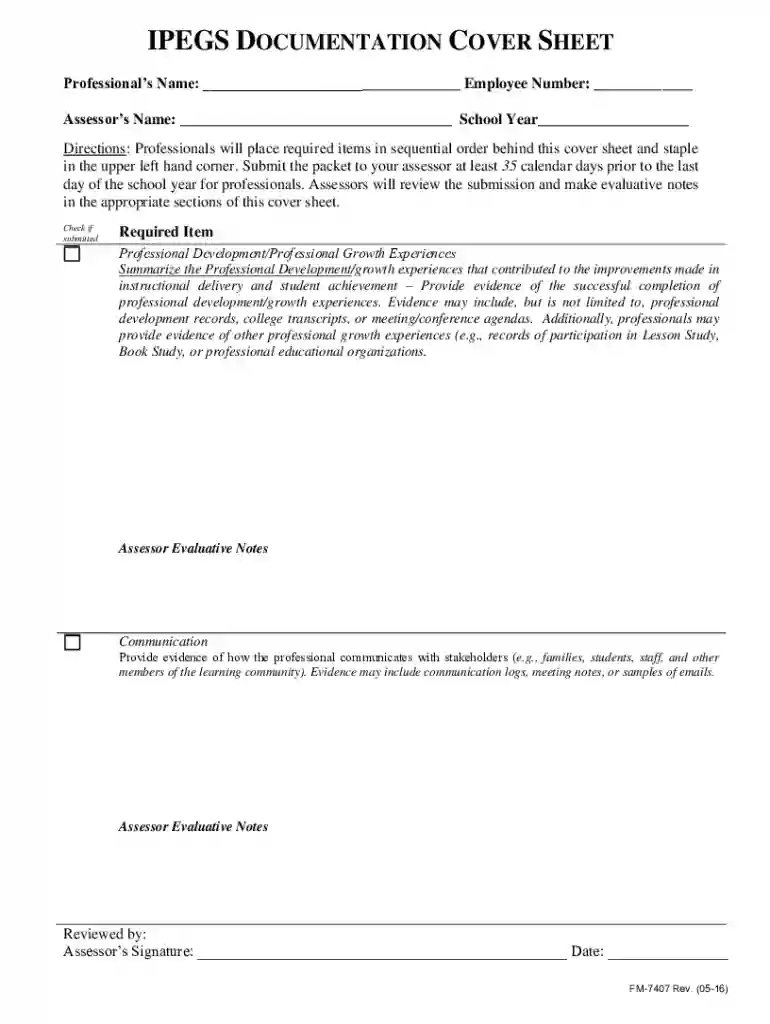
We've got more versions of the Professional Development Documentation Cover Sheet form. Select the right Professional Development Documentation Cover Sheet version from the list and start editing it straight away!
At DocHub, your data security is our priority. We follow HIPAA, SOC2, GDPR, and other standards, so you can work on your documents with confidence.



This section contains information about cover letters and correspondence. will interact with clients, colleagues, and others. The materials here will give you
Include documentation of professional development as part of the annual performance plan and evaluation process.


