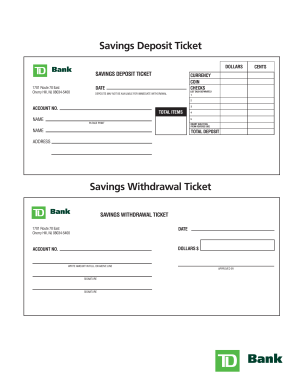
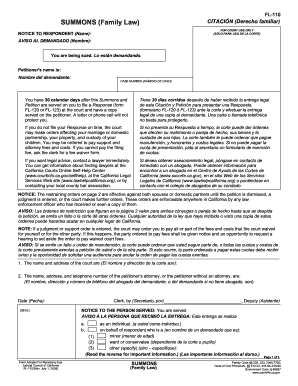
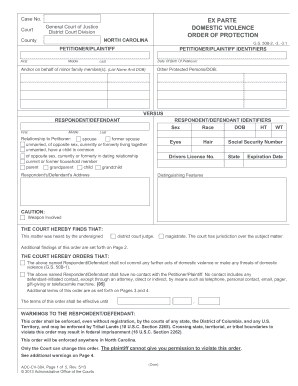
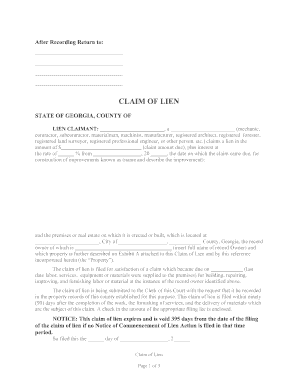
01. Edit your form online
Type text, add images, blackout confidential details, add comments, highlights and more.

Type text, add images, blackout confidential details, add comments, highlights and more.

Draw your signature, type it, upload its image, or use your mobile device as a signature pad.

Send it via email, link, or fax. You can also download it, export it or print it out.
The term "form online" refers to digital documents that are designed for online interaction and submission. These forms can be filled out and signed electronically, providing a convenient alternative to traditional paper forms. They are typically employed across various sectors, including business, legal, government, and education, to streamline processes such as applications, registrations, and data collection.
Using forms online involves a straightforward process accessible through most internet-connected devices. Users typically select specific fields to enter information, such as text boxes or dropdown menus. Once completed, forms can be submitted with a single click. The digital format allows users to engage in real-time editing and modification, ensuring that the information provided is accurate before submission. Additionally, the use of online forms often incorporates tools that assist in verifying the completeness of the form, with prompts for any missing information.
These steps ensure that the form is completed efficiently while minimizing errors and delays.
Forms online are legally recognized under various electronic signature laws, such as the ESIGN Act in the United States. The digital submission of forms online is regarded as legally binding, provided that the form includes necessary identification and intent to sign, comparable to traditional paper forms. The legality of forms online also ensures privacy and security, with encryption protocols protecting the submitted information from unauthorized access.
These elements collectively facilitate a seamless and effective data collection process.
Depending on the type of form, different documents may be required to support the information provided. Common documents include identification proofs, financial records, and legal documents. Before submitting an online form, it’s crucial to gather and prepare these documents for upload or reference during completion. Ensuring all required documentation is ready in advance can prevent delays and ensure compliance with submission guidelines.
Online forms may be subject to specific rules and requirements that differ by state. These variances can impact the information required, acceptable methods of submission, and deadlines. For instance, tax forms filled out online might have different state-specific instructions. It’s important to review state-specific guidelines when completing any online form to ensure compliance and avoid any legal issues arising from non-conformance.
There exist multiple variants of the same form tailored to different scenarios or needs. Forms are often compatible with various software platforms, such as Google Workspace, ensuring ease of use and integration. Compatibility ensures that the forms can be opened, edited, and submitted from different devices and applications, maintaining accessibility and convenience for the user regardless of their device or software preference.
Many business sectors find significant advantages from using forms online. Companies in legal, financial, educational, and healthcare sectors often utilize online forms to expedite processes such as client intake, registration, compliance filings, and data collection. These forms help businesses save time and reduce paperwork, while enhancing accuracy and efficiency in data management and communication with clients and stakeholders.
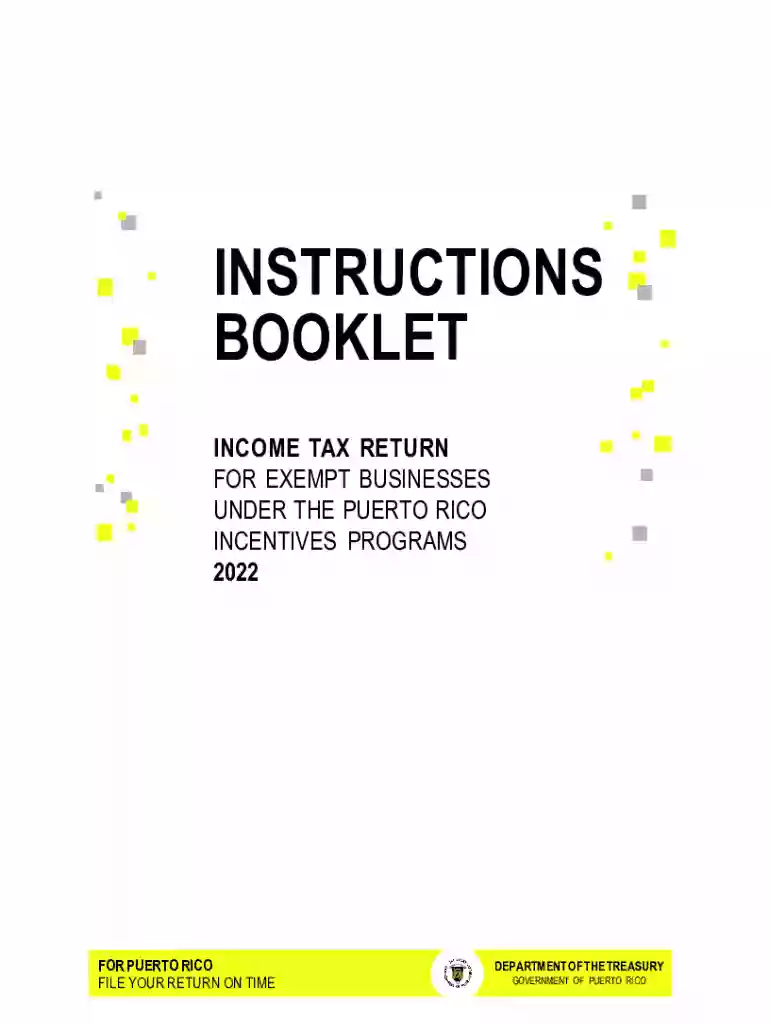
We've got more versions of the Puerto Rico Exempt Businesses Income Tax Return 2022 form. Select the right Puerto Rico Exempt Businesses Income Tax Return 2022 version from the list and start editing it straight away!
At DocHub, your data security is our priority. We follow HIPAA, SOC2, GDPR, and other standards, so you can work on your documents with confidence.