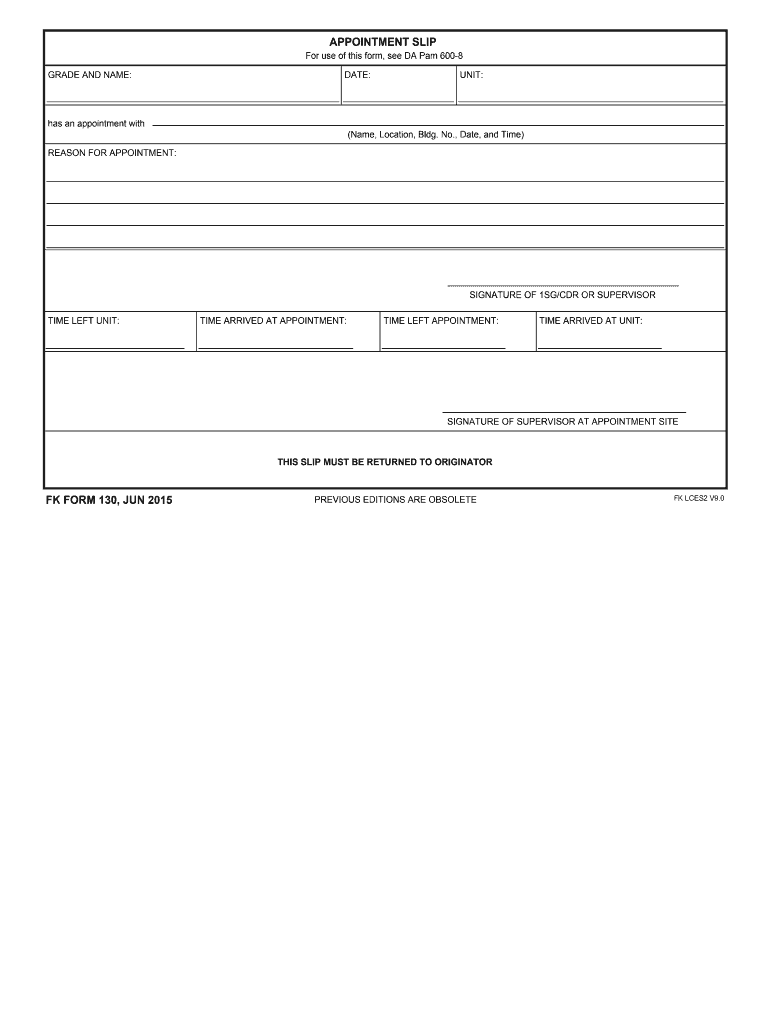
Slip appointment 2026

Get Form
appointment slip Preview on Page 1

Here's how it works

01. Edit your appointment slip online
Type text, add images, blackout confidential details, add comments, highlights and more.
02. Sign it in a few clicks
Draw your signature, type it, upload its image, or use your mobile device as a signature pad.
03. Share your form with others
Send army appointment slip via email, link, or fax. You can also download it, export it or print it out.

How to use or fill out slip appointment with our platform

Form edit decoration
9.5
Ease of Setup
DocHub User Ratings on G2
9.0
Ease of Use
DocHub User Ratings on G2
  1. Click ‘Get Form’ to open the slip appointment in the editor.
  2. Begin by entering your personal information in the designated fields, including your name, contact details, and appointment date. Ensure accuracy for seamless communication.
  3. Next, navigate to the section for appointment specifics. Here, you can select the type of service required and any additional notes that may assist in your appointment.
  4. Review all entered information carefully. Use our platform's editing tools to make any necessary adjustments before finalizing your form.
  5. Once satisfied with the details, proceed to sign the document electronically. This step is crucial for confirming your appointment.
  6. Finally, save or share your completed slip appointment directly from our editor for easy access and distribution.

Start using our platform today to streamline your slip appointment process effortlessly!

See more slip appointment versions

We've got more versions of the slip appointment form. Select the right slip appointment version from the list and start editing it straight away!
Versions Form popularity Fillable & printable
2015 4.8 Satisfied (65 Votes)
2012 4.4 Satisfied (321 Votes)
be ready to get more

Complete this form in 5 minutes or less

Get form

Got questions?

We have answers to the most popular questions from our customers. If you can't find an answer to your question, please contact us.
Contact us
The Appointment Slip Fillable Form is a document used to schedule appointments for various services, such as medical visits, legal consultations, or business meetings. This form allows individuals to provide essential details, including their name, contact information, and preferred appointment times.
Key elements of the Appointment Slip Fillable Form typically include: Name: The full name of the individual requesting the appointment. Contact Information: Phone number and email address for communication. Appointment Date and Time: Preferred dates and times for the appointment.
An appointment letter is a formal document issued by an employer to a newly hired individual, officially confirming their employment and outlining the terms and conditions of the job.
It provides details of the applicant such as name, date of birth, address, appointment details including date and time, and instructions for attending the appointment.
Visit the CRS Appointment system website (appointment.psa.gov.ph/). Choose the PSA CRS outlet where you would like to set an appointment. Provide your name, email address, and mobile number.

Security and compliance

At DocHub, your data security is our priority. We follow HIPAA, SOC2, GDPR, and other standards, so you can work on your documents with confidence.

Learn more
be ready to get more

Complete this form in 5 minutes or less

Get form

People also ask

An appointment request form allows a potential client to request a slot in your calendar for a meeting. You can collect information that is relevant to your focus, such as name and contact information. Appointment request forms are helpful tools for busy professionals and businesses alike.
The definition of a missed appointment is when a patient does not show up for a scheduled appointment without. sufficient notification, or any notification at all.

appointment slips