
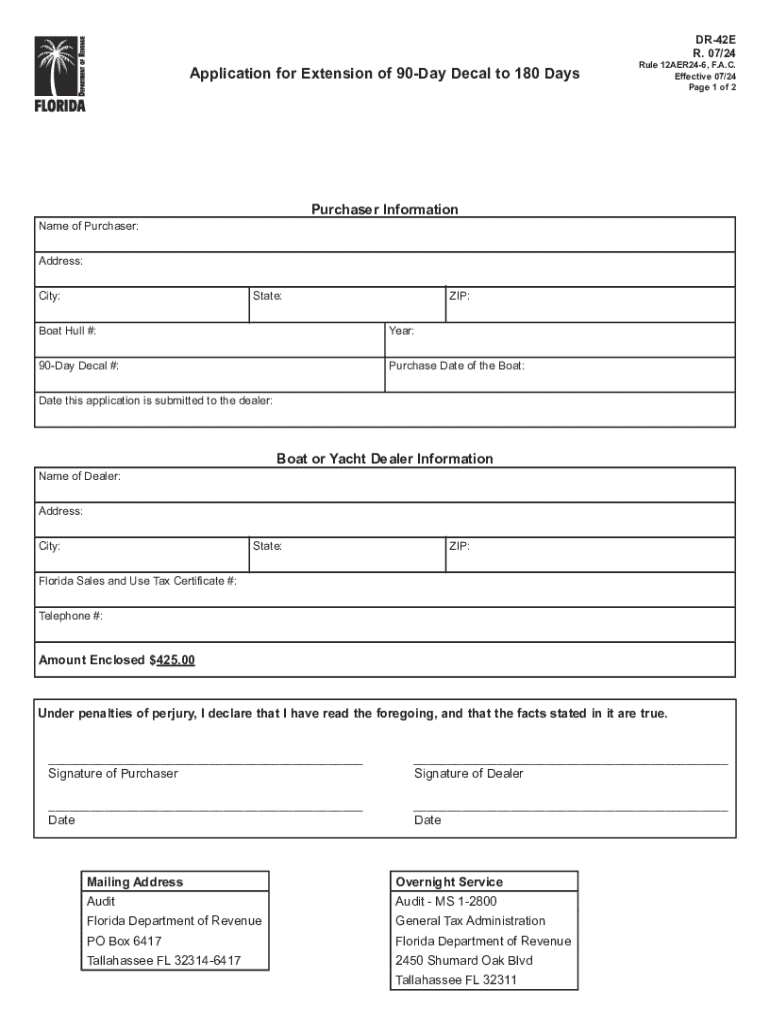







Definition & Meaning
"Form online" refers to digital documents that are accessible, fillable, and submissible via internet platforms, such as DocHub. These forms transform traditional paper processes into a streamlined digital workflow, allowing for secure and efficient data collection. Online forms can encompass a wide range of uses, from tax filings to application submissions, and often include interactive elements to guide users through the necessary steps.
Advantages of Online Forms
- Accessibility: Available 24/7 from any internet-enabled device.
- Interactivity: Includes features like drop-down menus and checkboxes to simplify data entry.
- Efficiency: Reduces time associated with printing, mailing, and physical handling.
Common Form Types
- Government Forms: Tax filings, social security applications.
- Business Forms: Employee onboarding, client information sheets.
- Personal Forms: Event registrations, subscription renewals.
Steps to Complete the Form Online
-
Access the Form:
- Navigate to the desired website or platform like DocHub.
- Select the form you require from the available list.
-
Fill in Required Information:
- Enter personal or required data in the specified fields.
- Utilize guides or prompts if available for clarification.
-
Review for Accuracy:
- Double-check entries for errors or omissions.
- Ensure all mandatory fields are completed.
-
Submit the Form:
- Follow on-screen instructions to submit the form.
- Retain a copy for your records, either digitally or via printout.
Tips for Accurate Completion
- Keep Documents Handy: Have identification, tax records, or relevant data on hand.
- Use Autofill Features: Save time by utilizing automatic data entry options if available.
How to Obtain the Form Online
Forms can be obtained through various channels, with each source offering unique features and conveniences:
- Official Websites: Access forms directly from government or organization sites for the most current versions.
- Document Management Platforms: Use services like DocHub that offer enhanced form interaction, including filling, signing, and saving.
Additional Sources
- Email Requests: Some entities may allow forms to be requested via email.
- Third-Party Services: Companies offering a wide range of forms for personal and professional needs.
Why Should You Form Online
The transition to online forms offers numerous benefits that cater to the demands of modern life and business operations:
- Eco-Friendly: Reduces paper consumption and waste.
- Instant Submission and Feedback: Receive immediate confirmation of submission and notification of any errors.
- Security Enhancements: Utilize encryption and password-protection to safeguard sensitive information.
Real-World Benefits
- Business Efficiency: Businesses can streamline operational workflows and enhance client interactions.
- Personal Convenience: Individuals can handle sensitive tasks like tax filing comfortably and securely from home.
Who Typically Uses the Form Online
Online forms are versatile tools utilized by a wide array of users across various sectors:
- Individuals: For tasks like tax returns, license applications, and personal subscriptions.
- Businesses: Streamline processes like hiring, purchasing, and compliance reporting.
- Non-Profits and Educational Institutions: Manage volunteer sign-ups, donations, and student records.


User Profiles
- Remote Workers: Individuals working from home using digital tools.
- Tech-Savvy Younger Demographics: Familiar with and prefer digital processes.
- Organizations Striving for Digital Transformation
Key Elements of the Form Online
A form online typically includes several key elements designed to capture and validate the necessary information:
- Input Fields: Areas designated for user information such as names, addresses, and identification details.
- Validation Features: Real-time checks to ensure data meets required formats or rules.
- Interactive Tools: Drop-downs, file uploads, and multi-choice checklists to simplify user input.
Advanced Features
- Conditional Fields: Reveal or modify fields based on previous input to maintain a streamlined data entry process.
- Pre-Filled Data: Automatically populate known data to reduce redundancy and speed up form completion.
Important Terms Related to Form Online
The world of online forms comes with its own set of terminologies, which are crucial for users to understand:
- Fillable Field: An area where users can input or select information.
- Digital Signature: An electronic method of signing documents, legally recognized under various jurisdictions.
- Encryption: Security process ensuring data privacy during form submission and storage.
Examples of Context-Specific Terms
- PDF/A: A version of PDF optimized for archiving.
- OAuth 2.0: An authorization protocol ensuring secure access to user information.
Legal Use of the Form Online
Legal considerations are paramount when dealing with digital forms, especially concerning compliance standards and electronic signatures:
- ESIGN Act Compliance: Governs the legality of digital signatures in the U.S., ensuring they hold the same authority as handwritten ones.
- Data Protection Laws: Compliance with legislation such as GDPR for forms involving EU citizens or entities.
Jurisdiction-Based Requirements
- State-Specific Regulations: North Carolina may have different acceptance criteria for digital forms than California.
- Document Retention and Accessibility: Guidelines for how long digital records must be stored and who can access them are crucial.
Each of these sections can be further expanded and customized based on specific use cases, user requirements, and platform capabilities to ensure comprehensive coverage of the "form online" topic.




