




01. Edit your modelo sc 2800 a online
Type text, add images, blackout confidential details, add comments, highlights and more.

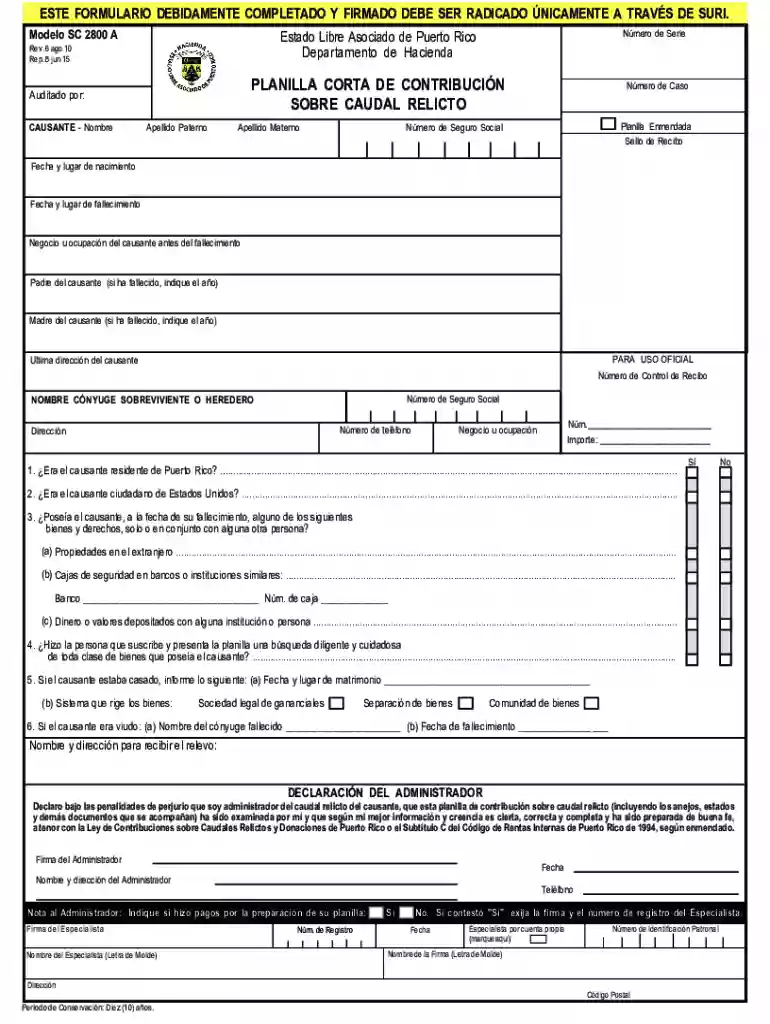
Type text, add images, blackout confidential details, add comments, highlights and more.

Draw your signature, type it, upload its image, or use your mobile device as a signature pad.

Send planilla de caudal relicto via email, link, or fax. You can also download it, export it or print it out.

Start using our platform today to fill out your SC 2800 A form easily and for free!
We've got more versions of the modelo sc 2800 a form. Select the right modelo sc 2800 a version from the list and start editing it straight away!
Electronic document signing requires a software solution that complies with data protection and eSignature regulations. DocHub is a great tool for that, as it meets all the previously mentioned requirements. Whatever method you like to sign your modelo sc2800 in DocHub, your electronic signature will be legally binding and court-admissible.
If you are using Chrome, there are two simple methods to edit your sc 2800a online. First, go to the DocHub website, add your document, and edit it utilizing our toolbar. You may also set up our Chrome extension and edit any document by dragging and dropping it in your web browser window.
At DocHub, your data security is our priority. We follow HIPAA, SOC2, GDPR, and other standards, so you can work on your documents with confidence.
Las certificaciones tienen que ser emitidas por nmero de catastro de la propiedad. Esta ltima deber estar libre de deudas hasta el ao fiscal en que se rindeRead more
Follow these steps to open the bottom of carton. Follow these steps to unfold the bottom of carton. Lay the TV face down and cut open the bag.Read more


