
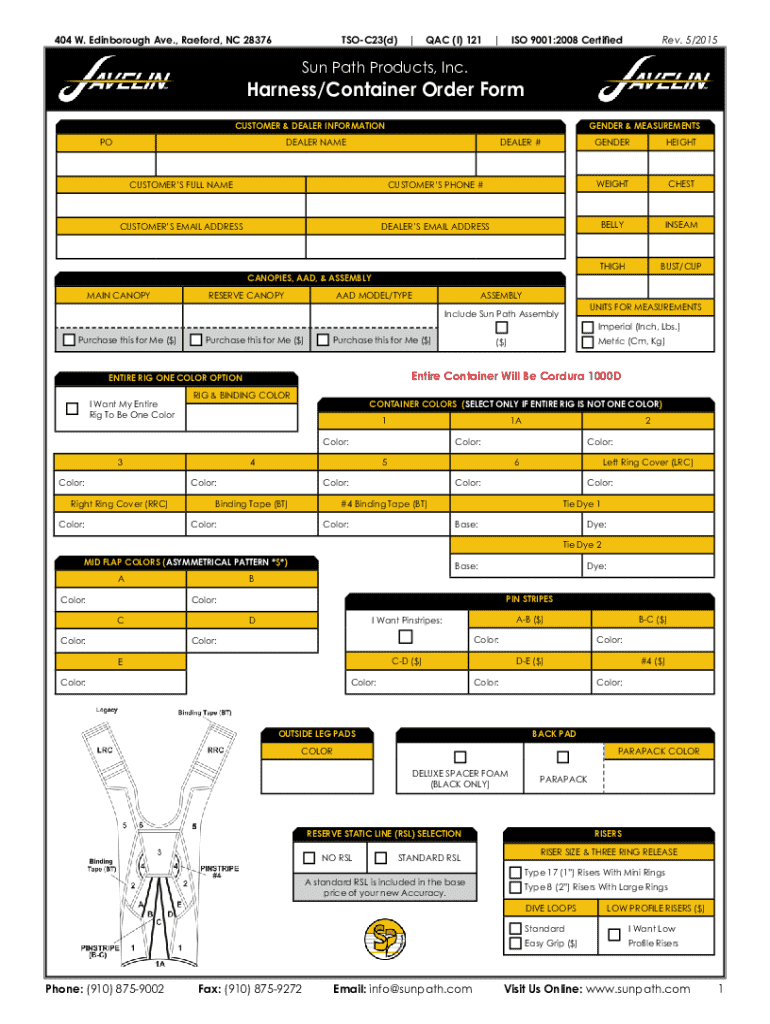







Definition and Meaning of Form Online
Form online refers to digital forms that can be completed and submitted through the internet. These forms replace traditional paper-based documents and are used across various sectors including government, education, healthcare, and business. They are often utilized for applications, registrations, data collection, and surveys. The digital nature of these forms allows for easy distribution, quick completion, and efficient processing. By enabling electronic submissions, these forms contribute to a faster workflow and reduce the need for physical storage.
Types of Form Online Applications
- Application Forms: Used by universities, companies, and government agencies for enrolling or applying to programs.
- Registration Forms: Utilized for events, memberships, or services to capture participant information.
- Survey Forms: Collect feedback, opinions, and data from different demographics.
- Order Forms: E-commerce platforms use these to capture customer orders and preferences.
Steps to Complete the Form Online
Completing a form online involves several straightforward steps:
- Access the Form: Find the form on the official website or platform. Verify that you have the correct and most up-to-date version.
- Fill in Personal Information: Enter your personal details such as name, address, and contact information as required by the form.
- Provide Required Documentation: Some forms may need attachments like identification documents, proof of income, or other certifications. Ensure these are scanned and ready for upload.
- Review and Edit: Double-check all entries for accuracy. Most platforms allow you to edit before submission.
- Submit the Form: Once satisfied, submit the form. Many systems will send an email confirmation and receipt of submission.
Common Mistakes to Avoid
- Ignoring Mandatory Fields: Ensure all required fields are completed, or the form may not submit.
- Incorrect Data: Double-check numbers and spellings for accuracy to avoid delays in processing.
- File Format Issues: Upload documents in the accepted formats, typically PDF or DOCX.
Legal Use of Forms Online
Forms filled out online must comply with legal standards, ensuring they are just as valid and enforceable as traditional paper documents. The use of digital signatures, verified by platforms like DocHub, upholds the legality of these forms. Many legal frameworks, such as the ESIGN Act in the United States, recognize electronic signatures as legally binding.
Conditions for Legal Compliance
- Consent: Users must consent to use an electronic form.
- Record Retention: Electronic records should be accessible for future reference.
- Security Protocols: Implement proper encryption to protect data integrity and confidentiality.
Why Should You Form Online?
There are numerous benefits to using online forms compared to traditional methods:
- Efficiency and Speed: Online forms reduce processing times, allowing for rapid data analysis and decision-making.
- Convenience: Users can fill out forms from anywhere, at any time, eliminating geographical barriers.
- Cost Savings: Reduced need for paper materials and physical storage results in lower costs for both providers and users.
Environmental Impact
By eliminating paper use, online forms contribute to environmental conservation efforts, reducing waste and the carbon footprint associated with transportation and storage.
Who Typically Uses Form Online?
Various entities utilize online forms due to their versatility:
- Government Agencies: For processing licenses, permits, and benefits applications.
- Educational Institutions: Managing applications, feedback systems, and student registrations.
- Businesses: Simplifying client onboarding, HR processes, and service agreements.
- Healthcare Providers: Collecting patient information, consent forms, and feedback efficiently.
User Demographics
- Individuals: Seeking quicker application processes for personal matters.
- Corporates: Streamlining operations and improving client interaction.
- Non-profits: Efficiently managing volunteer registrations and fundraising events.
Key Elements of Form Online
Online forms are characterized by several critical elements that enhance user experience and data integrity:
- Responsive Design: Ensures that forms are accessible from various devices, including smartphones and tablets.
- Input Validation: Real-time error checking to ensure data correctness before submission.
- Security Features: SSL encryption and secure user authentication methods safeguard personal data.
- Cloud Integration: Facilitate data saving and sharing across platforms like Google Drive and Dropbox.
Advanced Form Features
- Conditional Logic: Tailors form fields based on user inputs ensuring users see only relevant sections.
- Multi-step Forms: Breaks down the process into manageable sections for improved user experience.
State-Specific Rules for Form Online
Forms are often subject to state-specific guidelines, especially in regulatory and compliance contexts. US states may have varying rules affecting the submission and use of certain online forms:
Examples of State-Specific Forms
- Tax Forms: Income tax submissions may differ by state requirements for residents and businesses.
- Business Licenses: Different states may have varying requirements for business documentation and approvals.
Understanding these differences is crucial for ensuring compliance and avoiding penalties. Residents and businesses should be familiar with their state's specific regulations regarding forms online and seek professional guidance when necessary.
Software Compatibility with Form Online
Many online forms are designed to integrate seamlessly with popular software and platforms, ensuring broader usability:
- DocHub: Facilitates the editing, signing, and sharing of forms online with robust security features.
- TurboTax and QuickBooks: Supports financial and tax form submissions by synchronizing data for easy filing.
- Microsoft Office and Google Workspace: Allow form creation and sharing across various applications like Word, Excel, and Google Sheets.
Benefits of Compatibility
- Streamlined Processes: Integration with existing software reduces redundant steps.
- Flexibility: Users can capture and manipulate data across different programs for enhanced productivity.
Leveraging software compatibility can significantly boost the effectiveness and ease of managing forms online.




