




01. Edit your erie county public defender application online
Type text, add images, blackout confidential details, add comments, highlights and more.

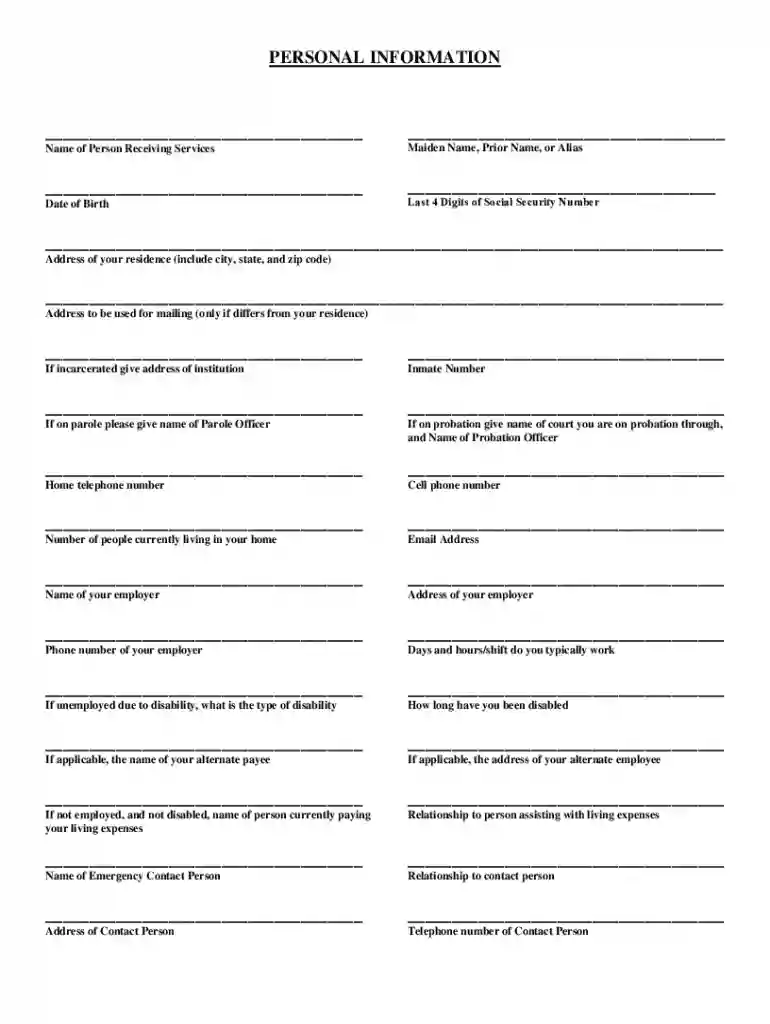
Type text, add images, blackout confidential details, add comments, highlights and more.

Draw your signature, type it, upload its image, or use your mobile device as a signature pad.

Send public defenders office via email, link, or fax. You can also download it, export it or print it out.

Start using our platform today to complete your Erie County Public Defender application easily and for free!
We've got more versions of the erie county public defender application form. Select the right erie county public defender application version from the list and start editing it straight away!
Microsoft Word doesn’t have signing tools to generate legitimate eSignatures and enforceable forms. Fortunately, DocHub is an online eSignature-compliant editor that works with various document formats, including .doc files. Sign in to your account and add the Word edition of your public defender's office erie pa from your device and cloud, or URL - our editor will automatically transform it into an editable PDF. Make all essential alterations in your document and click Sign to generate your own legally-binding electronic signature. You will find four signing options from which to choose.
If you edit your apply for public defender online with DocHub, you will not need to look for other software or services to sign it. An electronic signature is part of DocHub’s comprehensive editing toolset, which allows you to implement changes in your form without jumping between websites. Just complete your form, double-check the correctness of your information and put your electronic signature at the end to make it submission-ready within minutes.
At DocHub, your data security is our priority. We follow HIPAA, SOC2, GDPR, and other standards, so you can work on your documents with confidence.
Project Defender contract. The pro- gram aims at solving the discrim- ination aspect of antimissile de- fense-sorting out dummies from the real incomingRead more
Attention Public Defender Clients Regular U.S. mail Email at publicdefender@eriecounty.oh.gov Fax: 419-627-6633 Phone: 419-627-6620.Read more
Erie County Bar Referral Service If you can afford a lawyer: Call or fill out an online form on the website. The service is meant to assist people who areRead more


