




01. Edit your form 14 hawaii online
Type text, add images, blackout confidential details, add comments, highlights and more.

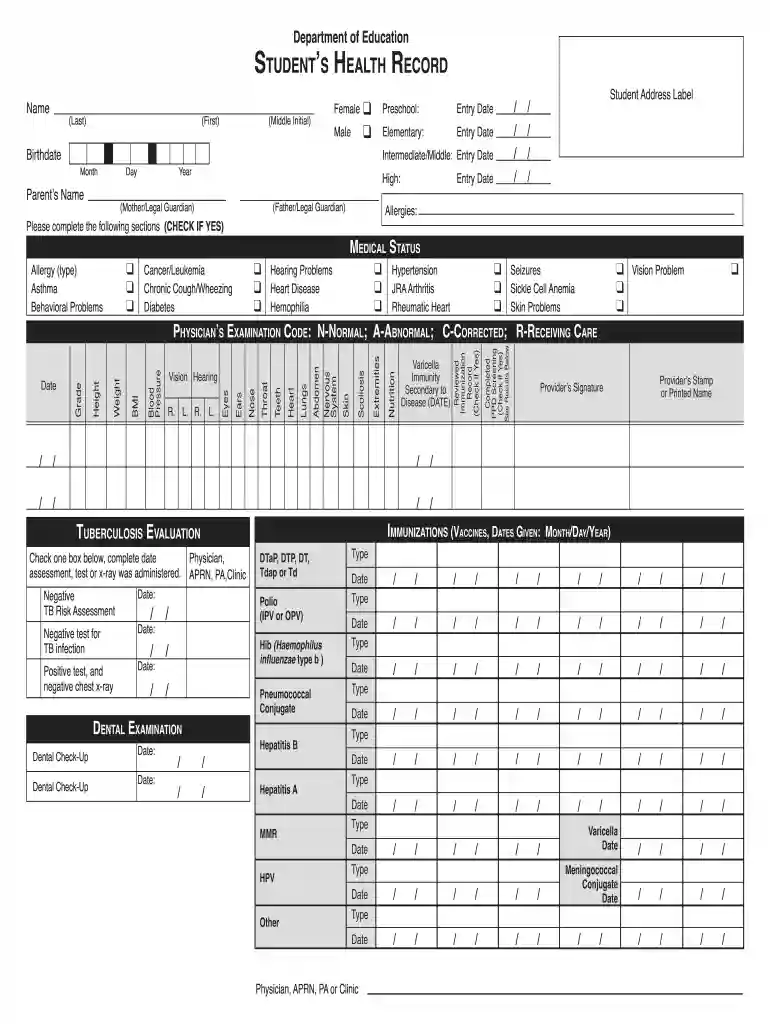
Type text, add images, blackout confidential details, add comments, highlights and more.

Draw your signature, type it, upload its image, or use your mobile device as a signature pad.

Send doe form 14 via email, link, or fax. You can also download it, export it or print it out.

Start using our platform today for free to streamline your document editing and completion process!
We've got more versions of the form 14 hawaii form. Select the right form 14 hawaii version from the list and start editing it straight away!
At DocHub, your data security is our priority. We follow HIPAA, SOC2, GDPR, and other standards, so you can work on your documents with confidence.
Does the individual have a health problem that affects the immune system, or is medical treatment planned that may affect the immune system?Read more
Enter AMOUNT of payment. Attach your check or money order payable to. Hawaii State Tax Collector in U.S. dollars drawn on any U.S. bank to Form HW-14.Read more
Form. Prior to all interviews, the Informed Consent Form was sent asking for consent for posting and eventually sending the interviewees the transcript ofRead more


