Definition & Meaning
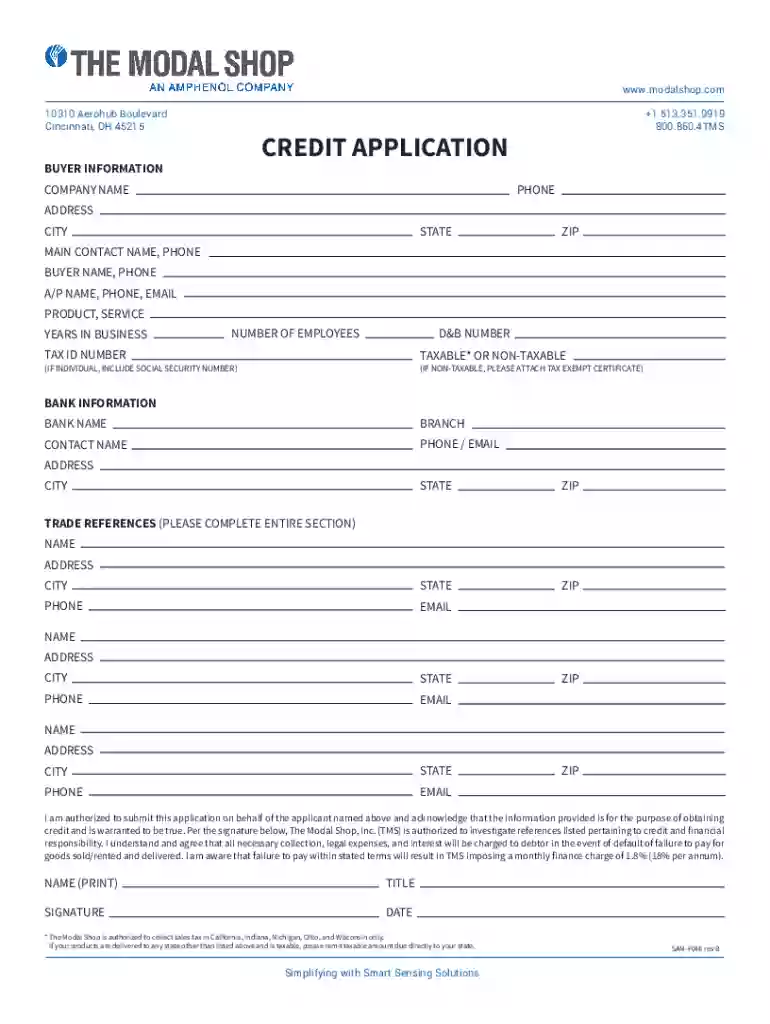
In the context of filling out forms online, the term "form online" refers to the digital process of completing and submitting standardized documents through an electronic interface. These forms can range from simple contact forms to complex applications like credit forms or tax documents. By using digital platforms, users can input data, attach necessary files, and validate information without the need for physical paperwork. This approach streamlines processes and helps to reduce errors that often occur with manual entry.
Types of Forms Online
- Contact Forms: Used for gathering basic information from users, such as name, email, and message.
- Application Forms: Common in academia and job markets for submitting applications electronically.
- Tax Forms: Such as the IRS W-9, which collect taxpayer identification information.
- Survey Forms: Used for collecting feedback from customers or employees.
- Registration Forms: Facilitates the process of signing up for events or services.
How to Use the Form Online
Using forms online involves certain steps to ensure proper completion and submission. Typically, users access these forms through a web platform, fill out the required fields, validate their data, and submit the form electronically. Here's a detailed guide on using online forms:
- Accessing the Form: Usually via a link sent through email or available on a specific website.
- Filling Out Details: Enter your personal information, ensuring accuracy.
- Field Validation: Most online forms include validation rules that check the format of your inputs for fields like email addresses and phone numbers.
- Attaching Documents: If necessary, you may upload supporting documents in accepted formats (e.g., PDF, DOC).
- Review and Submit: Before submission, review all data to ensure it is correct. Once confirmed, click the submit button to send the form electronically.
Tips for Effective Use
- Prepare Required Information: Have any necessary documents and information ready before starting.
- Check Internet Connection: Ensure a stable connection to avoid interruptions during submission.
- Use Compatible Devices: Some forms may require specific devices or browser versions for optimal functionality.
How to Obtain the Form Online
Forms can be obtained online through various methods depending on the type of form and its issuing body. Here's how you can typically obtain them:
- Official Websites: Many organizations provide downloadable forms on their official sites.
- Email Requests: Submit a request for a form to be sent to your email.
- Third-Party Services: Platforms like DocHub offer forms ready for online completion and submission.
Steps to Download
- Visit the Official Website: Navigate to the section where the forms are hosted.
- Locate the Desired Form: Use the search function or browse categories.
- Download or Open the Form: Either download a copy to your device or open it directly on the platform for immediate use.
Steps to Complete the Form Online
Completing an online form requires attention to detail and understanding of the necessary fields. Here's a thorough breakdown:
- Choose the Correct Form Version: Verify you have the correct and most current version of the form.
- Insert Personal Information: Accurately fill in fields such as name, address, and contact details.
- Complete Specific Sections: Depending on the form type, additional sections like financial information may be required.
- Add Signatures: If the form requires a signature, use the electronic signature feature available on the platform.
- Review Your Entries: Double-check every field to ensure accuracy before finalizing.
- Submit: Follow the specific submission instructions provided, which often include a submission button or email directive.
Common Mistakes to Avoid
- Skipping Mandatory Fields: Ensure all required fields are completed before submitting.
- Input Errors: Watch out for typos and incorrect information entries.
- Format Issues: Pay attention to the format, such as dates or phone numbers.
Key Elements of the Form Online
Every online form comprises various key elements that ensure it collects the necessary information efficiently. These include:
- Title and Instructions: Offers guidance on how to fill out the form.
- Input Fields: Areas where users enter data; often include text boxes, dropdown menus, and checkboxes.
- Validation Rules: Automated checks that ensure data meets required standards (e.g., email format).
- Submit Button: Finalizes and sends the completed form.
- Reset or Clear Button: Allows users to clear entered data and start again if needed.
Security Measures for Form Online
Ensuring the security of information submitted via online forms is crucial. Various measures are in place to protect user data:
- SSL Encryption: Secure Sockets Layer (SSL) encrypts information during transmission to prevent interception by unauthorized parties.
- OAuth Protocols: Authenticates users to ensure secure access and prevent breaches.
- Password Protection: Optional additional security for sensitive or confidential forms.
- Audit Trails: Logs all changes and submissions, providing a clear record of who has accessed or modified the form.
Legally Binding Electronic Signatures
Online forms often incorporate electronic signatures, which are increasingly recognized as legally binding:
- Compliance with Laws: Conforms to the ESIGN Act, ensuring digital signatures hold the same weight as handwritten ones.
- Signature Options: Users can draw, type, or upload their signature.
- Efficient Process: Speeds up transactions as signing can be done from any location electronically.
State-Specific Rules for the Form Online
Certain forms have state-specific requirements that users must consider:
- Variable Data Requirements: Information such as tax rates or legal disclaimers may vary by state.
- State Compliance: Ensure the form meets all state regulations and adheres to jurisdictional guidelines.
- Government Websites: Check for state-specific guidelines and additional instructions on official websites.
Understanding these elements will empower users to confidently and accurately complete online forms, ensuring their submissions are secure, compliant, and comprehensive.