




01. Edit your gr 11927 online
Type text, add images, blackout confidential details, add comments, highlights and more.

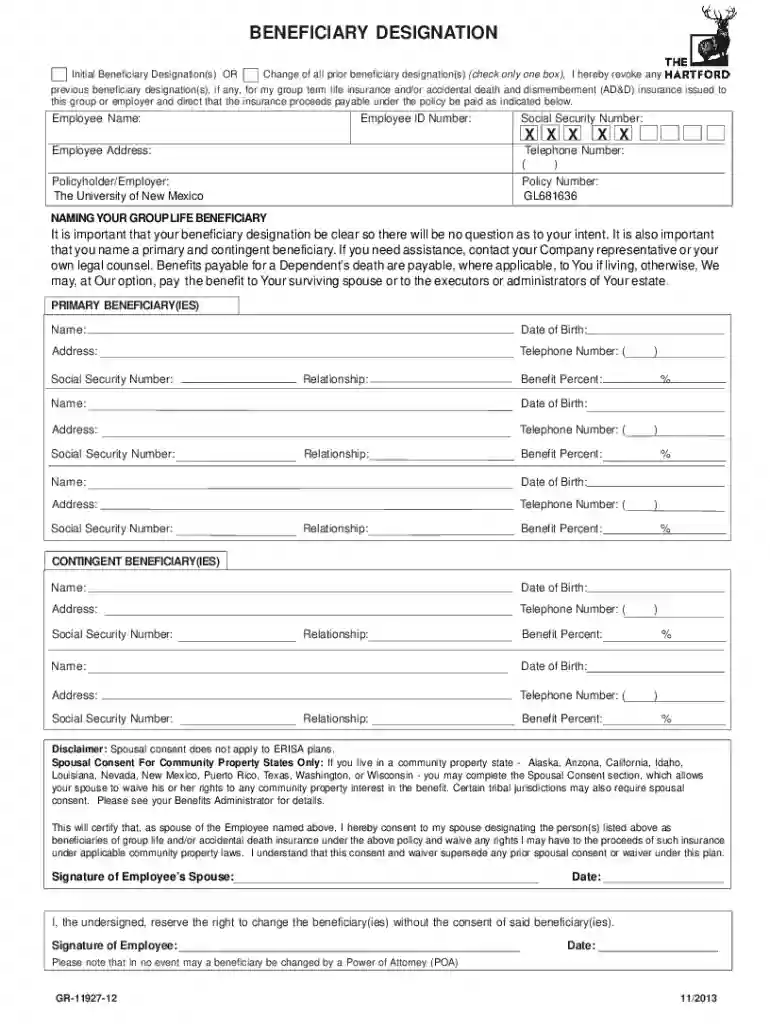
Type text, add images, blackout confidential details, add comments, highlights and more.

Draw your signature, type it, upload its image, or use your mobile device as a signature pad.

Send hartford beneficiary designation via email, link, or fax. You can also download it, export it or print it out.
"Form online" generally refers to the digital versions of documents or applications that can be completed and submitted via the internet. These forms eliminate the need for physical paperwork and allow for efficient data entry and submission directly from a user's device. The use of forms online is increasingly popular in various sectors, including government, healthcare, legal, and business, primarily due to the convenience and accessibility they offer. In the case of DocHub, the platform facilitates the creation, management, and submission of such forms with ease, streamlining workflows significantly.
To effectively use a form online, you must begin by accessing the document through a platform that supports online forms, such as DocHub. Once the form is open, you can navigate through it using simple clicks or taps, filling in the required fields. These fields may include text boxes for personal information, checkboxes for selections, and signature fields for authentication. DocHub allows users to save their progress, making it possible to return and complete the form at a later time. It is crucial to validate all entered information for accuracy before submission to ensure that no errors impede the process.
Utilizing online forms provides numerous benefits, including speed and efficiency. Forms can be completed and submitted without the need for printing or mailing, reducing paper consumption and storage requirements. They often include built-in validation processes to prevent incorrect data entry, saving time and minimizing errors. Online forms are accessible from anywhere, enabling users to complete necessary paperwork from home or on the go. Additionally, digital submissions usually have faster processing times compared to traditional paper methods, leading to quicker results or responses.
Online forms must adhere to specific legal guidelines to ensure their validity. In the United States, the ESIGN Act sets the standards for electronic signatures and records, ensuring they are legally binding. The forms and signatures created through platforms like DocHub comply with these standards, making them suitable for various formal processes such as legal agreements, tax submissions, and employment applications. Additionally, confidentiality and data protection are paramount, with online forms often incorporating encryption and password protections to safeguard sensitive information.
Online forms find applications across various fields:
When considering the use of online forms, compatibility with existing software and systems is crucial. Platforms like DocHub integrate seamlessly with popular software solutions such as Google Workspace, allowing users to import and export documents to and from their Google Drive and Gmail accounts. This compatibility ensures a smooth workflow, as documents can be edited and managed without leaving the digital ecosystem. Integration with productivity tools reduces the need for manual data entry and allows for automatic data updates across platforms when forms are edited or completed.
We've got more versions of the gr 11927 form. Select the right gr 11927 version from the list and start editing it straight away!
At DocHub, your data security is our priority. We follow HIPAA, SOC2, GDPR, and other standards, so you can work on your documents with confidence.
COMPLETING YOUR BENEFICIARY DESIGNATION FORM. 1. At the top of the form, fill in the information regarding your employer and yourself. 2. Next complete theRead more
Forms for Designations. Designation of Beneficiary Form (SF 2823) Designation of Beneficiary Section in FEGLI Handbook OPM Designations of Beneficiary PageRead more


