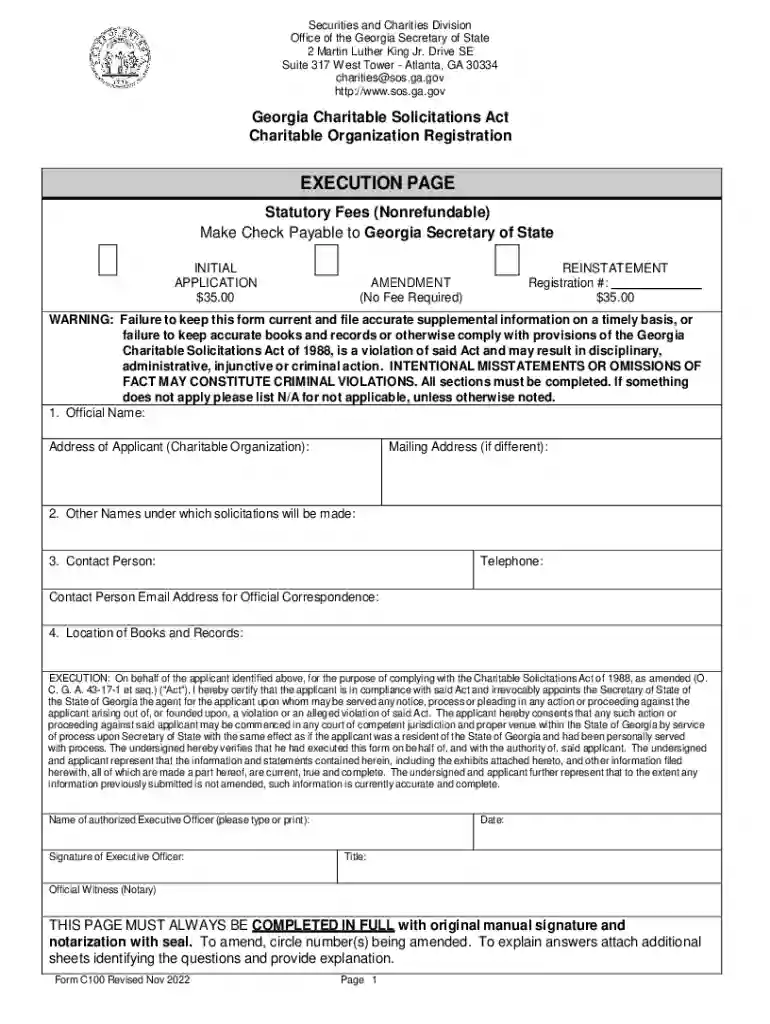
Definition and Meaning of "Form Online"
The term "form online" refers to a digital document that can be filled out and submitted electronically through the internet. These forms are designed to simplify data collection by eliminating the need for paper versions. Online forms are used across various sectors including government, education, healthcare, and business to streamline processes such as registration, surveys, and applications.
Types of Online Forms
- Registration Forms: Used for signing up for events or services.
- Application Forms: Used for jobs, schools, or permits.
- Survey Forms: Used to collect feedback or conduct research.
- Order Forms: Used in e-commerce for purchasing products.
Benefits of Using Online Forms
- Accessibility: Accessible from any device with internet connectivity.
- Efficiency: Faster processing and collection of data.
- Accuracy: Minimizes errors associated with manual data entry.
Steps to Complete the Form Online
Completing an online form involves several straightforward steps, ensuring that users provide all the necessary information efficiently.
Step-by-Step Process
- Access the Form: Navigate to the website hosting the form and locate the required document.
- Review Instructions: Carefully read any provided instructions to understand the information needed.
- Enter Information: Fill in the required fields, ensuring data accuracy and completeness.
- Attach Documents: If necessary, upload any supporting documents directly to the form.
- Review and Edit: Verify all entered information for any discrepancies or errors.
- Submit Form: Click the submit button to send the form to the designated entity.
- Confirmation: Look for a confirmation message or email indicating successful submission.
Common Mistakes to Avoid
- Missing Fields: Ensure all marked fields are completed.
- Incorrect Information: Verify details like dates and numbers for accuracy.
- Unsupported File Formats: Check that uploaded files meet the required formats.
Key Elements of the Form Online
Understanding the key elements of an online form is essential to complete it accurately.
Essential Features
- Input Fields: Spaces to enter personal or required information.
- Dropdown Menus: Options for selecting from predefined choices.
- Check Boxes: Indicate multiple selections or agree to terms.
- Radio Buttons: Allow one selection among multiple options.
- Submit Button: Finalizes and sends the form.
Additional Features
- Help/Tooltips: Provide guidance for particular sections.
- Auto-Save Functionality: Saves progress automatically as you fill out the form.
- Error Notifications: Alerts for incomplete or incorrect information.
How to Obtain the Form Online
Acquiring an online form can usually be done quickly through searching with specific criteria.
Methods of Access
- Official Websites: Government or organizational sites typically offer downloadable forms.
- Email Requests: Forms may be obtainable by contacting the issuing entity via email.
- Document Portals: Platforms like DocHub often provide access to various forms.
Tips for Quick Retrieval
- Use Keywords: Searches should include specific names or numbers.
- Bookmark Pages: Save frequently accessed forms for easy future access.
- Check Validity: Ensure the form is the latest version with any recent updates.
Software Compatibility
Online forms may require compatibility with specific software for enhanced functionality.
Commonly Used Software
- DocHub: Used for editing, sending, and signing forms online.
- Adobe Acrobat Reader: Ideal for viewing and filling PDF forms.
- Google Workspace: Integrates with forms accessed and edited within Google apps.
Compatibility Considerations
- File Format: Ensure that the format (e.g., PDF, DOC) is supported by your chosen software.
- Browser Support: Most forms work best on updated versions of popular browsers.
- Mobile Access: Verify compatibility with mobile devices if accessing on-the-go.
Important Terms Related to Form Online
Familiarity with specific terminology can greatly facilitate the use of online forms.
Glossary of Terms
- SSL Encryption: Security protocol for protecting data.
- OAuth 2.0: A protocol for user authentication.
- E-signature: Electronic means of signing a document that is legally binding.
Understanding Terminology
- "Required Fields": Essential areas that must be completed for form submission.
- "Edit and Annotate": Make changes and add comments to the form.
- "Error Messages": Alerts to correct mistakes before submission.
State-Specific Rules for the Form Online
Compliance with state-specific regulations can affect how forms are completed and submitted online.
Variations by State
- Different Requirements: Some states have unique information or documentation requirements.
- Submission Formats: Acceptance of digital versus paper varies across states.
- Legal Compliance: Following state-specific legal standards to ensure validity.
Ensuring Compliance
- Consult Official State Websites: Access updated guidelines directly from governmental sources.
- Seek Legal Advice: When unsure, consult with a legal expert experienced in state regulations.
- Utilize Online Resources: Platforms like DocHub may offer state-specific information or pre-filled fields to simplify compliance.
Examples of Using the Form Online
Real-world scenarios illustrate the practicality and versatility of using online forms.
Practical Applications
- Job Applications: Companies use online forms for hiring to streamline the collection of applicant information.
- Tax Reporting: Tax forms, such as the W-9, are often completed online to expedite processing.
- Educational Enrollments: Schools and universities use online forms to manage student registrations and submissions.
User Experiences
- Businesses: Use forms for vendor registration and internal processes.
- Individuals: Fill out forms for personal applications such as credit requests or health insurance.
- Non-profits: Employ forms for donor management and volunteer coordination.
By understanding these elements and procedures, users can make informed decisions and efficiently handle online forms in various contexts.