
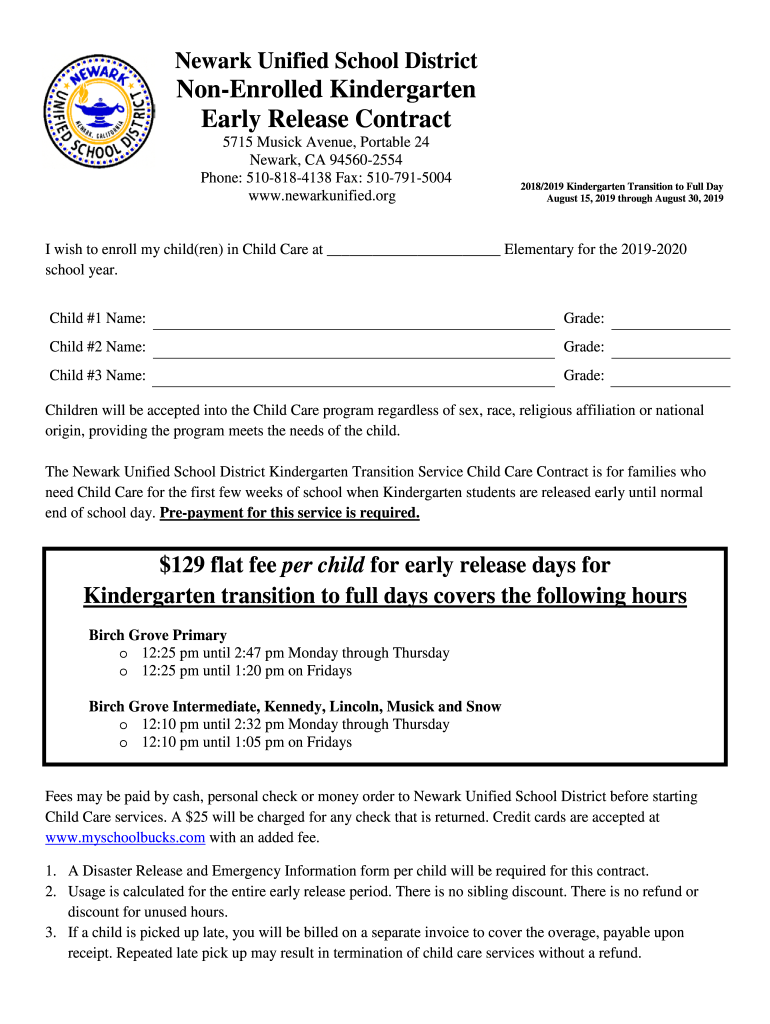







Definition & Meaning
The "Fillable Online Membership Application and ContractSMOI docx" is a versatile digital document template designed for organizations that manage memberships. It enables potential members to submit their application information and agree to membership terms and conditions electronically. Typically, this form includes sections for personal details, membership options, payment information, and an agreement confirmation. The digital format allows for easy sharing and completion across various platforms, making it ideal for organizations looking to streamline their membership processes.
Key Elements of the Form
The form is structured to ensure comprehensive data collection and agreement from the applicant. Key elements include:
- Personal Information: Collects names, contact details, and demographic information.
- Membership Options: Lists different tiers or types of memberships with associated benefits and pricing.
- Payment Information: Secures details related to the payment method for membership fees.
- Terms and Conditions: Outlines responsibilities, guidelines, and contractual obligations of the member.
- Signature Fields: Allows for secure electronic signing to finalize the agreement.
These elements ensure that both the applicant and the organization have a clear understanding of the membership agreement.
How to Use the Fillable Online Membership Application and ContractSMOI docx
Using the fillable form involves several straightforward steps:
- Access the Form: Open the form on DocHub from any web browser, whether on a desktop or mobile device.
- Fill Out Personal Details: Enter required personal information in the designated fields.
- Select Membership Type: Choose the appropriate membership option from the available selections.
- Enter Payment Details: Provide accurate payment information within the secure sections of the form.
- Review Terms and Conditions: Carefully read and understand the terms outlined in the document.
- Submit Signature: Apply your electronic signature in the allocated section.
- Submit the Form: Once completed, you can save and submit the form electronically through the platform.
This streamlined process ensures efficiency and accuracy in managing membership applications.
Steps to Complete the Form
Completing the form is simple and can be done in minutes:
- Step 1: Open the Form on DocHub.
- Step 2: Enter Personal and Contact Information.
- Step 3: Choose the Membership Type.
- Step 4: Provide Payment Information.
- Step 5: Review and Agree to Terms.
- Step 6: Sign Electronically.
- Step 7: Save and Submit the Form.
These steps provide a user-friendly experience that minimizes errors and omissions.
Legal Use of the Form
This form is legally compliant and includes mechanisms to ensure adherence to applicable regulations:
- Electronic Signature Legality: Utilizes ESIGN Act-compliant electronic signatures.
- Data Protection: Ensures data entered is protected by 256-bit SSL encryption.
- Terms Acceptance: Clear agreement to terms and conditions is required for submission.
This ensures the form's use aligns with legal requirements, safeguarding both the member and the organization.
Why You Should Use This Form
Using the "Fillable Online Membership Application and ContractSMOI docx" offers several benefits:
- Efficiency: Streamlines the application process, reducing time for both applicants and administrators.
- Accessibility: Available online, allowing applicants to complete the form at their convenience.
- Security: Provides secure transmission and storage of sensitive information.
- Accuracy: Minimizes errors through structured fields and required entries.
These advantages make the form an attractive option for organizations seeking to improve their membership operations.
Who Typically Uses the Form
The form is widely used by various entities, including:
- Clubs and Organizations: Membership-based entities looking to automate and simplify application processes.
- Professional Associations: Groups that need to manage memberships across diverse geographic areas.
- Gyms and Fitness Centers: Facilities that offer different membership plans and need efficient management.
- Educational Institutions: Student organizations requiring membership processing.
These groups benefit from the document's functionality and ease of use.


Important Terms Related to the Form
Understanding certain terminology is vital when dealing with this form:
- Applicant: The individual submitting the membership request.
- Membership Tier: Different levels of membership, often associated with varied benefits and fees.
- Electronic Signature: Digital form of handwritten signature, ensuring the document's authenticity.
- Terms of Agreement: Binding commitments and responsibilities agreed upon by the member.
These terms aid in comprehending the form's structure and implications.




