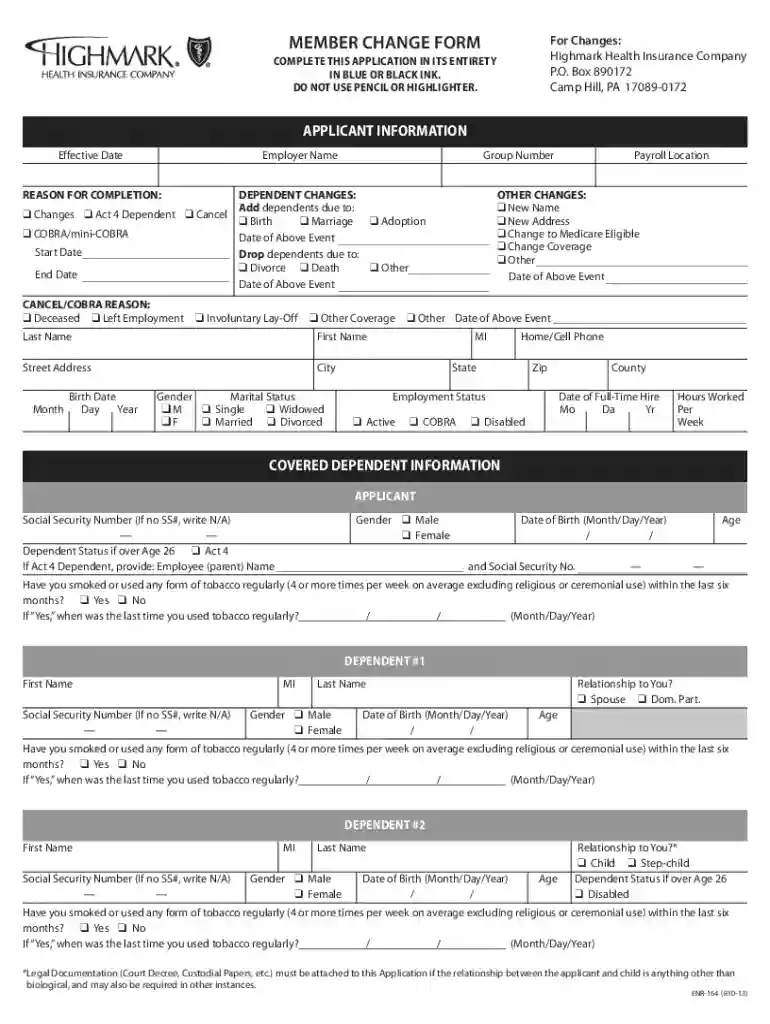
Understanding the Form Online
A form online refers to a digital document or template utilized on internet platforms for various purposes, such as data collection, applications, or registrations. Unlike traditional paper forms, these are designed to be filled out electronically, streamlining processes and enhancing convenience. They often contain features that guide users through fields, ensuring all necessary information is completed, which minimizes errors and omissions.
Benefits of Using Online Forms
- Efficiency: Filling out forms online reduces time and resource expenditure associated with printing and mailing physical forms.
- Accessibility: Forms online can be accessed from any internet-enabled device, allowing users to complete them from virtually anywhere.
- Accuracy: Mandatory fields and automated error checks help ensure the completeness and correctness of submitted information.
How to Use the Form Online
Engaging with forms online involves several straightforward steps, making it accessible to individuals regardless of their technical expertise.
- Access the Form: Navigate to the website or portal hosting the form. Often, platforms like DocHub provide intuitive interfaces for accessing forms directly from cloud storage services.
- Review Instructions: Carefully read the instructions accompanying the form to understand the requirements and any important considerations.
- Fill Out the Fields: Complete the required fields, which may include text inputs, checkboxes, or dropdown selections. Use annotation tools if required for additional comments or signatures.
- Review Your Details: Double-check all entered information to ensure accuracy and completeness.
- Submit the Form: Once satisfied with the form, submit it through the provided options, such as an on-screen button or specified email address.
Steps to Complete the Form Online
Initial Steps
- Identify the Relevant Form Type: Determine the specific purpose of the form to ensure you choose the correct type. For instance, insurance updates require specific forms different from legal agreements.
- Ensure Your Device Compatibility: Verify that your device supports the platform being used, whether it’s a desktop browser or a mobile application.
Detailed Steps
- Gather Required Information: Before starting, assemble all necessary documents and information you’ll need to complete the form.
- Login or Register: For platforms requiring user authentication, you may need to log in or create an account.
- Fill Out Form Fields: Use the provided digital tools to input your details; this may include uploading files or annexes if required by the form.
Final Steps
- Validate Input: Some platforms allow you to validate inputs for correctness, such as address auto-completions or form field suggestions.
- Confirm Submission: After submitting, ensure you receive confirmation, which may be a digital receipt or a confirmation email.
Why Should You Form Online
Choosing to use an online form offers multiple advantages beyond mere convenience.
- Environmentally Friendly: Reducing paper usage is beneficial for the environment, as digital submissions do not require physical materials.
- Security and Privacy: Advanced security protocols and encryption ensure data submitted online is protected, mitigating risks associated with traditional mail.
- Real-Time Processing: Online forms can be processed in real-time, which can hasten approvals or responses compared to forms mailed physically.
Important Terms Related to Form Online
To effectively navigate online forms, understanding key terminology is essential.
- Fillable Fields: These are the interactive areas where users input or select information, often highlighted for easy identification.
- Form Validation: The process of ensuring that submitted information meets required standards for format and completeness before allowing submission.
- Digital Signature: A legally recognized, electronic form of signing, which can authenticate user identity and consent without physical presence.
Legal Use of the Form Online
Online forms offer a legitimate method recognized by laws such as the ESIGN Act, which confirms their validity in transactions and agreements.
- Compliance with Regulations: Forms online must adhere to legal standards ensuring their equivalence to physical documents, preserving legal enforceability.
Examples of Using the Form Online
Several sectors and scenarios benefit from adopting online forms.
- Healthcare: Managing patient information or insurance claims through digital forms saves time and administrative resources.
- Education: Student enrollment and registration processes streamlined using online forms increase administrative efficiency.
Key Elements of the Form Online
Detailed attention to the elements of an online form can enhance its utility and effectiveness.
- User-Friendly Interface: Designed to guide users step-by-step and minimize errors.
- Dynamic Sections: Sections that expand or collapse based on user input, ensuring relevance and simplicity.
- Interactive Components: Elements like dropdowns or checkboxes create a more engaging and less error-prone experience.
Software Compatibility for Forms Online
Ensuring that the platform you choose is compatible with various software systems enhances flexibility and integration capabilities.
- Integration with Third-Party Applications: Platforms often offer compatibility with systems like TurboTax or QuickBooks for seamless data transfer and management.
- Cloud Storage Integration: Direct connectivity with services like Google Drive allows users to save progress and access files anywhere, anytime.
Delving into these facets of using and leveraging forms online provides comprehensive insight into their broad applications and effective utilization, enhancing workflows across multiple domains.