




01. Edit your form online
Type text, add images, blackout confidential details, add comments, highlights and more.

Type text, add images, blackout confidential details, add comments, highlights and more.

Draw your signature, type it, upload its image, or use your mobile device as a signature pad.

Send it via email, link, or fax. You can also download it, export it or print it out.
Online forms are digital versions of paper documents, designed for easy data entry and submission through internet-based platforms. These forms can replace traditional paperwork by allowing users to input information directly into a web form that replicates the structure and content of a physical document. The primary advantage of these forms is their accessibility from any device with internet connectivity, making them highly convenient for both senders and recipients. Common uses include applications, surveys, and data collection for various administrative and business purposes.
Using forms online involves several straightforward steps:
Access the Form: Locate the form on the specified website or platform, such as DocHub. You might find it available for download, or it can be filled out directly on the platform.
Review Instructions: Before filling it out, go through any provided instructions to understand the required information and format.
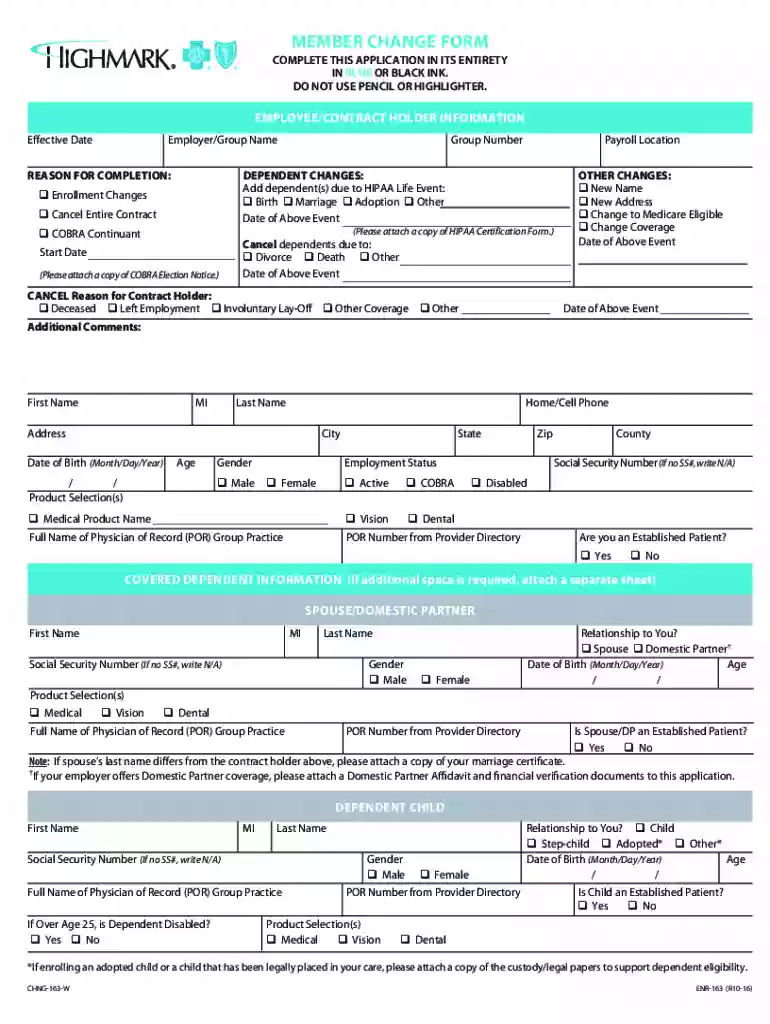
Fill Out the Form: Enter the necessary details into each field. For comprehensive forms like Member Change Forms, ensure that each section, such as personal and dependent information, is accurately completed.
Review Your Entries: Double-check all entered data to prevent mistakes, especially in mandatory fields.
Submit the Form: Follow the platform’s submission process, which may include saving and exporting the form or submitting it directly through the platform.
Obtaining online forms generally involves accessing the provider's or organization's website that offers the form. Most organizations provide forms in downloadable formats (e.g., PDF, DOCX) or as dynamic forms that can be completed online. Platforms like DocHub allow users to import or create forms using existing templates, ensuring a streamlined acquisition process without needing additional software. Often, forms can be accessed through links in emails, on official websites, or directly through document management systems.
Completing an online form involves a precise sequence:
Identify Purpose: Understand why you are filling out the form to ensure all required sections are completed appropriately.
Gather Information: Collect all needed information beforehand, which might include identification numbers, addresses, and other specifics outlined by the form's requirements.
Enter Data: Accurately input data into designated fields. Use tools such as dropdown menus and checkboxes where applicable for consistency.
Attach Documents: If required, attach supplementary documents by uploading them to the platform’s designated area.
Validate Entries: Utilize platform features to verify inputs, as this is crucial for forms needing precision, like legal or financial documents.
Sign and Date: Where applicable, include electronic signatures using tools like cursor, touchpad, or stylus for authenticity.
Online forms offer significant advantages:
Essential components of online forms include:
Online forms must comply with legal standards, especially when they collect sensitive or personal data:
Online submission offers several advantages over traditional methods:
We've got more versions of the Member Change Form form. Select the right Member Change Form version from the list and start editing it straight away!
At DocHub, your data security is our priority. We follow HIPAA, SOC2, GDPR, and other standards, so you can work on your documents with confidence.
This page lists the USCIS forms that are currently available to file online. Visit the File Online page to learn about the benefits of filing a form using
Create powerful online forms with pre-fill, AI, and multi-step workflow features. Try our easy-to-use online form builder with enterprise-level
Q: Is the accident report form available on the Internet? A: Yes. The Motor Vehicle Accident Report Form is now available in fillable PDF format. Visit our


