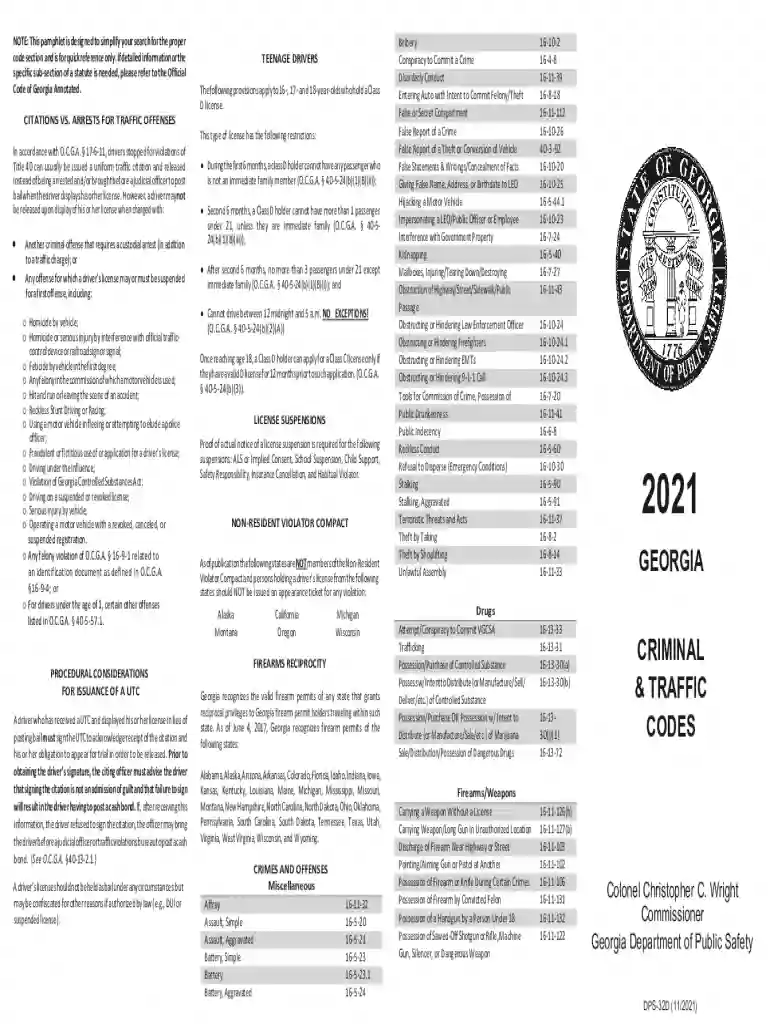
Definition and Meaning of "Form Online"
The term "form online" refers to any digital document that can be accessed, filled out, and submitted via the internet. This method of document completion streamlines the traditional paperwork process, enabling users to perform tasks such as filing taxes, applying for permits, or signing contracts electronically. Online forms eliminate the need for physical paper, making it easier to manage, store, and retrieve these documents whenever necessary. The accessibility and convenience of online forms play a crucial role in enhancing productivity in both personal and professional settings.
How to Use Form Online Platforms
Online form platforms are designed to be user-friendly and intuitive, ensuring even those with minimal technical experience can navigate them efficiently. Typically, using these platforms involves the following steps:
- Access the Platform: Begin by logging into the relevant platform, such as DocHub, where you can create, edit, and manage online forms.
- Select or Create a Form: Choose a form template suited to your needs or create a new form from scratch using the platform's tools.
- Upload Documents: If you have existing documents that require transformation into fillable forms, upload them directly from your computer or cloud storage.
- Edit and Customize: Utilize editing tools to add necessary fields such as text boxes, checkboxes, and signature areas. Customize the form to meet specific requirements.
- Save and Share: Once the form is complete, save your progress and share the form via email or direct link to the intended recipients.
Steps to Complete the Form Online
Completing an online form typically involves a streamlined process that focuses on efficiency and accuracy. Here are the general steps one might follow:
- Open the Form: Access the form using a link or platform dashboard.
- Fill Out Information: Enter all required information into the designated fields. Ensure that each entry is accurate to avoid delays or errors.
- Attach Files: If the form requires additional documentation, upload the necessary files from your device or cloud storage.
- Verify Details: Review the form in its entirety to confirm that all information provided is correct and complete.
- Submit the Form: Click the submit button to finalize the process. Some platforms provide a confirmation or receipt of the submission for your records.
Why Should You Use Form Online
Opting to use forms online offers numerous advantages over traditional paper forms:
- Convenience: Forms can be accessed and completed anytime, anywhere, with an internet connection.
- Efficiency: Reduces time spent on physical paperwork and eliminates postage costs.
- Eco-Friendly: Minimizes paper usage contributing to environmental conservation efforts.
- Security: Online forms often come with encryption and secure access to protect personal information.
- Integration: Many platforms integrate with other digital tools to streamline document management across different applications.
Examples of Using Form Online
Online forms are versatile and applicable in various scenarios:
- Job Applications: Candidates applying for jobs often fill out online forms to submit their personal details and resumes.
- Tax Filings: Taxpayers can file their returns using online forms provided by the IRS or third-party platforms.
- Surveys and Feedback: Companies utilize online forms to gather customer feedback or conduct surveys for market research.
- Registration: Events, classes, or memberships often require participants to register using online forms.
Key Elements of the Form Online
An effective online form contains essential elements that facilitate smooth user interaction:
- Title: Clearly indicates the purpose of the form.
- Instructions: Provides guidance on how to properly complete the form.
- Input Fields: Includes text boxes, dropdown menus, and checkboxes for user input.
- Validation Rules: Ensures data accuracy by requiring certain fields to follow specified formats.
- Submit Button: Allows users to finalize their input and send the form to the intended recipient.
Legal Use of the Form Online
The use of online forms is governed by laws to ensure legality and compliance:
- Electronic Signatures in Global and National Commerce Act (ESIGN Act): Provides legality for electronic signatures on online forms.
- General Data Protection Regulation (GDPR): Protects personal data privacy in the European Union, influencing online form data handling protocols.
- States Laws in the United States: Varying state legislations may have additional rules on the legal use of online forms, especially concerning records retention and data security.
Required Documents for Submission with Online Forms
Depending on the form's purpose, several documents may need to accompany the form submission:
- Identification: A copy of a driver’s license or passport for verification purposes.
- Proof of Address: Utility bills or lease agreements that verify the user's residential address.
- Supporting Documents: Financial statements, transcripts, or other papers relevant to the purpose of the form, such as a W-9 form for tax purposes if it's a financial transaction or agreement.
Understanding these aspects of using forms online enhances one's ability to effectively complete and manage digital documentation while ensuring compliance with relevant laws and regulations.