






Definition and Meaning of Fillable Auto Insurance ID Card
A fillable auto insurance ID card is a digital document used to provide proof of insurance coverage for vehicles. This document contains critical details such as the policyholder's information, vehicle identification number (VIN), insurance company details, and policy number. The fillable aspect allows users to input and update information as needed, ensuring that it reflects the most current data. By opting for a fillable format, insurance providers offer a more convenient and efficient way for policyholders to manage their insurance documents digitally, reducing the need for paper-based records.
How to Use the Fillable Auto Insurance ID Card
The fillable auto insurance ID card functions much like a traditional insurance ID card, but with enhanced digital capabilities. Users can edit the card directly on their computer or mobile device by using document management platforms such as DocHub. Steps to use the card include:
- Download or access the fillable form from your insurance provider or document management tool.
- Enter the required information, such as your name, policy number, and vehicle details, in the designated fields.
- Save the updated document to ensure the most recent information is preserved.
- Print a hard copy if needed, or save the digital version on your device for easy access during instances when proof of insurance is required.
How to Obtain the Fillable Auto Insurance ID Card
Acquiring a fillable auto insurance ID card is straightforward. Most insurance companies provide these digital forms as part of their standard documentation. Here's how you can obtain yours:
- Contact your insurance provider and request the digital version of your insurance ID card.
- Log into your insurance company's online portal where you can download or fill out the ID card directly.
- Utilize document management services like DocHub to access fillable templates that can be personalized with your insurance details.
Steps to Complete the Fillable Auto Insurance ID Card
Filling out the auto insurance ID card accurately ensures you are compliant with legal requirements. Here's a step-by-step guide:
- Open the fillable form using a compatible software or platform, such as DocHub.
- Input your personal information, including your full name and address, in the designated fields.
- Enter your vehicle details, such as make, model, and VIN.
- Provide insurance policy details, which include the policy number and the insurance company’s contact information.
- Review the completed form for accuracy before saving the document.
- Store the final version electronically, and print multiple copies for physical documentation if required.
Key Elements of the Fillable Auto Insurance ID Card
The fillable auto insurance ID card contains several essential components:
- Policyholder Information: Name, address, and contact details.
- Insurance Company Details: Name, address, and contact number.
- Policy Number: Unique identifier for the insurance policy.
- Vehicle Information: Including VIN, make, model, and year.
- Effective and Expiry Dates: Indicating when the coverage starts and ends.
Legal Use of the Fillable Auto Insurance ID Card
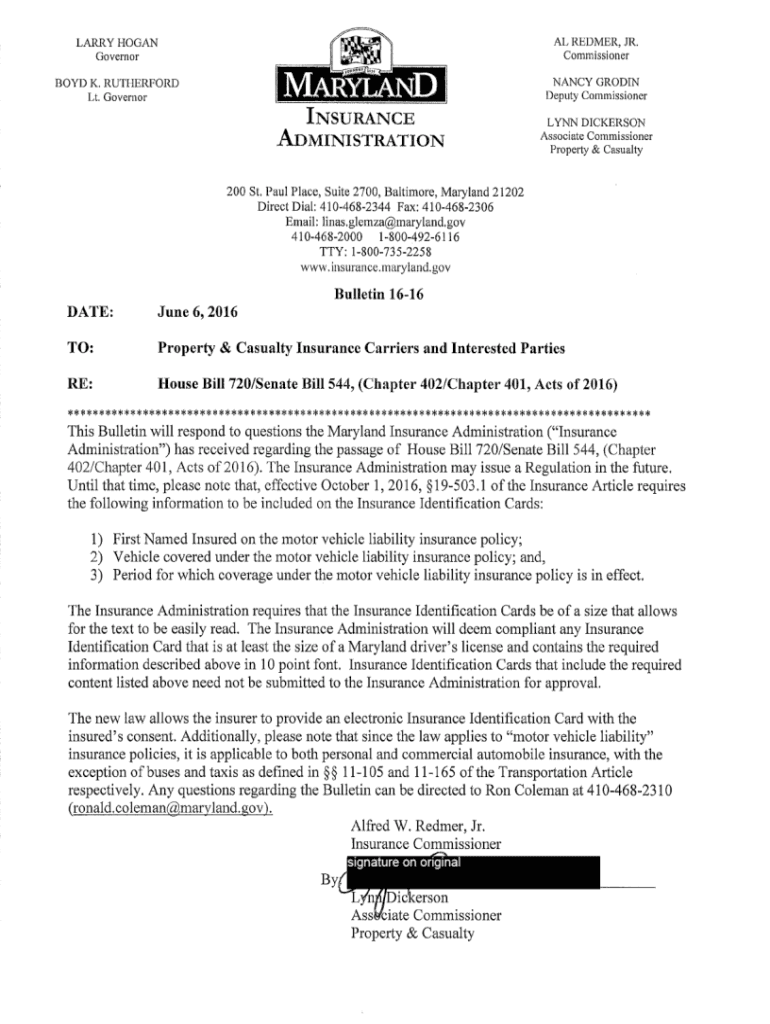
In the United States, proof of auto insurance is a legal necessity. The fillable auto insurance ID card is accepted in digital format across numerous states, providing the same legal standing as a physical card. It is essential for vehicle registration, traffic stops, and accidents. Most states accept electronic proof, but it's advisable to check state-specific regulations to ensure compliance. The digitized format enhances convenience without compromising legal validity.
State-Specific Rules for the Fillable Auto Insurance ID Card
While the fillable auto insurance ID card is broadly accepted, specific rules may apply in different states:
- Digital Acceptance: Most states accept digital insurance cards, but there are exceptions. Always verify if your state permits electronic proof of insurance.
- Minimum Coverage Requirements: States have varied requirements for minimum coverage that must be stated in the card.
- Additional Documentation: Some states might require additional verification documents along with your insurance ID card.
Software Compatibility and Integration
Platforms like DocHub support fillable auto insurance ID cards, allowing users to edit and manage their insurance forms seamlessly. Compatibility extends to:
- Various File Formats: Supports PDF, DOC, and other common formats.
- Cloud Integration: Import and save your documents from Google Drive, Dropbox, and similar.
- Cross-Device Accessibility: Edit and access your insurance card from desktops or mobile devices, maintaining flexibility for users on the go.
These features ensure that users can manage their auto insurance ID cards effectively, enhancing both convenience and compliance.