
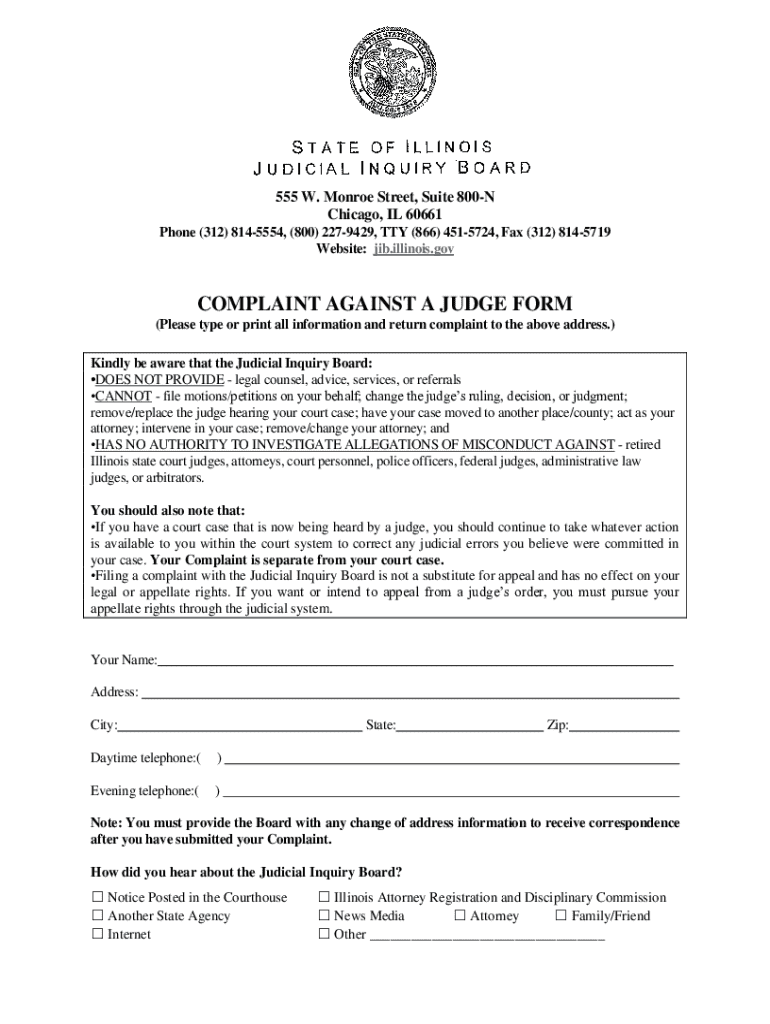







Definition & Meaning
The term "form online" refers to digital documents that can be completed and submitted through the internet. These forms often replicate or replace traditional paper forms, offering convenience and efficiency. "Form online" encompasses a wide range of applications, from surveys and applications to complex legal and financial documentation. These forms are designed to be user-friendly, allowing users to fill them out on various devices, such as computers, tablets, and smartphones, without downloading additional software.
Online forms can be interactive, meaning they may include features like dropdown menus, checkboxes, and fillable text fields. These elements guide users through the process, ensuring all necessary information is collected accurately. A significant aspect of using forms online is their ability to streamline data collection and processing, offering instant transmission of information to a database or recipient.
Steps to Complete the Form Online
-
Access the Form: Start by navigating to the website or platform hosting the form. This could be a government website, corporate portal, or a third-party service like DocHub.
-
Review the Instructions: Carefully read all accompanying instructions. This step is crucial to avoid mistakes, as it outlines the information needed and any specific instructions for submission.
-
Fill Out Personal Information: Begin with filling out any personal details required, such as name, address, and contact details. Ensure accuracy as errors in personal data can lead to complications.
-
Complete Specific Sections: Depending on the form's purpose, you may need to provide detailed information. For legal forms, this could include dates, reference numbers, and detailed explanations of circumstances.
-
Ensure All Mandatory Fields Are Filled: Verify that all required fields, often marked with asterisk symbols, are completed. Failure to fill these may result in the form not submitting correctly.
-
Review and Confirm: Before submission, review all inputs for accuracy. Some forms may offer a preview feature to review the information in a document-like format.
-
Submit the Form: Follow the instructions to submit the form. This may be a simple button click or possibly entering an email confirmation code.
Benefits of Using Forms Online
-
Convenience: Access forms anytime from anywhere, with the ability to pause and resume at your convenience.
-
Efficiency: Automated data entry processes significantly reduce completion and processing times compared to traditional paper forms.
-
Error Reduction: Built-in validation rules may alert you to missing or incorrect data before the form is submitted, reducing rejection rates.
-
Cost-Effective: Eliminates postal costs and reduces paper consumption, which can lead to financial savings and environmental benefits.
-
Secure Submission: Online forms often employ encryption and other security measures to protect sensitive data during transmission.
Key Elements of the Form Online
-
Fillable Fields: These are spaces where users input information. They can be text, numerical entries, dates, and more. Fields are often intuitive, with titles or placeholders indicating the type of content needed.
-
Validation Checks: Many forms have built-in mechanisms to check for validity and ensure fields meet specific criteria, such as numerical limits or required input formats.
-
Dynamic Elements: Depending on initial responses, some forms online may adapt by revealing or concealing sections, ensuring users only need to focus on relevant parts.
-
Submission Confirmation: Once submitted, users typically receive a confirmation message or email, which might include a reference number or receipt of submission.
Legal Use of the Form Online
Forms online must comply with legal standards to ensure data protection and authenticity. Key legal concerns include:
-
Compliance with Data Protection Laws: Such as GDPR or CCPA, depending on the geographical location of the form provider and user.
-
Electronic Signatures: Many online forms include sections for electronic signatures, which are legally binding if they comply with laws such as the ESIGN Act.
-
Record-Keeping: Providers of forms online often retain submitted data, which requires adherence to strict data management policies, ensuring information is only stored and accessed appropriately.
State-Specific Rules for the Form Online
While many forms online apply universally, certain forms, especially legal and governmental ones, require awareness of state-specific regulations:
-
Variation in Requirements: States may have unique fields or additional documents required for submission. For example, a business registration form might need different supporting documents across states.
-
Legal Language and Terminologies: Understanding the local legal language ensures compliance and proper form completion.
-
Submission Processes: State jurisdiction might dictate whether a form can be submitted online or if a physical copy must follow, especially for official documentation.
Software Compatibility and Integration
Online forms are often compatible with various software solutions to streamline workflows:
-
Document Editors: Forms might be designed to integrate with platforms like DocHub, allowing for direct edits and annotations within these tools.
-
Accounting and Tax Software: For forms related to finance, integration with accounting software like QuickBooks or TurboTax can facilitate direct data import and export, streamlining financial reporting.
-
Cloud Storage Services: Compatibility with services like Google Drive, Dropbox, and OneDrive allows users to store, retrieve, and share forms efficiently, enhancing collaboration.
Examples of Using the Form Online
Forms online have diverse applications across different sectors:
-
Tax Filings: Individuals use tax forms online to file annual returns, ensuring adherence to IRS guidelines.
-
Business Registrations: Entrepreneurs submit applications online to register new businesses, taking advantage of streamlined government processes.
-
Healthcare: Patients fill medical history forms prior to appointments, expediting check-in and improving care delivery.
-
Education: Prospective students complete admissions and financial aid applications online, facilitating the enrollment process.




