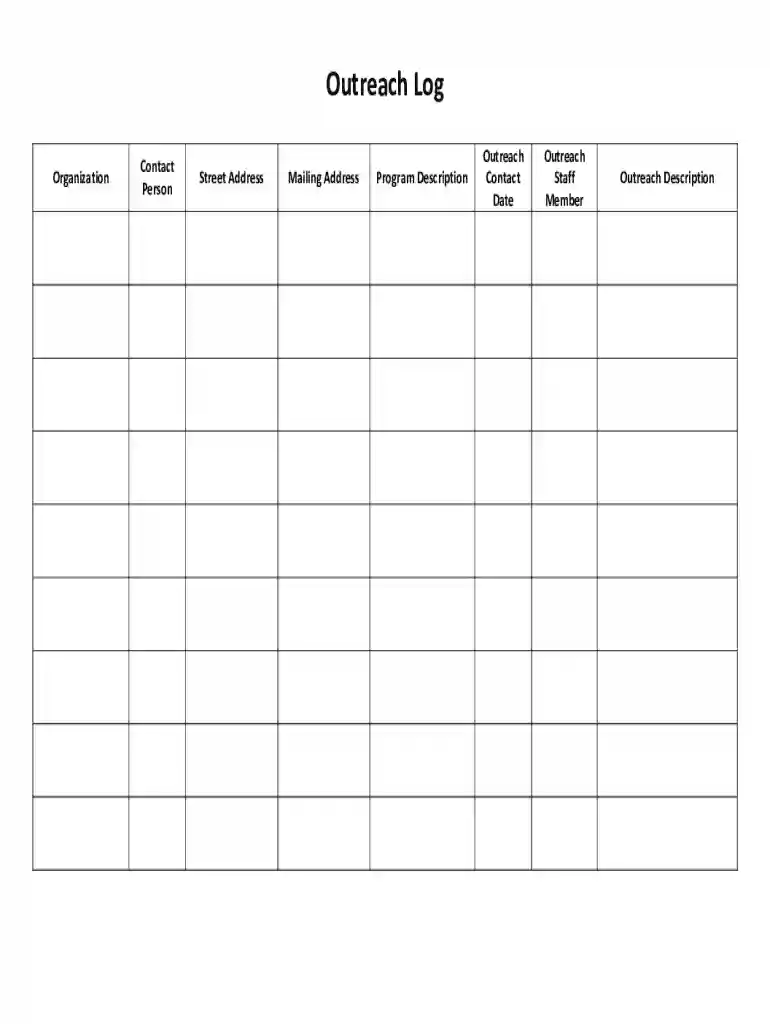
Outreach form template 2026

Get Form
outreach log Preview on Page 1

Here's how it works

01. Edit your outreach log online
Type text, add images, blackout confidential details, add comments, highlights and more.

02. Sign it in a few clicks
Draw your signature, type it, upload its image, or use your mobile device as a signature pad.

03. Share your form with others
Send audiosolutionz via email, link, or fax. You can also download it, export it or print it out.

How to use or fill out outreach form template with our platform

Form edit decoration
9.5
Ease of Setup
DocHub User Ratings on G2
9.0
Ease of Use
DocHub User Ratings on G2
  1. Click ‘Get Form’ to open the outreach form template in the editor.
  2. Begin by entering your Organization Name at the top of the form. This identifies your organization for outreach purposes.
  3. In the Description of Organization field, provide a brief overview of your organization’s mission and services.
  4. Fill in Contact/Referral Person #1 and #2 with relevant names who can be reached for further information. Include their Telephone Number and Email Address for easy communication.
  5. Complete the Street Address, City, State, and Zip fields to ensure accurate location details are provided.
  6. If applicable, add a Fax Number and Website to enhance contact options.
  7. In the Contact Log section, record the Date Contact Made and specify the Type of contact (call, in person, email, or U.S. mail).
  8. Finally, use the Notes section to summarize key points from each contact, including discussions and outcomes.

Start using our platform today to streamline your outreach efforts for free!

See more outreach form template versions

We've got more versions of the outreach form template form. Select the right outreach form template version from the list and start editing it straight away!
Versions Form popularity Fillable & printable
2012 4 Satisfied (55 Votes)
be ready to get more

Complete this form in 5 minutes or less

Get form

Got questions?

We have answers to the most popular questions from our customers. If you can't find an answer to your question, please contact us.
Contact us
The most common OutdocHub email format is [first]. [last] (ex. jane.doe@outdocHub.io), which is being used by 77.2% of OutdocHub work email addresses. Other common OutdocHub email patterns are [first][last] (ex.
501(c)(3) Tax-Compliant Donation Receipt Requirements The name of the organization; The amount of cash contribution; A description (but not the value) of non-cash contribution; A statement that no goods or services were provided by the organization in return for the contribution, if that was the case;
7 Pro Tips to Build a Charitable Donation Form that Works Include suitable donation amounts. Share how gifts are used. Dont ask too many questions. Add recurring donation intervals. Use branding. Add multiple payment options. Test your donation form before sharing it with donors.
How to create a donation page Choose a robust fundraising platform. Connect your donation page to your CRM. Consider whether to make the form one page or multi-step. Brand your donation page to your organization. Answer donors FAQs.
OutdocHub Plan: document describing your approach to sharing information with the audience(s). A strong proposal will likely include a specific outdocHub plan that includes pieces such as: ● identification of a target audience or audiences that will be affected by the results of the research.

Security and compliance

At DocHub, your data security is our priority. We follow HIPAA, SOC2, GDPR, and other standards, so you can work on your documents with confidence.

Learn more
ccpa2
pci-dss
gdpr-compliance
hipaa
soc-compliance
be ready to get more

Complete this form in 5 minutes or less

Get form

People also ask

Heres a template of the essential elements that any effective donation letter will include: Salutation. Explanation of your mission. Your project, event, or needs. Compelling details. A specific request. A call-to-action.

outreach form template