




01. Edit your cause trial online
Type text, add images, blackout confidential details, add comments, highlights and more.

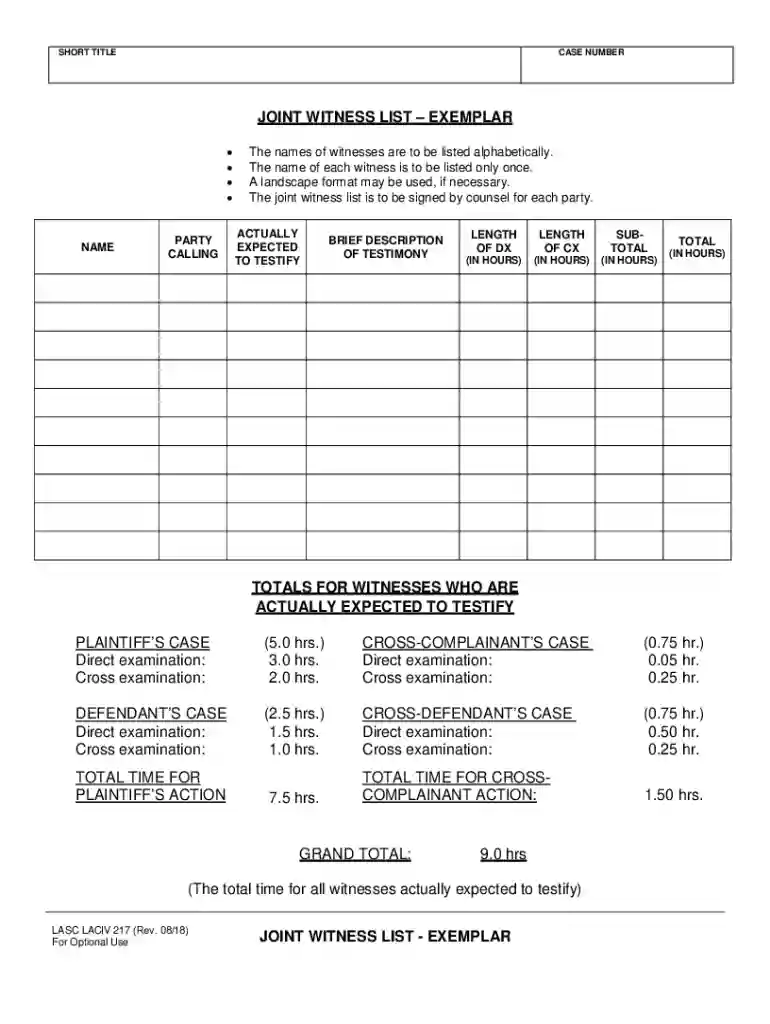
Type text, add images, blackout confidential details, add comments, highlights and more.

Draw your signature, type it, upload its image, or use your mobile device as a signature pad.

Send long cause via email, link, or fax. You can also download it, export it or print it out.
The term "form online" refers to digital forms that can be completed, submitted, and processed via the internet on various devices, including computers and smartphones. These forms are designed to replace traditional paper forms, providing a more efficient and streamlined approach to data collection and submission. They can encompass a wide range of purposes, including tax submissions, legal agreements, application forms, surveys, and more. The digital aspect allows for greater flexibility in accessing and managing forms, enabling users to complete them at their convenience without the constraints of geographical location or time.
Using an online form typically involves several straightforward steps, which vary depending on the specific form type and platform:
Access the Form: Navigate to the website or platform where the form is hosted. This could be an official government site, a company's website, or a document management system like DocHub.
Complete Required Fields: Fill in the necessary information. Online forms often include fields for personal data, choices from dropdown menus, text boxes for detailed responses, and checkboxes for selection options.
Review Entries: Before submitting the form, users should review their entries to ensure all information is accurate and complete.
Open the Form: Ensure that you access the form through a secure connection. This often means checking for an "https://" in the web address to protect your data.
Enter Data: Carefully fill out each section of the form. Pay special attention to required fields, often denoted with an asterisk (*). Use correct formats for dates, phone numbers, and email addresses.
Attach Documents: Some forms may require additional documentation. Use the upload feature to attach these files—commonly accepted formats include PDF, JPEG, and PNG.
Agree to Terms: Before submission, you might be prompted to agree to terms and conditions. Ensure you read and understand these terms to avoid unintended obligations.
Submit and Receive Confirmation: After submission, look for a confirmation message or email indicating successful submission. This step is crucial to ensure your form has been received and is in process.
Utilizing online forms offers numerous advantages over traditional methods:
An effective online form comprises several essential components that facilitate ease of use and successful data capture:
The legal validity of online forms, especially those incorporating electronic signatures, is upheld by various laws, including the ESIGN Act in the United States. This act provides a legal framework ensuring that electronic signatures are as binding as traditional handwritten signatures, provided certain conditions are met:
Understanding critical terminologies associated with online forms enhances user comprehension and effective usage:
Online forms are prevalent across various scenarios, providing flexible solutions:
Each of these usage cases highlights the adaptability and efficiency of online forms in everyday applications.
We've got more versions of the cause trial form. Select the right cause trial version from the list and start editing it straight away!
At DocHub, your data security is our priority. We follow HIPAA, SOC2, GDPR, and other standards, so you can work on your documents with confidence.
California Rules of Court states [a] short cause case is a civil case in which the time estimated for trial by all parties or the court is five hours or less.
by TH Wiedemeier Cited by 365 Package samples so that they will not leak, spill, or vaporize from their containers; Label shipping container with - Sample collectors name,
A long-cause hearing is defined as a hearing on a request for order that extends more than a single court day. Rule 5.393 adopted effective January 1, 2013.


