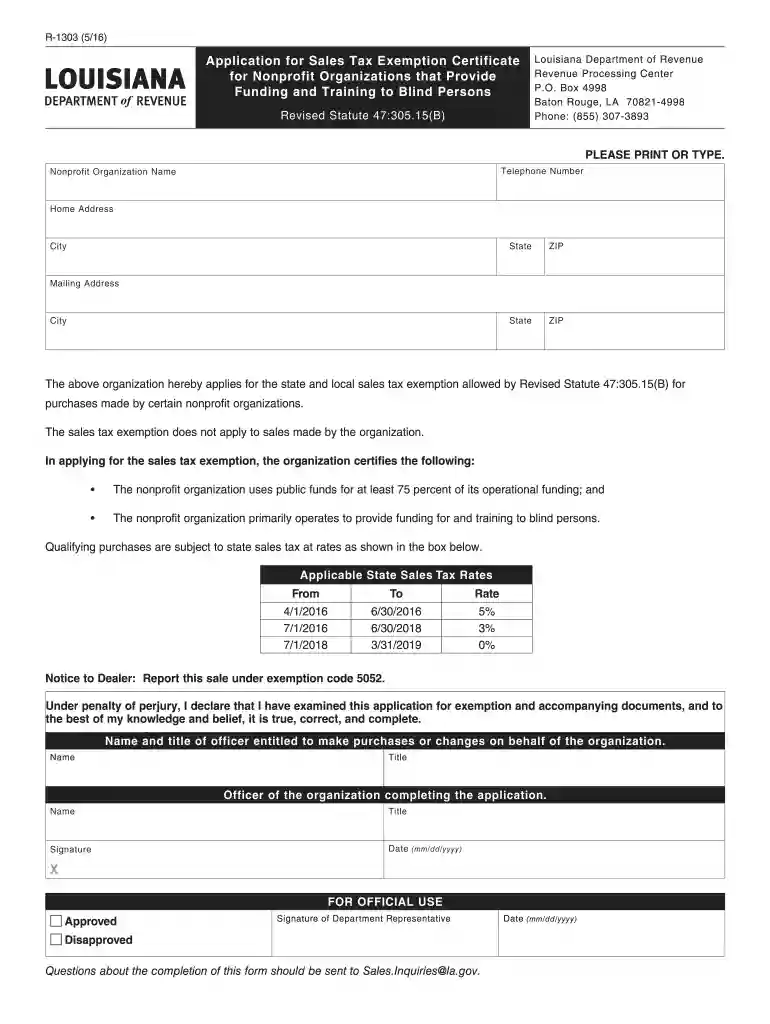
Definition and Meaning of Form Online
Form online refers to the process of creating, managing, and submitting forms electronically through web-based platforms. This eliminates the need for physical paper forms, making it a more efficient and accessible solution. An online form is a digital version that allows users to enter data into predefined fields and submit it over the internet. Online forms can be used for various applications, such as applying for permits, tax filings, or providing personal details for organizational purposes. They are particularly useful for collecting large amounts of data because they streamline the data entry and processing stages.
Benefits of Using Form Online
- Accessibility: Users can access forms from any device with an internet connection, making it convenient for those who are not always near a desktop computer.
- Efficiency: Data entered online can be automatically processed and stored in databases, leading to quicker turnaround times for processing and approvals.
- Cost-Effectiveness: Digital forms reduce the need for printing, storing, and manual handling of paper, leading to significant cost savings.
- Customization: Online platforms allow for easy customization of form fields to suit specific needs or capture specific data points.
Steps to Complete the Form Online
Completing an online form involves several straightforward steps designed to ensure accuracy and efficiency. Here's a detailed guide:
- Access the Online Platform: Navigate to the web platform hosting the form. This might be a government website, an organizational portal, or a third-party service like DocHub.
- Create or Log In to Your Account: If required, create a new account on the platform or log in to an existing one. This ensures data security and saves your progress.
- Select the Appropriate Form: Find and select the form you need to complete. This could involve browsing through categories or using a search function.
- Fill Out the Form Fields: Enter your information into the designated fields. Ensure accuracy to avoid processing delays. Mandatory fields may be marked with an asterisk.
- Review Your Information: Double-check all the details you've entered before submission. Many platforms allow for editing or reviewing forms before they are finalized.
- Submit the Form: Once you're satisfied with the information, submit the form through the online portal. A confirmation message or email is typically sent after submission.
Additional Tips
- Data Saving: Many platforms offer autosave features, which prevent data loss during the process.
- Document Upload: Some forms might require supporting documents. Be ready to upload scanned copies if requested.
Key Elements of the Form Online
Online forms generally include several crucial components that ensure all necessary information is collected efficiently:
- Header and Title: Displays the form's title and possibly a unique identification number.
- Form Fields: Various input fields such as text boxes, radio buttons, and checkboxes for different types of data.
- Instructions: Clearly outlined steps or guidelines to help users fill out the form correctly.
- Validation Checks: Built-in rules to ensure the entered data meets certain criteria, such as format and value ranges.
- Signature Fields: Options for electronic signatures to authenticate the submission.
Common Form Fields
- Text Input: For names, addresses, and other general information.
- Dropdown Menus: Allows selection from a pre-defined list of options.
- Checkboxes and Radio Buttons: For yes/no questions or to choose among several options.
- File Uploads: Accepts attachments like PDFs or image files to supplement the form.
Legal Use of the Form Online
Online forms must adhere to certain legal requirements to ensure their legitimacy:
- Compliance: All forms must comply with relevant laws such as the ESIGN Act in the U.S., which governs electronic records and signatures.
- Data Protection: Regulations like the General Data Protection Regulation (GDPR) or the California Consumer Privacy Act (CCPA) dictate how personal data collected through online forms should be managed.
- Audit Trails: Electronic forms often include timestamps and user activity logs to verify when and how the form was completed and who accessed it.
Security Measures
- Encryption: Many online form platforms use SSL/TLS encryption to protect data in transit.
- Authentication: User authentication protocols ensure that only authorized individuals can access or submit forms.
- Passwords: Users might be required to create strong, unique passwords for accessing forms involving sensitive data.
Examples of Using Form Online
Electronic forms can be used in numerous scenarios across different sectors:
- Nonprofit Organizations: Processing grant applications or volunteer sign-ups through online forms can simplify administrative tasks.
- Business Operations: Companies can handle customer feedback, job applications, and order forms digitally, streamlining their workflows.
Real-World Scenarios
- Government Applications: Applying for permits like a driver's license renewal or a business license online reduces the need for in-person visits.
- Educational Institutions: Student enrollment and course registration forms are commonly handled online to manage large volumes of data efficiently.
Software Compatibility with Form Online Platforms
Online form platforms often integrate seamlessly with other software applications, enhancing their utility:
- Cloud Storage Synchronization: Some platforms allow direct integration with services like Google Drive, Dropbox, or Microsoft OneDrive for easy document sharing and archiving.
- Accounting Software: Integration with systems like QuickBooks can automate data entry for invoicing or financial reporting based on submitted forms.
- CRM Systems: Customer Relationship Management software can interact with online forms to update records in real-time as customer information is entered.
Benefits of Integration
- Streamlined Workflows: Automatic data transfer reduces manual input errors and saves time.
- Centralized Data Management: Having all records updated across platforms ensures a single source of truth and easier auditing.
Penalties for Non-Compliance with Online Form Requirements
Non-compliance with online form regulations can have significant repercussions:
- Fines and Penalties: Organizations may face fines for failing to adhere to data protection laws like GDPR.
- Legal Action: Users or entities might take legal action if their data is mishandled, leading to costly lawsuits and reputation damage.
Avoiding Non-Compliance
- Regular Audits: Perform internal audits to ensure compliance with legal requirements.
- Training: Educate staff about data protection laws and best practices for handling online forms.
- Software Updates: Keep form platforms updated to protect against vulnerabilities and new regulatory changes.
State-by-State Differences in Form Online Usage
The use of online forms can vary significantly across different states due to varying regulations and processes:
- State Regulations: Some states have specific laws about what can be submitted electronically and how it should be processed.
- Tax Forms: Variations exist in the tax forms or submission processes between states due to differing state tax laws.
Key Considerations
- Tax Codes: State-specific tax codes may affect how forms like income or sales tax returns are filed online.
- Industry Regulations: Certain industries may have additional requirements based on state law, such as environmental compliance forms.
By understanding the intricacies and advantages of using online forms, users can leverage these tools to enhance productivity and maintain compliance with relevant regulations.