




Here's how it works

01. Edit your form online
Type text, add images, blackout confidential details, add comments, highlights and more.

02. Sign it in a few clicks
Draw your signature, type it, upload its image, or use your mobile device as a signature pad.

03. Share your form with others
Send it via email, link, or fax. You can also download it, export it or print it out.
How to use or fill out 17th Training Wing Safety OfficeGoodfellow Air Force with our platform

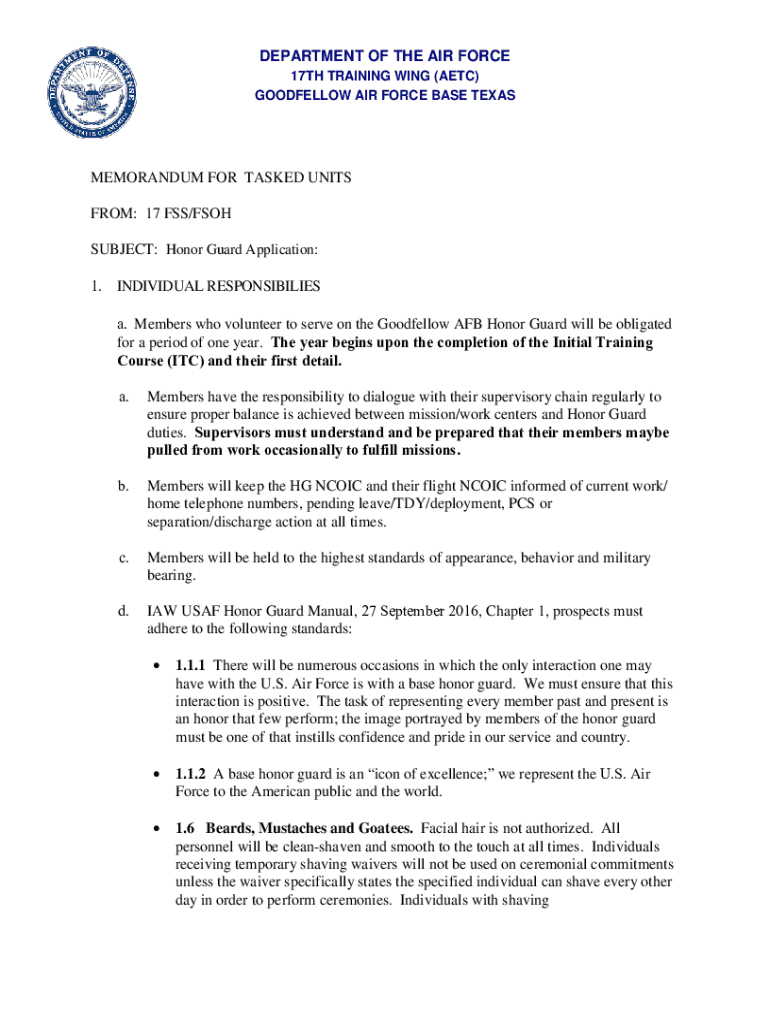
- Click ‘Get Form’ to open the Honor Guard Application in the editor.
- Begin by entering your name and rank in the designated fields at the top of the form. Ensure accuracy as this information is crucial for identification.
- Fill in your organization or office symbol, followed by your duty phone and home phone numbers. Keeping these updated is essential for communication regarding Honor Guard duties.
- Review the individual responsibilities outlined in the document. Acknowledge your commitment to serve for one year post-training by checking any required boxes if applicable.
- Ensure that your supervisor is aware of your application. They must sign and date the form, confirming their support for your participation in Honor Guard activities.
- Once completed, either bring the application to Base Honor Guard NCOIC in building 533 or scan it to quinten.pelletier@us.af.mil for submission.
Start using our platform today to streamline your application process for free!
Fill out 17th Training Wing Safety OfficeGoodfellow Air Force online
It's free
It's free
See more 17th Training Wing Safety OfficeGoodfellow Air Force versions
We've got more versions of the 17th Training Wing Safety OfficeGoodfellow Air Force form. Select the right 17th Training Wing Safety OfficeGoodfellow Air Force version from the list and start editing it straight away!
| Versions | Form popularity | Fillable & printable |
|---|---|---|
| 2019 | 4.8 Satisfied (25 Votes) |
Got questions?
We have answers to the most popular questions from our customers. If you can't find an answer to your question, please contact us.
Contact us
What is TMO in the Air Force?
Please contact the Total Force Service Center at DSN 665-0102, Commercial at 210-565-0102, or Toll Free at 1-800-525-0102 for assistance. Youll need to follow the prompts to get to the appropriate personnel specialist.
What is the TMO number for Goodfellow AFB?
Traffic Management Office Bldg. 423, Personal Property 325-654-3702 or 3704 or 3709 Passenger Travel 325-654-3687 or 5541 or 3701 Mon. thru Fri. 8 a.m. to 4 p.m.
What is the air forces number?
Traffic Management Office can be docHubed by their main phone number at (801) 775-2849. Alternatively, you can docHub Traffic Management Office by phone at (801) 430-2563. The listed DSN line is 312-775-2849.
Who is the commander of the 17TH Training Wing?
Goodfellow AFB, TX History Initially known as San Angelo Air Corps Basic Flying School, it was soon renamed Goodfellow Army Airfield for a heroic young observation pilot, Lt. John J. Goodfellow, KIA attempting to view enemy position in poor weather on the Western Front of World War Two.
Security and compliance
At DocHub, your data security is our priority. We follow HIPAA, SOC2, GDPR, and other standards, so you can work on your documents with confidence.
Learn more




