




01. Edit your hearing notice online
Type text, add images, blackout confidential details, add comments, highlights and more.

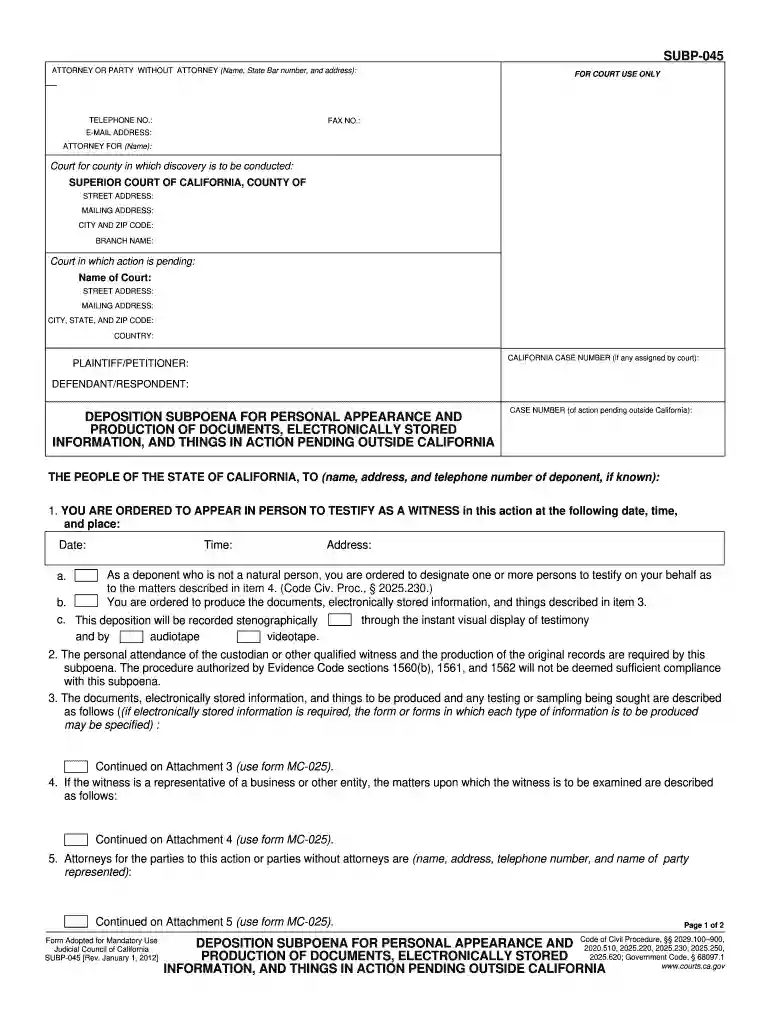
Type text, add images, blackout confidential details, add comments, highlights and more.

Draw your signature, type it, upload its image, or use your mobile device as a signature pad.

Send subp 045 via email, link, or fax. You can also download it, export it or print it out.

Start using our platform today to streamline your document editing and signing process for free!
We've got more versions of the hearing notice form. Select the right hearing notice version from the list and start editing it straight away!
| Versions | Form popularity | Fillable & printable |
|---|---|---|
| 2012 | 4.9 Satisfied (470 Votes) |
At DocHub, your data security is our priority. We follow HIPAA, SOC2, GDPR, and other standards, so you can work on your documents with confidence.
A Deposition Subpoena is a court order requiring a person who is not a party to a lawsuit to provide copies of business records and/or appear at a deposition toRead more
Aug 10, 2020 Document discovery in the case is substantially complete; deposition discovery has resumed after a temporary pause due to the COVID-19 pandemic.Read more
Orders a person who is not a party to a case to appear and testify at a deposition (give testimony outside of the court). Get form SUBP-015.Read more


