




01. Edit your detective application form online
Type text, add images, blackout confidential details, add comments, highlights and more.

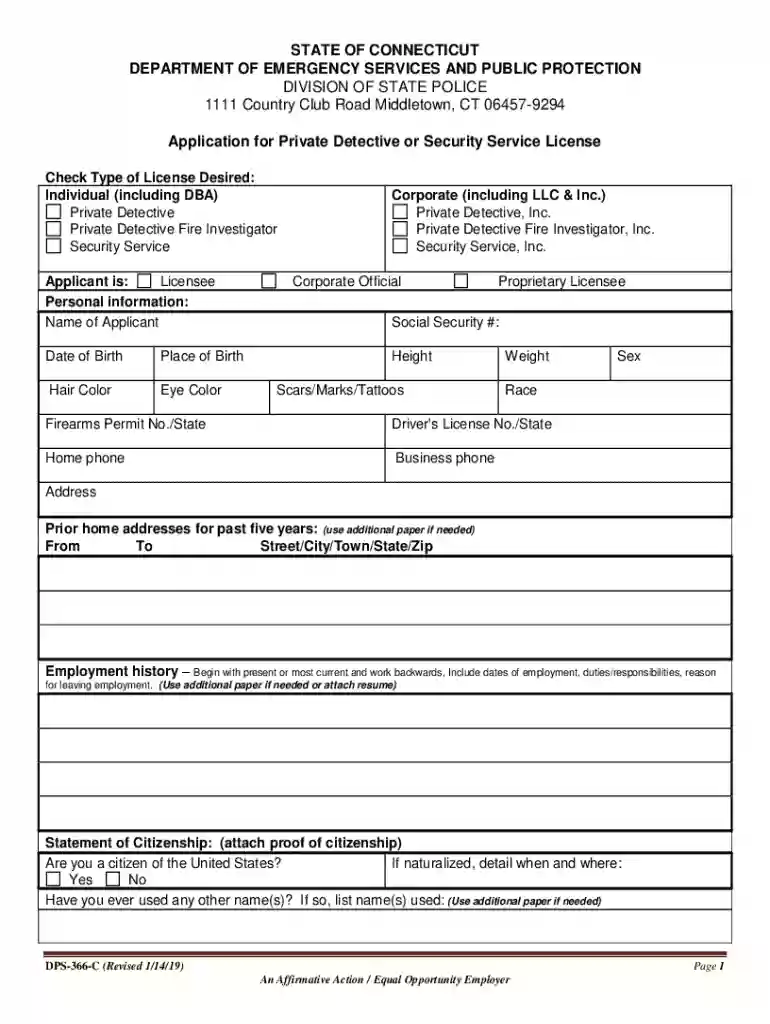
Type text, add images, blackout confidential details, add comments, highlights and more.

Draw your signature, type it, upload its image, or use your mobile device as a signature pad.

Send private detective agency license application form via email, link, or fax. You can also download it, export it or print it out.

Start filling out your application today for free using our platform!
We've got more versions of the detective application form form. Select the right detective application form version from the list and start editing it straight away!
Yes, and it’s really easy! DocHub is a web-based PDF editor with advanced document management capabilities that allow you quickly edit your forms, complete blank fields and add new ones for others to fill out, and create eSignatures in several ways. Add your detective application, give information as required, and decide how you want to eSign your document - by typing your name, drawing your signature, uploading its picture, or utilizing a QR code.
You can find and modify your private detective agency online by using DocHub. Its straightforward but feature-rich design allows you to start productive work right after you register your account. Create your profile and add your file, then our user interface will guide you via our stress-free form completion experience.
At DocHub, your data security is our priority. We follow HIPAA, SOC2, GDPR, and other standards, so you can work on your documents with confidence.
Copy of Motor Vehicle Drivers License. Trade name, LLC or Incorporation papers. One fingerprint card - green (state card) with $75.00 payable to Treasurer,Read more
In order to apply for the Intern license, students must acquire a contract with a Licensed Class C Private Investigator who will serve as a mentor/sponsor
by A Leeson 2004 Cited by 48 Several tools are also are described within the Tri-Services principles and practices manual that are useful for optimizing the application SECURITYRead more


