




01. Edit your form online
Type text, add images, blackout confidential details, add comments, highlights and more.

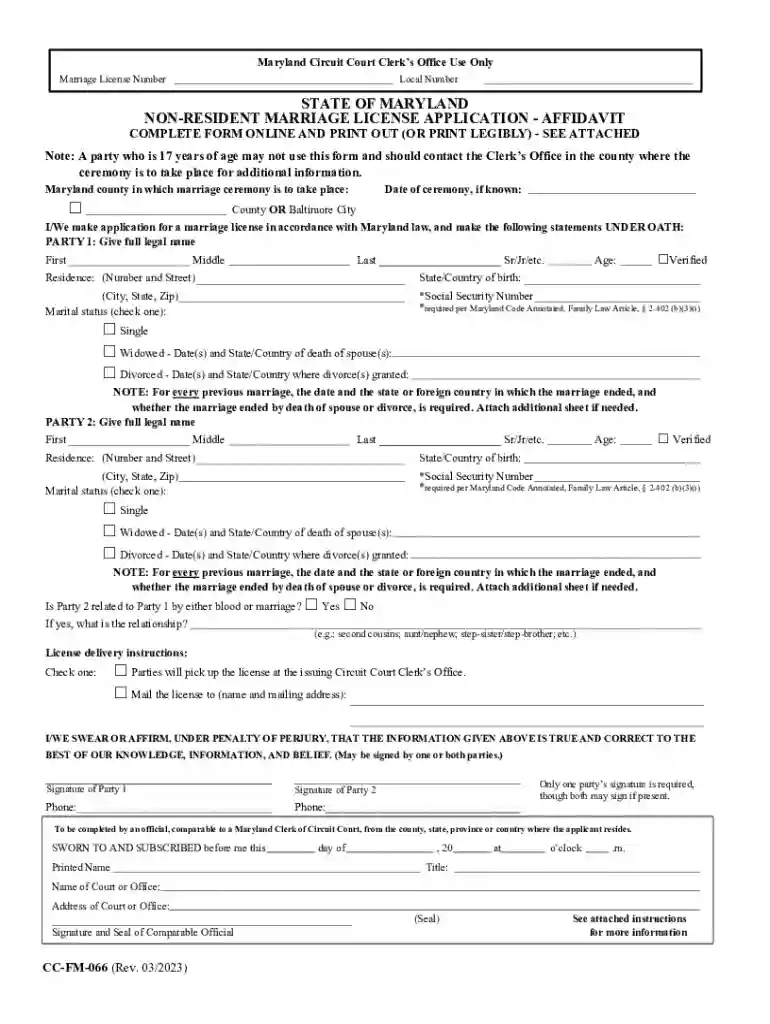
Type text, add images, blackout confidential details, add comments, highlights and more.

Draw your signature, type it, upload its image, or use your mobile device as a signature pad.

Send it via email, link, or fax. You can also download it, export it or print it out.

Start filling out your Marriage License today using our platform for free!
We've got more versions of the Marriage LicensePrince George's County Judicial, MD form. Select the right Marriage LicensePrince George's County Judicial, MD version from the list and start editing it straight away!
Signing paperwork on a mobile device is quick, simple, and doesn’t require software installation if you have an account with DocHub. Log in from any browser, complete your empty fields with your data, and click on Sign → Create your signature. You can draw your electronic signature just as you usually do on paper, add its image to your Marriage LicensePrince George's County Judicial, MD, or type in your name and stylize its look. No matter what option you choose, your form will be valid.
Document editing with DocHub is equally convenient on desktop and mobile devices. You just need an internet browser to revise your Marriage LicensePrince George's County Judicial, MD on Android. Open our website and sign in to access the instruments you require. Add your file and introduce your intended modifications. After that, you can keep your form in your file storage or send it out instantly.
At DocHub, your data security is our priority. We follow HIPAA, SOC2, GDPR, and other standards, so you can work on your documents with confidence.
Civil marriage ceremonies are performed by the Clerk of the Circuit Court by appointment only on Tuesday, Wednesday, Thursday, and Friday from 8:30 am 11:00Read more
call at 301-314-9866 or email (chapel@umd.edu). Monday - Friday, 9 am - 5pm, marriage licenses must be obtained in the county. The Memorial Chapel is located


