




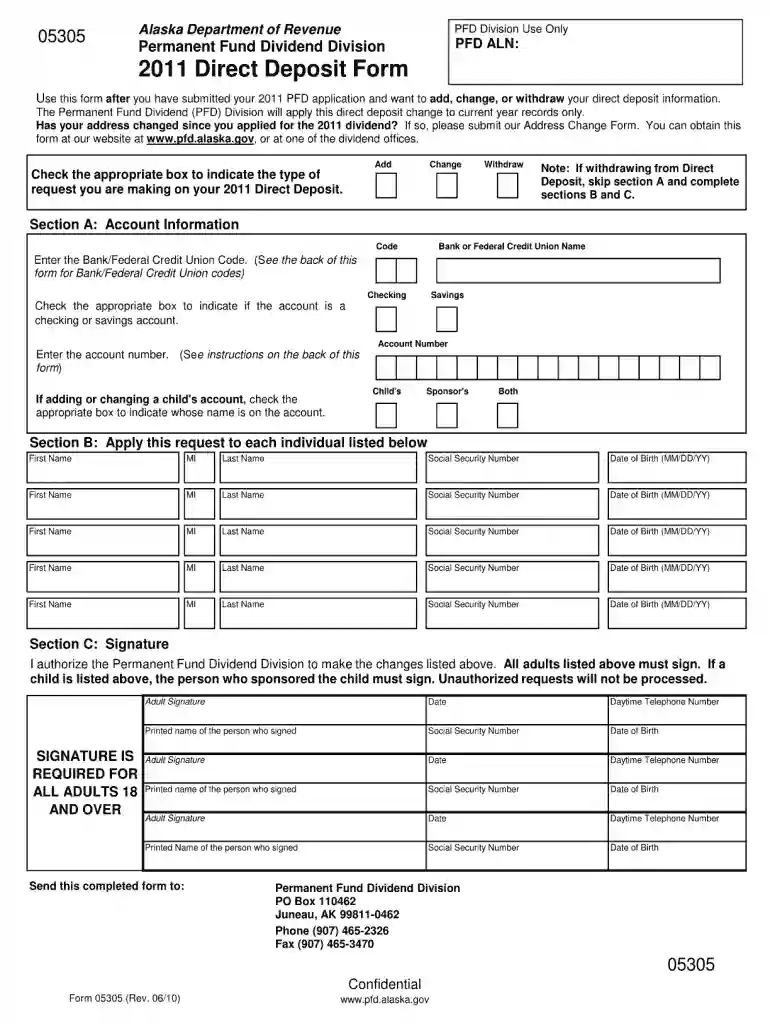
01. Edit your alaska pfd forms online
Type text, add images, blackout confidential details, add comments, highlights and more.

Type text, add images, blackout confidential details, add comments, highlights and more.

Draw your signature, type it, upload its image, or use your mobile device as a signature pad.

Send alaska permanent fund application form via email, link, or fax. You can also download it, export it or print it out.

Working on paperwork with our feature-rich and user-friendly PDF editor is simple. Adhere to the instructions below to fill out Alaska pfd forms online quickly and easily:
Take advantage of DocHub, the most straightforward editor to rapidly manage your documentation online!
We've got more versions of the alaska pfd forms form. Select the right alaska pfd forms version from the list and start editing it straight away!
At DocHub, your data security is our priority. We follow HIPAA, SOC2, GDPR, and other standards, so you can work on your documents with confidence.
PFD applications are available from January 1 to March 31, though Alaskans may choose to add or adjust their pledges online through August 31. Mechanical 2020:
Apr 13, 2023 Executive Summary. 3. Introduction. 4. Global burden of cardiovascular disease mortality. 5. Cardiovascular disease deaths by sex.Read more
You can check your application status on myPFD. Please allow 6 to 8 weeks for document processing. logging in to myPFD. Permanent Fund Dividend amount is $1,


