




Here's how it works

01. Edit your fl410 online
Type text, add images, blackout confidential details, add comments, highlights and more.

02. Sign it in a few clicks
Draw your signature, type it, upload its image, or use your mobile device as a signature pad.

03. Share your form with others
Send fl 410 via email, link, or fax. You can also download it, export it or print it out.
How to use or fill out FL-410 with our platform

- Click ‘Get Form’ to open the FL-410 in the editor.
- Begin by filling out the top section with your name, address, telephone number, and optional fax and email. Ensure this information is accurate as it will be used for court communications.
- Next, specify the county where the court is located along with its address and branch name. This information can typically be obtained from the court clerk.
- In the designated box, enter the names of all parties involved: Petitioner, Respondent, and any Other Party/Parent. Use names as they appear on previous court orders.
- Proceed to item 1 and insert the name of the person you allege has violated court orders (the citee).
- For item 2, leave it blank; this will be filled by the court clerk with hearing details.
- Complete item 3 by checking whether you are attaching an Affidavit of Facts Constituting Contempt (FL-411 or FL-412) or leaving it blank if not applicable.
- Fill out items 5 through 8 based on your knowledge of how the citee was informed about the order and any previous contempt actions taken against them.
Start using our platform today to easily fill out your FL-410 form online for free!
Fill out fl 410 online
It's free
It's free
Security and compliance
At DocHub, your data security is our priority. We follow HIPAA, SOC2, GDPR, and other standards, so you can work on your documents with confidence.
Learn more


Related forms
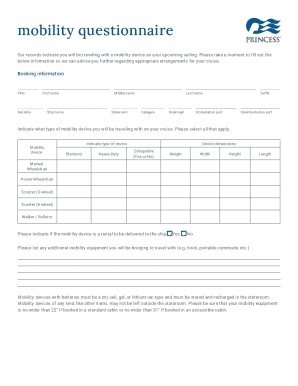
Guide 0174Application Guide for Inland Refugee Claims
The document is a mobility questionnaire for travelers using mobility devices on a cruise. It requests personal and book ...
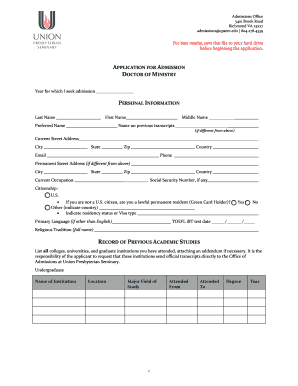
Application for admission doctor of ministry personal information
The document is an application form for the Doctor of Ministry program at Union Presbyterian Seminary. It includes secti ...
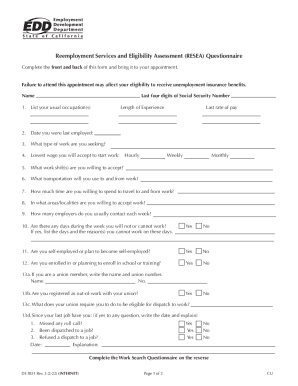
Reemployment Services and Eligibility Assessment (RESEA) Questionnaire (DE 8531) Rev 3 (2-22)
Reemployment Services and Eligibility Assessment (RESEA) Questionnaire (DE 8531) Rev 3 (2-22)
The document is a Reemployment Services and Eligibility Assessment (RESEA) Questionnaire that requires individuals to pr ...

Application redetermination for elderly and disabled programs
The document outlines the application and redetermination process for Medicaid benefits specifically for elderly and dis ...

Fees: Notaries publicWashington State - WA DOL
The document is an application form for obtaining a Notary Public commission in Washington State. It outlines the applic ...
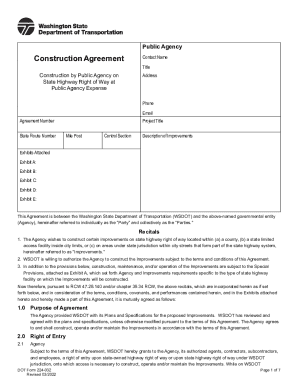
DOT Form 224-032 Construction Agreement - wsdot - WA
The document outlines a Construction Agreement between the Washington State Department of Transportation (WSDOT) and a p ...
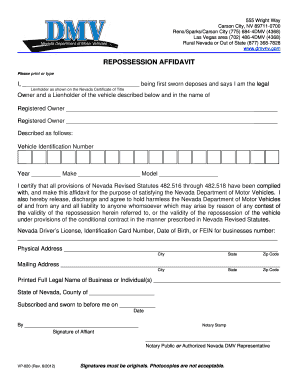
Ohio repo affidavit
The document is a Repossession Affidavit for vehicles in Nevada, requiring the legal lienholder to certify compliance wi ...