




01. Edit your form online
Type text, add images, blackout confidential details, add comments, highlights and more.

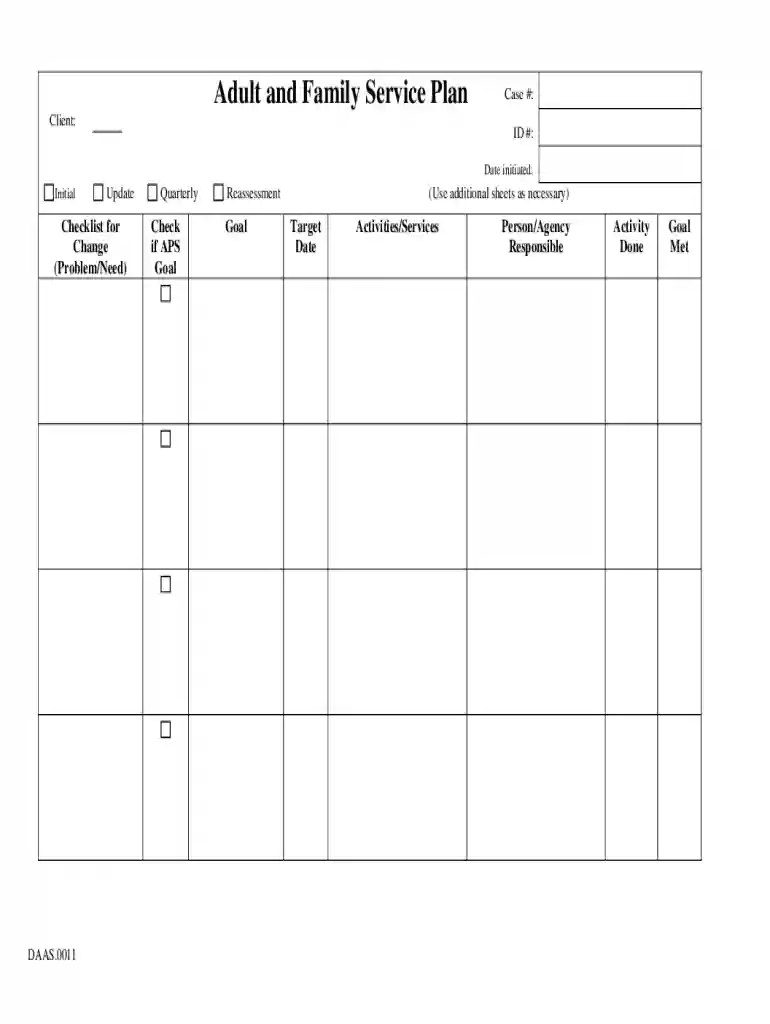
Type text, add images, blackout confidential details, add comments, highlights and more.

Draw your signature, type it, upload its image, or use your mobile device as a signature pad.

Send it via email, link, or fax. You can also download it, export it or print it out.

Start using our platform today to streamline your Adult and Family Service Plan process for free!
We've got more versions of the Adult and Family Service Plan form. Select the right Adult and Family Service Plan version from the list and start editing it straight away!
Of course, you’ll find many different applications for this on the web. Nevertheless, if you need to eSign your Adult and Family Service Plan without installing additional software, DocHub is the optimum choice you can make. This robust editor works on mobile devices just as on desktops. Open our editor in your preferred internet browser, register or log in to your account, and start managing your paperwork.
If you edit your Adult and Family Service Plan with DocHub, you only require a steady internet connection and virtually any browser installed on your device. No need to set up any third-party software or study guides. Just open a tab with DocHub, drag and drop your file, and modify it immediately.
At DocHub, your data security is our priority. We follow HIPAA, SOC2, GDPR, and other standards, so you can work on your documents with confidence.
Adult and Family Service Plan. Adult Protective Services, Adult Services, Guardianship, Special Assistance in Home Case Management. Customer Service Center: 1-
The following instructions are to be used with the Pennsylvania standardized family service plan (FSP). ensuring the safety, permanency and well being of the


