




01. Edit your form online
Type text, add images, blackout confidential details, add comments, highlights and more.

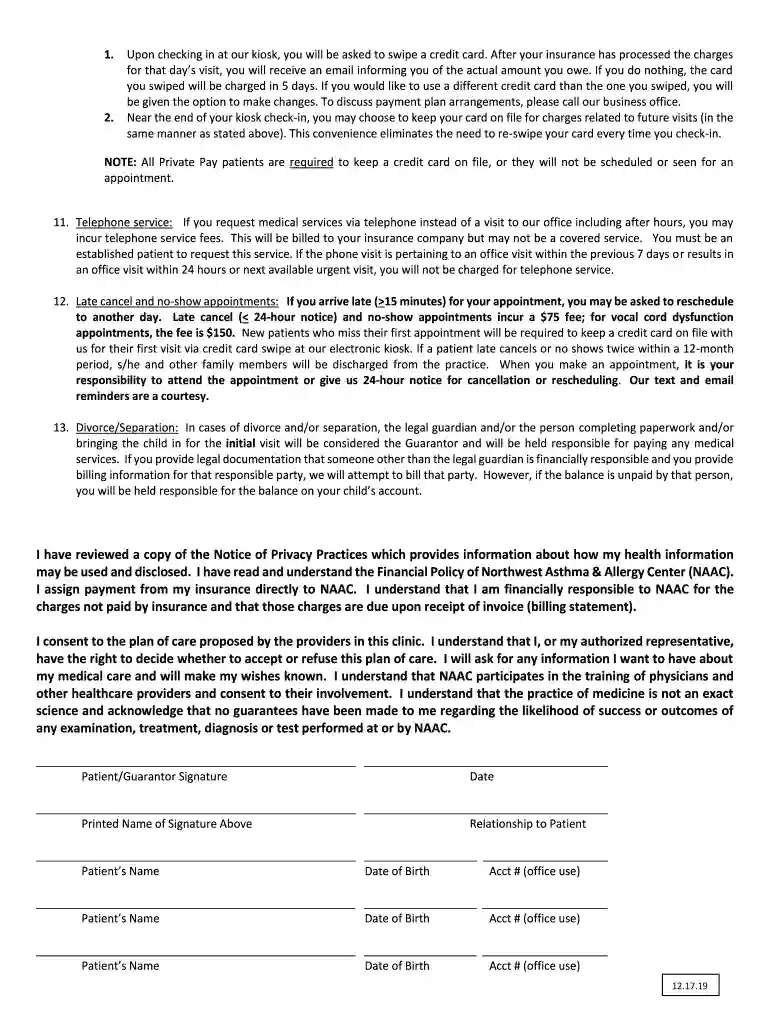
Type text, add images, blackout confidential details, add comments, highlights and more.

Draw your signature, type it, upload its image, or use your mobile device as a signature pad.

Send it via email, link, or fax. You can also download it, export it or print it out.

Start using our platform today to fill out your Financial Policy form quickly and efficiently!
We've got more versions of the Northwest Asthma and Allergy Center's Financial Policy form. Select the right Northwest Asthma and Allergy Center's Financial Policy version from the list and start editing it straight away!
| Versions | Form popularity | Fillable & printable |
|---|---|---|
| 2024 | 4.9 Satisfied (56 Votes) | |
| 2022 | 4.8 Satisfied (32 Votes) | |
| 2022 | 4.8 Satisfied (53 Votes) | |
| 2021 | 4.8 Satisfied (58 Votes) | |
| 2021 | 4.7 Satisfied (140 Votes) | |
| 2021 | 4.8 Satisfied (105 Votes) | |
| 2020 | 4.8 Satisfied (60 Votes) | |
| 2020 | 4.4 Satisfied (30 Votes) | |
| 2020 | 4.4 Satisfied (1248 Votes) | |
| 2020 | 4.3 Satisfied (177 Votes) | |
| 2020 | 4.8 Satisfied (71 Votes) | |
| 2019 | 4.9 Satisfied (31 Votes) | |
| 2019 | 4.8 Satisfied (110 Votes) | |
| 2019 | 4.9 Satisfied (27 Votes) | |
| 2019 | 4.5 Satisfied (54 Votes) |
Microsoft Word doesn’t have signing tools to generate legitimate electronic signatures and enforceable documents. Luckily, DocHub is an online eSignature-compliant editor that supports different file formats, including .doc files. Log in to your account and add the Word edition of your Northwest Asthma and Allergy Center's Financial Policy from your device and cloud, or URL - our editor will automatically convert it into an editable PDF. Make all necessary adjustments in your document and click Sign to generate your own legally-binding eSignature. You will find four signing methods from which to choose.
It is a no-brainer on a computer or via a mobile device to complete a Northwest Asthma and Allergy Center's Financial Policy with DocHub. All you need to do is open any installed browser on your smartphone and proceed to the DocHub site. Once authenticated, add your file and open it in editing mode. Use our toolbar to make your edits and save adjustments. Optionally, keep your document in your files or send it to a recipient on the spot.
At DocHub, your data security is our priority. We follow HIPAA, SOC2, GDPR, and other standards, so you can work on your documents with confidence.
by E Seyedrezazadeh 2023 Cited by 8 This study estimates the economic burden of asthma in Northwest of Iran. 7.3% of the population in the United States had asthma at a total cost of $81.9
The Asthma Network of West Michigan receives financial support from five local health plans to provide up to 18 home-based asthma education visits.


