




01. Edit your form online
Type text, add images, blackout confidential details, add comments, highlights and more.

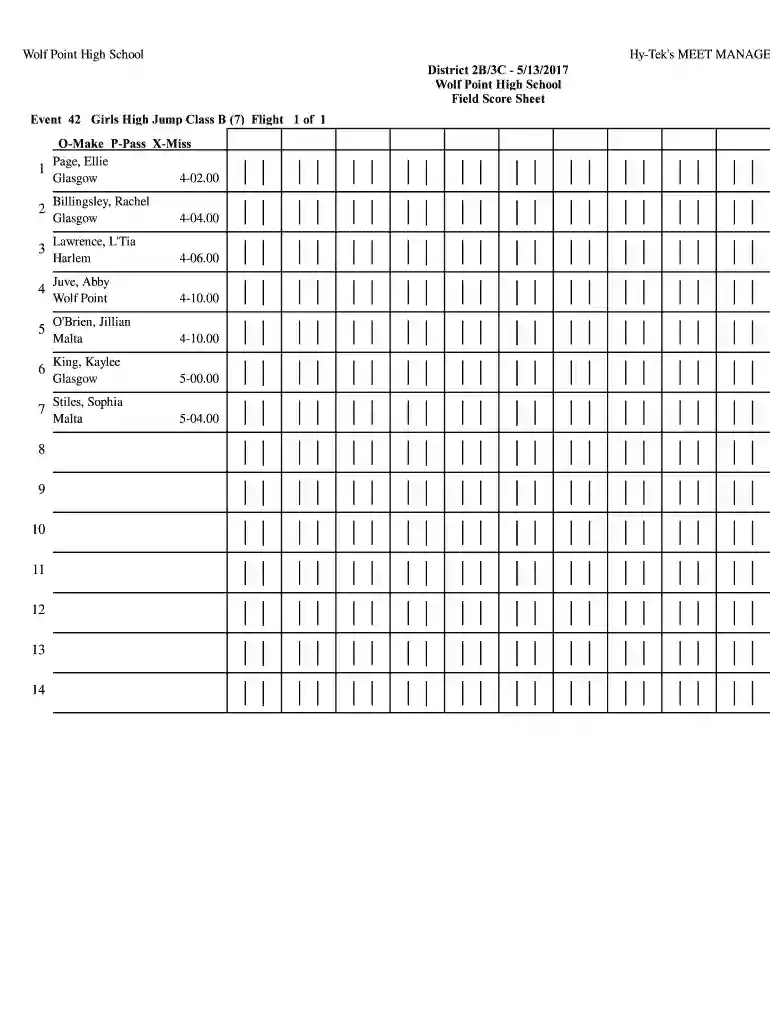
Type text, add images, blackout confidential details, add comments, highlights and more.

Draw your signature, type it, upload its image, or use your mobile device as a signature pad.

Send it via email, link, or fax. You can also download it, export it or print it out.

Start using our platform today to streamline your document editing and form completion!
We've got more versions of the Wolf Point High School form. Select the right Wolf Point High School version from the list and start editing it straight away!
| Versions | Form popularity | Fillable & printable |
|---|---|---|
| 2017 | 4.5 Satisfied (55 Votes) |
Log in to your DocHub account and import your Wolf Point High School to our editor using one of its upload options - from your device, cloud storage, protected URL, or your DocHub folders if you have already processed your document before. Open our editor, click the Sign button in the top toolbar, and decide on your signing method. You can use a picture of your handwritten signature, draw it, type in your name, or utilize a QR code instead.
It is a no-brainer on a computer or via a mobile phone to fill out a Wolf Point High School with DocHub. All you need to do is open any installed browser on your smartphone and proceed to the DocHub site. Once authenticated, add your document and open it in editing mode. Use our toolbar to make your edits and save modifications. Optionally, keep your document in your files or send it to a recipient on the spot.
At DocHub, your data security is our priority. We follow HIPAA, SOC2, GDPR, and other standards, so you can work on your documents with confidence.
Wolf Point Junior and Senior High Schools have established some new habits that include more collaboration, leadership, data based decision making, communityRead more
Wolf Point 7-8 NCES. Mailing Address:213 6th Avenue SouthWolf Point MT, 59201. Phone: (406)653-1200 Type: Regular school Status: Open. Grade Span: 7 - 8 7 8


