Building Permits - Kankakee County Planning Department 2026

Get Form
kankakee county building department Preview on Page 1

Here's how it works

01. Edit your kankakee county building department online
Type text, add images, blackout confidential details, add comments, highlights and more.

02. Sign it in a few clicks
Draw your signature, type it, upload its image, or use your mobile device as a signature pad.

03. Share your form with others
Send it via email, link, or fax. You can also download it, export it or print it out.

How to use or fill out Building Permits - Kankakee County Planning Department with our platform

Form edit decoration
9.5
Ease of Setup
DocHub User Ratings on G2
9.0
Ease of Use
DocHub User Ratings on G2
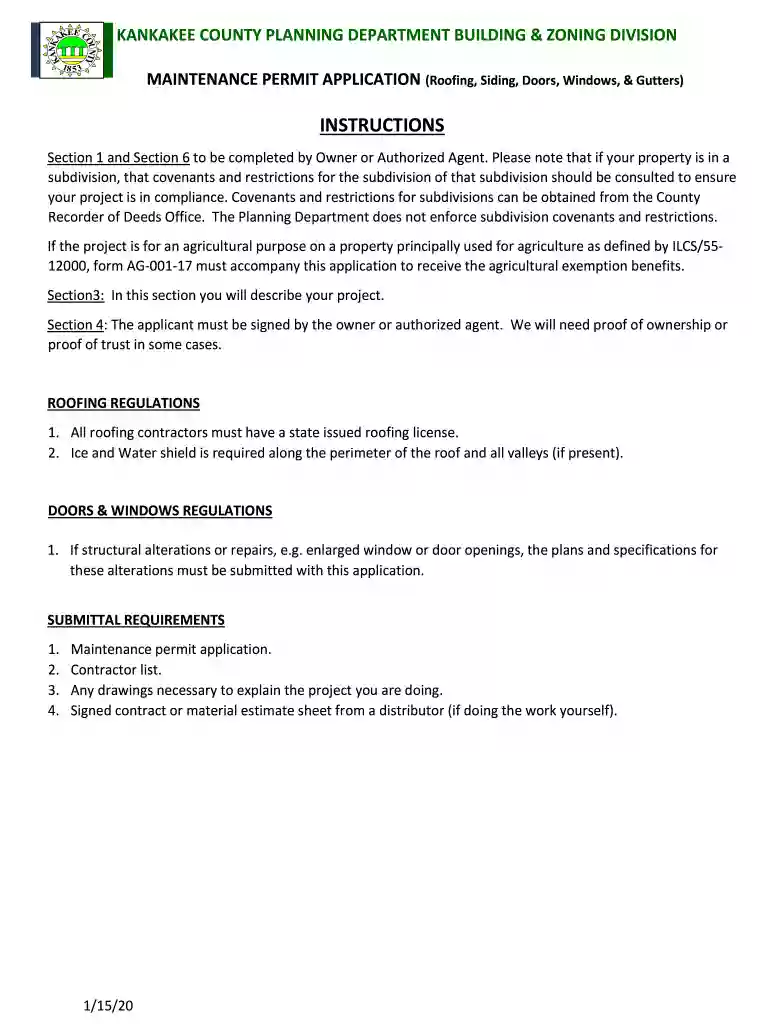
  1. Click ‘Get Form’ to open the Building Permits application in the editor.
  2. Begin with Section 1, where you will enter the Owner Information. Fill in your name, telephone number, mailing address, site address, contact person, and email. Indicate whether the homeowner will perform the work themselves.
  3. Proceed to Section 2 for Property Information. Provide details such as PI Number, floodway/floodplain status, subdivision name, zoning district, township, and check PI file date.
  4. In Section 3, describe your project clearly. Attach any signed contracts and specify material and labor costs along with total value.
  5. Complete Section 4 by signing as the owner or authorized agent to authorize the proposed improvements.
  6. Fill out Section 6 with Contractor Information. List all contractors involved and ensure they meet licensing requirements.

Start using our platform today to streamline your building permit application process for free!

See more Building Permits - Kankakee County Planning Department versions

We've got more versions of the Building Permits - Kankakee County Planning Department form. Select the right Building Permits - Kankakee County Planning Department version from the list and start editing it straight away!
Versions Form popularity Fillable & printable
2020 4.2 Satisfied (58 Votes)
be ready to get more

Complete this form in 5 minutes or less

Get form

Got questions?

We have answers to the most popular questions from our customers. If you can't find an answer to your question, please contact us.
Contact us
Do I need a permit? Less than 10 square metres (108 square feet) Not attached to a house or any other building. Not connected to electricity, plumbing, or gas lines. Meets the following height and location criteria: Roof midpoint is no higher than 4.3 metres (14.1 feet)
Per the California Residential Code detached accessory structure not exceeding 120 square feet does not require a building permit if there is no plumbing, electrical, and or mechanical equipment. Please note, Sheds and/or Structures under 120 square feet do require a Planning Permit.
Steps to Draw a Building Plan Create a beginning point and proper scale for the project. Practice altering the scale. Create a plan of building and current property lines to scale, which should be done in an overhead view. Add some information to the plan. Sketch the details of the property. Label everything.
Yes it is possible.

Security and compliance

At DocHub, your data security is our priority. We follow HIPAA, SOC2, GDPR, and other standards, so you can work on your documents with confidence.

Learn more
ccpa2
pci-dss
gdpr-compliance
hipaa
soc-compliance