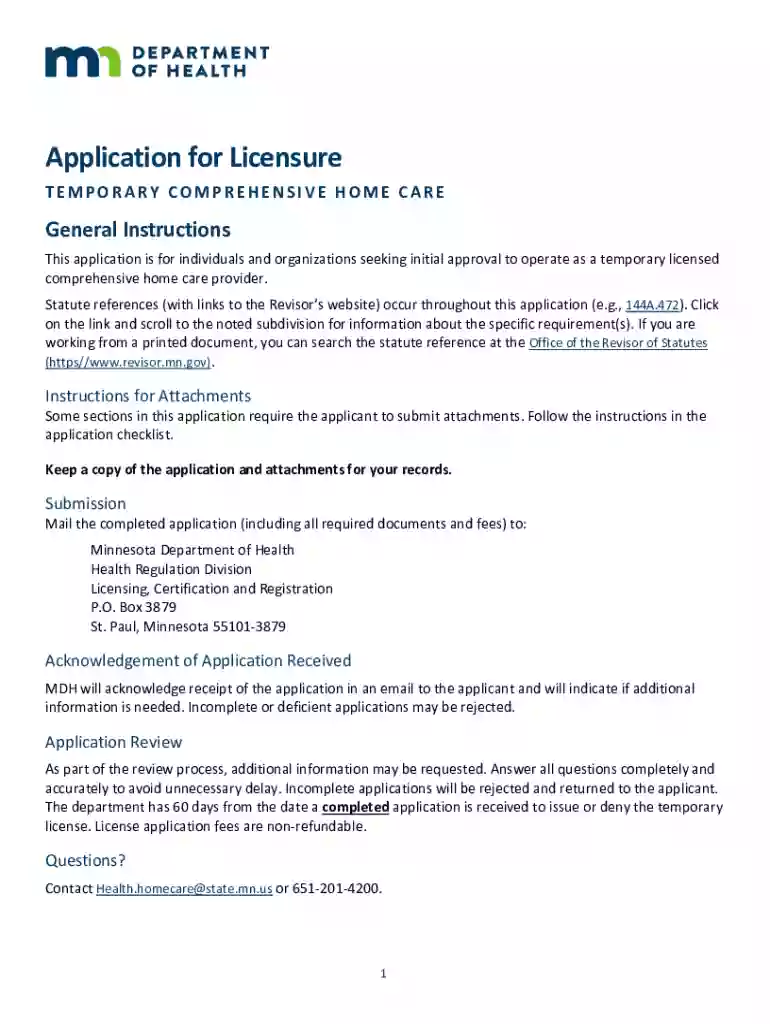
mn comprehensive home care Preview on Page 1

Home Care License and Registration RenewalHome Care License and Registration RenewalHome Care Licens 2026

Here's how it works

  • 01. Edit your mn comprehensive home care online

    Type text, add images, blackout confidential details, add comments, highlights and more.

  • 02. Sign it in a few clicks

    Draw your signature, type it, upload its image, or use your mobile device as a signature pad.

  • 03. Share your form with others

    Send it via email, link, or fax. You can also download it, export it or print it out.

How to use or fill out Home Care License and Registration Renewal with our platform

Form edit decoration
9.5
Ease of Setup
DocHub User Ratings on G2
9.0
Ease of Use
DocHub User Ratings on G2
  1. Click ‘Get Form’ to open the Home Care License and Registration Renewal in the editor.
  2. Begin by filling out the Applicant Information section. Provide your Assumed Name (DBA), Physical Address, and contact details. Ensure accuracy for smooth communication.
  3. Designate an Agent who will receive all notices. Include their name, title, telephone number, and email address. This is crucial for timely updates regarding your application.
  4. Complete the Description of Other Licenses section by indicating any other licenses you hold. Be honest about any past license revocations or denials, as this information is vital for your application’s integrity.
  5. List all counties where you intend to provide services in the Counties Served section. This helps define your operational area.
  6. Review all sections thoroughly before submitting. Attach required documents as per the checklist provided in the application.

Start using our platform today to streamline your Home Care License renewal process!

See more mn comprehensive home care versions

We've got more versions of the mn comprehensive home care form. Select the right mn comprehensive home care version from the list and start editing it straight away!

VersionsForm popularityFillable & printable
20224.8 Satisfied (47 Votes)
20214.2 Satisfied (35 Votes)
20144.6 Satisfied (67 Votes)

be ready to get more

Complete this form in 5 minutes or less

Security and compliance

At DocHub, your data security is our priority. We follow HIPAA, SOC2, GDPR, and other standards, so you can work on your documents with confidence.

Related links

Advancing or Extending a License

Jun 10, 2026 The quickest way to apply for the new/advanced license is through the Educator Licensure And Renewal (ELAR) system.Read more

Learn more
Apply For Licensure - Renewal Applications - CDPH - CA.gov

The License Renewal and Certification Branch is responsible for issuing license renewals to facilities with an existing license.

Learn more
If you believe that this page should be taken down, please follow our DMCA take down process here