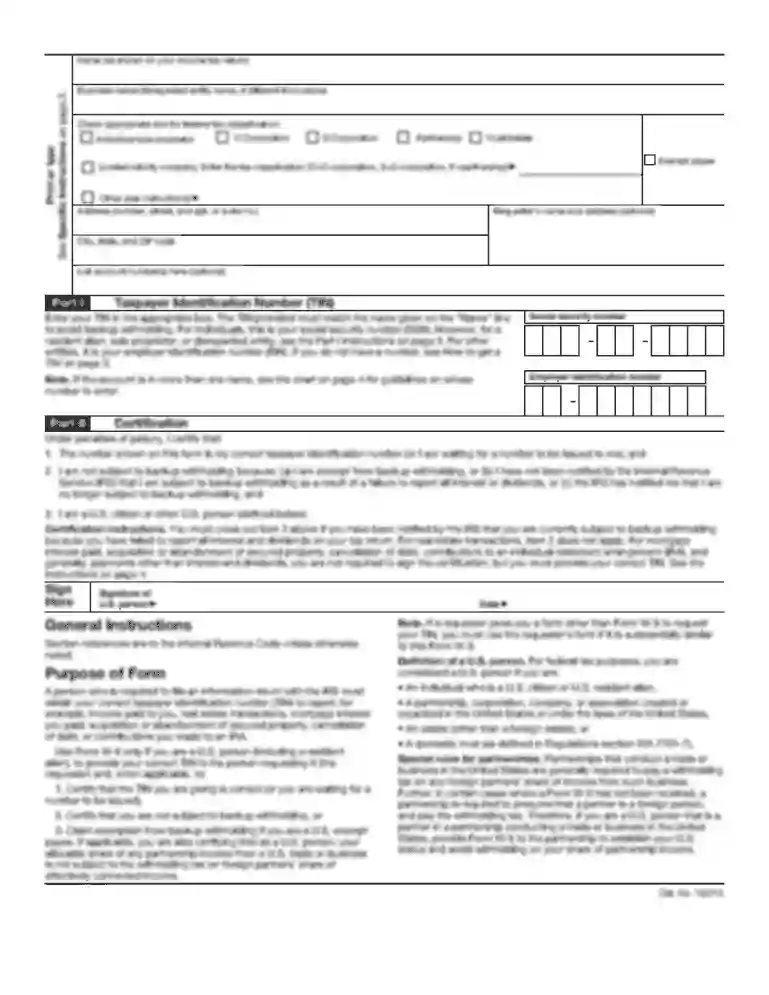
Ie form ma1 claim viva voce download 2026

Get Form
form expense claim voce Preview on Page 1

Here's how it works

01. Edit your form expense claim voce online
Type text, add images, blackout confidential details, add comments, highlights and more.

02. Sign it in a few clicks
Draw your signature, type it, upload its image, or use your mobile device as a signature pad.

03. Share your form with others
Send form expense claim voce form via email, link, or fax. You can also download it, export it or print it out.

How to use or fill out ie form ma1 claim viva voce download with our platform

Form edit decoration
9.5
Ease of Setup
DocHub User Ratings on G2
9.0
Ease of Use
DocHub User Ratings on G2
  1. Click ‘Get Form’ to open the ie form ma1 claim viva voce download in the editor.
  2. Begin by filling in the Claimant Details section. Enter the Extern's name, address, telephone number, and PPS number if applicable. Ensure you provide the email address for remittances.
  3. Next, complete the Name of Student/Candidate section by entering their name and student number along with the relevant School/Department.
  4. In the Details of Claim section, input dates, descriptions of services rendered, examining fees, and amounts in currency. Don’t forget to list any travel or accommodation expenses.
  5. Fill out your Payee Bank Details accurately. Choose your payment option (Euro, GBP, USD/CAD/AUD) and provide all required banking information.
  6. Finally, ensure you sign and date the form. Remember that an original signature is mandatory for processing.

Start using our platform today to streamline your document editing and submission process for free!

See more ie form ma1 claim viva voce download versions

We've got more versions of the ie form ma1 claim viva voce download form. Select the right ie form ma1 claim viva voce download version from the list and start editing it straight away!
Versions Form popularity Fillable & printable
2017 4.8 Satisfied (51 Votes)
2015 4.2 Satisfied (55 Votes)
be ready to get more

Complete this form in 5 minutes or less

Get form

Got questions?

We have answers to the most popular questions from our customers. If you can't find an answer to your question, please contact us.
Contact us
About filling in this form Before you fill in this form, read the notes that come with it. The notes have important information and help explain some of the questions we ask you and why we are asking them. Answer all the questions as fully as possible, and send us all the documents we have asked for.
You can claim Maternity Allowance when you have been pregnant for 26 weeks. You will need to provide: proof of your income for example original payslips. proof of the babys due date on your MATB1 certificate - if this isnt available, you can provide a letter from your doctor or midwife.
MAT 1 Form is called the Maternity Notification. The form must be filled out by female employees. If you need this form, you may request it in the nearest Social Security Office or complete it online on our site.
MAT B1 forms are generally given at 25 weeks midwife appointment and your empoyer does not require it earlier. They are not to be filled in more than 20 weeks before EDD. Just read that off the copy of mine that I got 4 weeks ago.
Unless youve signed an agreement to repay wages or benefits received during your leave, an employer generally cannot require repayment unless there was some form of misrepresentation or fraud, such as knowingly taking leave with no intention of returning to work.

Security and compliance

At DocHub, your data security is our priority. We follow HIPAA, SOC2, GDPR, and other standards, so you can work on your documents with confidence.

Learn more
ccpa2
pci-dss
gdpr-compliance
hipaa
soc-compliance
be ready to get more

Complete this form in 5 minutes or less

Get form

People also ask

To get the full amount that youre entitled to, claim within 3 months of your Maternity Allowance start date. To claim, youll need a Maternity Allowance (MA1) claim form. You can either: print it and fill it in. fill it in online and print it.

ie expense voce online