




01. Edit your australia 100 point id check online
Type text, add images, blackout confidential details, add comments, highlights and more.

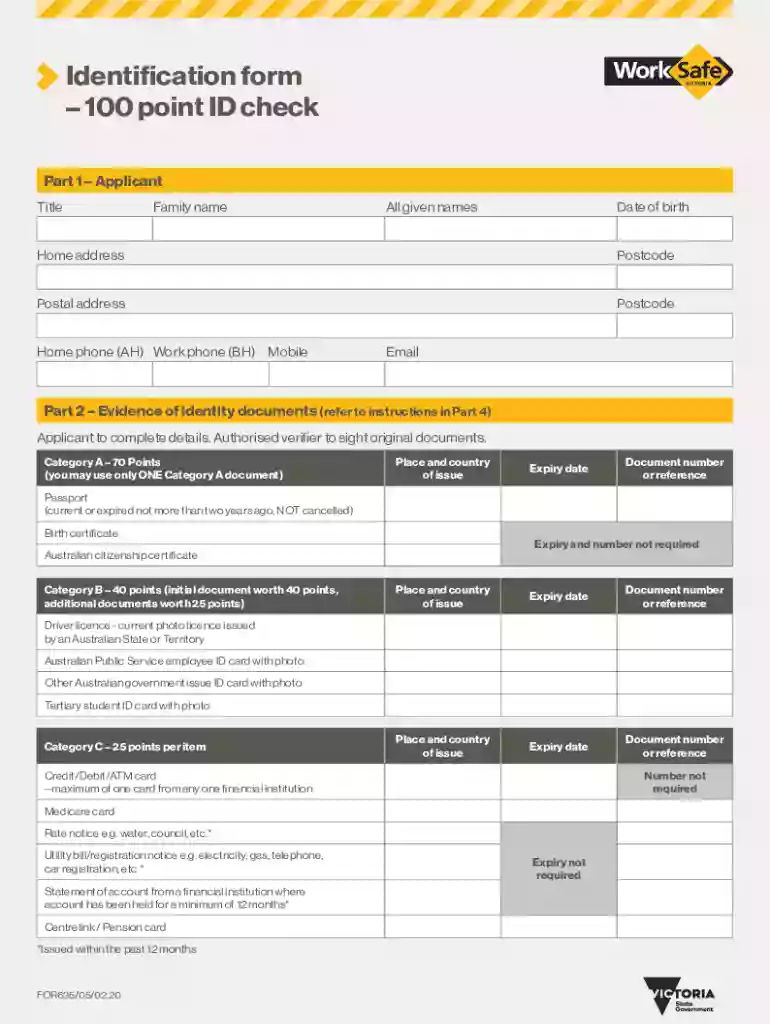
Type text, add images, blackout confidential details, add comments, highlights and more.

Draw your signature, type it, upload its image, or use your mobile device as a signature pad.

Send 100 point id check via email, link, or fax. You can also download it, export it or print it out.

Start using our platform today for free to streamline your document completion process!
We've got more versions of the australia 100 point id check form. Select the right australia 100 point id check version from the list and start editing it straight away!
At DocHub, your data security is our priority. We follow HIPAA, SOC2, GDPR, and other standards, so you can work on your documents with confidence.
The ID Center is responsible for issuing all Point Park University identification cards. Location Frontier Hall 3rd Floor (100 Wood Street) Contact: ID Center
This screening costs $45 possible. verify the legal presence status of non-citizens wanting to obtain drivers licenses or ID cards.
When calling to check the status of a file, have the Agency Identification Number. (ORI), date or dates in question, the number of names submitted in theRead more


