




01. Edit your form online
Type text, add images, blackout confidential details, add comments, highlights and more.

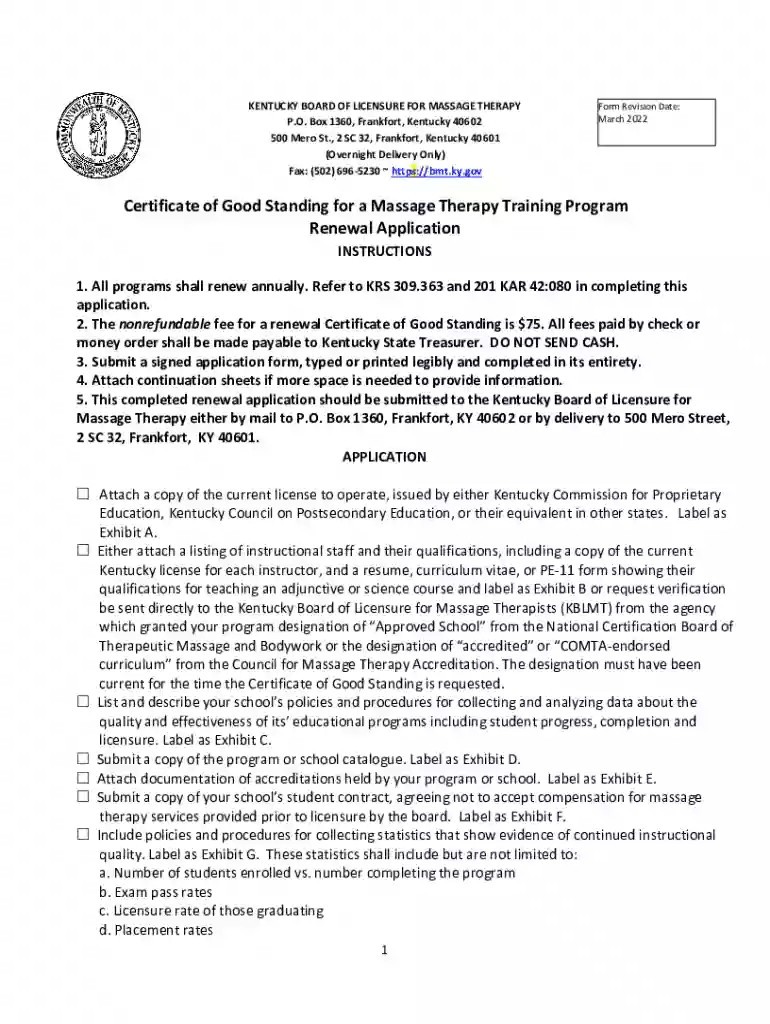
Type text, add images, blackout confidential details, add comments, highlights and more.

Draw your signature, type it, upload its image, or use your mobile device as a signature pad.

Send it via email, link, or fax. You can also download it, export it or print it out.

Start using our platform today to streamline your Kentucky massage therapy license renewal process for free!
We've got more versions of the Kentucky massage therapy license renewal requirements form. Select the right Kentucky massage therapy license renewal requirements version from the list and start editing it straight away!
Approving paperwork on a mobile device is fast, easy, and doesn’t require software installation when you have an account with DocHub. Sign in from any browser, complete your blank fields with your information, and click on Sign → Create your signature. You can draw your eSignature the same way you usually do on paper, add its image to your Kentucky massage therapy license renewal requirements, or type in your name and stylize its look. No matter what option you select, your documentation will be valid.
Apart from an extensive toolset for editing PDFs on mobile phones, DocHub allows you to sign your Kentucky massage therapy license renewal requirements along the way. Open our editor in your web browser, make modifications using DocHub’s toolset, and complete your editing by eSigning the finished form.
At DocHub, your data security is our priority. We follow HIPAA, SOC2, GDPR, and other standards, so you can work on your documents with confidence.
The Commonwealth of Kentucky requires that LMT licenses be renewed every two years. Details about continuing education requirements, fees and renewal proceduresRead more
Kentucky] told me that Dr. Kennedy is writing Oxy with both hands. She rolled her eyes and told me it is doing very very well. In urging doctors to writeRead more
The Department of Professional Licensing suggests completing your renewal at least six weeks prior to your renewal date. Verify a License Search the ActiveRead more


