
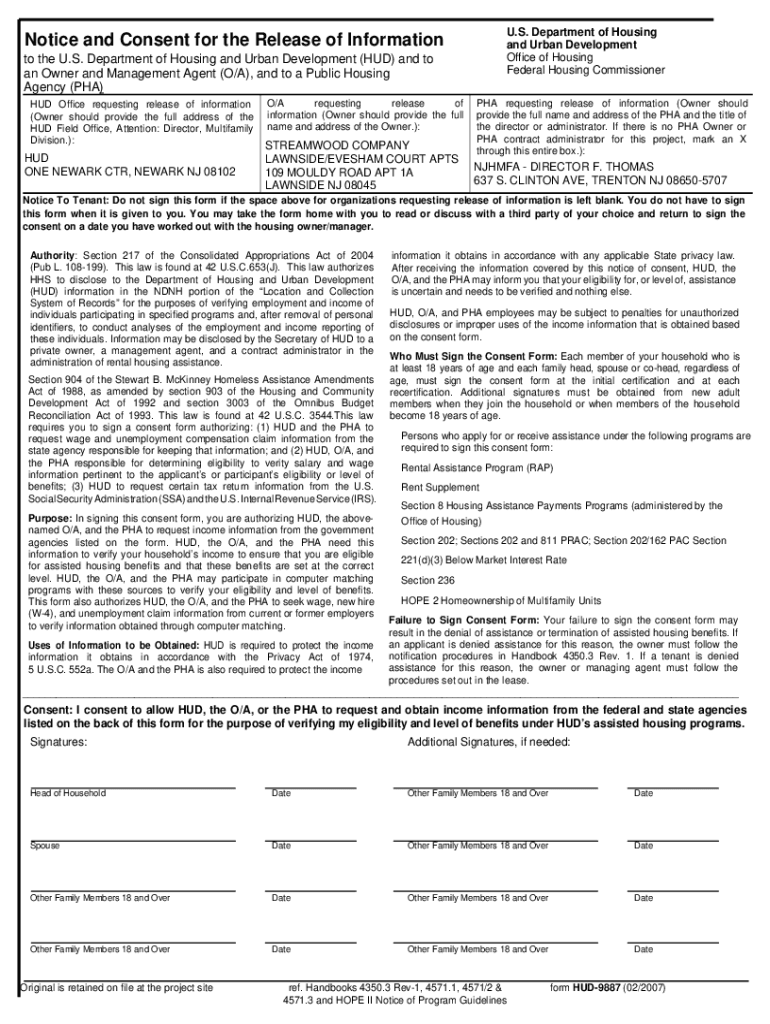




Here's how it works



How to use or fill out Lawnside & Evesham Court - The Streamwood Company with DocHub

- Click ‘Get Form’ to open it in the editor.
- Begin by filling out the 'Head of Household' section. Enter your full legal name, Social Security number, and contact information accurately.
- Proceed to the 'Household Composition' section. List all individuals who will reside in the apartment, including their names, relationships, ages, and Social Security numbers.
- In the 'Income from Employment' section, provide details for all household members aged 18 and older. Include employer information and estimated gross earnings.
- Complete the 'Assets' section by listing any assets held by household members. Ensure you include relevant details such as account types and values.
- Review all sections for accuracy. Use our platform's editing tools to make corrections if necessary before finalizing your application.
Start using our platform today to streamline your application process for Lawnside & Evesham Court Apartments!
It's free
See more Lawnside & Evesham Court - The Streamwood Company versions
| Versions | Form popularity | Fillable & printable |
|---|---|---|
| 2007 | 4.8 Satisfied (35 Votes) |
Got questions?
What is the simplest way to electronically sign my Lawnside & Evesham Court - The Streamwood Company?
Many software solutions are available on the market for document editing and signing. DocHub is one of the most in-demand online solutions that comply with all security and compliance requirements and guarantees your eSigned paperwork is legally enforceable. All you need to give it a try is to register an account, upload your Lawnside & Evesham Court - The Streamwood Company, fill out the necessary information, and click Sign. Create your eSignature by typing, drawing it, uploading its image to your template, or scanning a unique QR code.
How do you fill out Lawnside & Evesham Court - The Streamwood Company on iOS?
You need only a web connection and a browser to fill out your Lawnside & Evesham Court - The Streamwood Company by using an iOS phone. Open the DocHub website and authenticate. Then, add your document or choose it from the list in your dashboard. Then use our editing tools to fill out your form and preserve all your adjustments. You may also send it to a specified recipient straight away.
What school district is Lawnside NJ?
What county is Lawnside NJ in?
What is the history of Lawnside New Jersey?
Security and compliance
At DocHub, your data security is our priority. We follow HIPAA, SOC2, GDPR, and other standards, so you can work on your documents with confidence.
Learn more




