




01. Edit your eyesight report form online
Type text, add images, blackout confidential details, add comments, highlights and more.

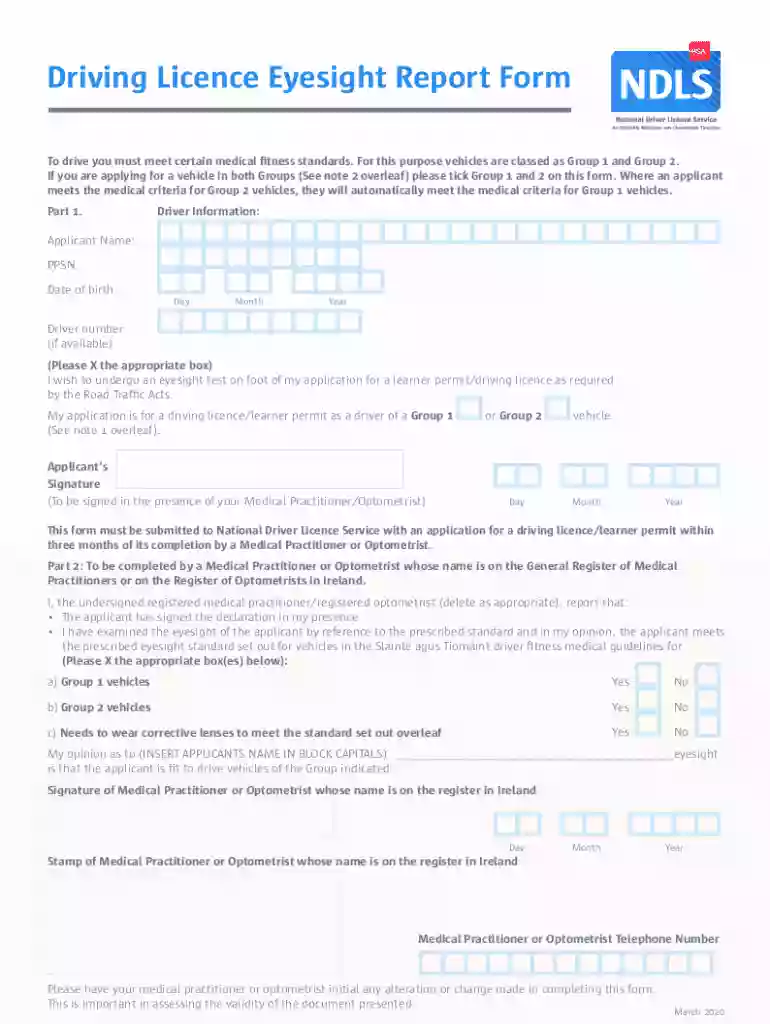
Type text, add images, blackout confidential details, add comments, highlights and more.

Draw your signature, type it, upload its image, or use your mobile device as a signature pad.

Send eyesight form via email, link, or fax. You can also download it, export it or print it out.

Start using our platform today to easily fill out and submit your eyesight report form for free!
We've got more versions of the eyesight report form form. Select the right eyesight report form version from the list and start editing it straight away!
At DocHub, your data security is our priority. We follow HIPAA, SOC2, GDPR, and other standards, so you can work on your documents with confidence.
ALL APPLICANTS WHO FAIL TO MEET MINIMUM VISION REQUIREMENTS MUST TAKE THIS FORM. TO THEIR EYE SPECIALIST. AFTER IT IS COMPLETED, THIS FORM MUST BE RETURNED TORead more
The report shows that the overall prevalence of myopia has DocHubed 53.4% in high-income countries in the Asia-Pacific region, followed by 51.6% in East Asia.Read more
This PDF document contains the following vision tests and instructions: A clean tissue to cover each eye one at time, a quarter, and a pen and paper to record


