




01. Edit your form online
Type text, add images, blackout confidential details, add comments, highlights and more.

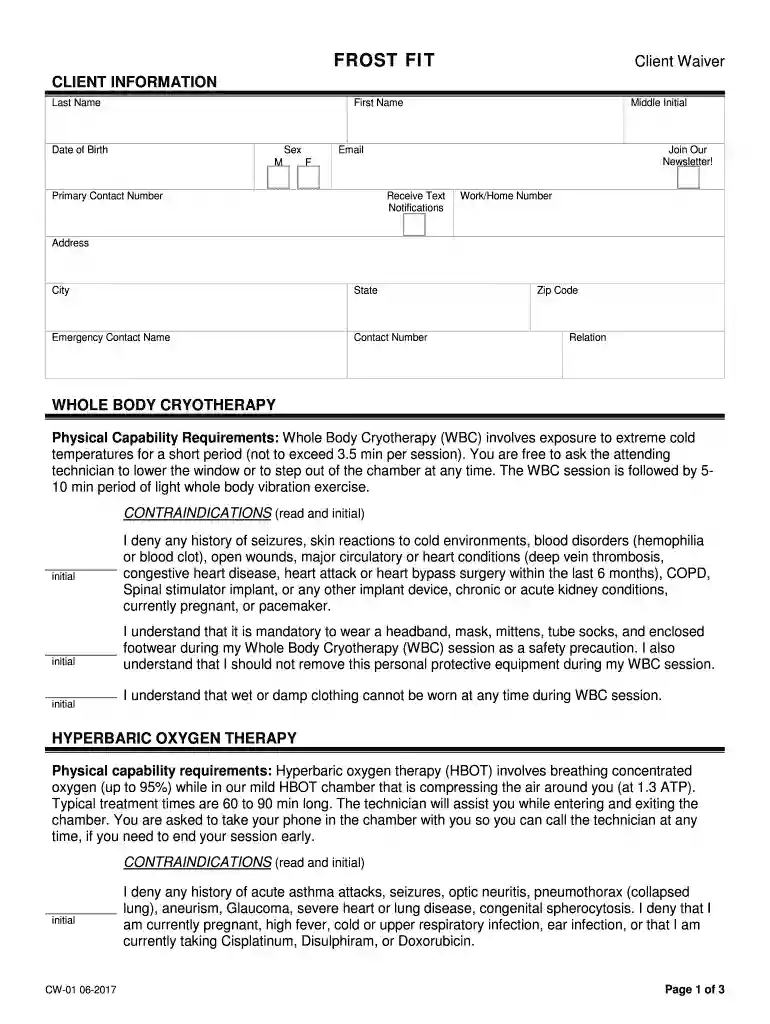
Type text, add images, blackout confidential details, add comments, highlights and more.

Draw your signature, type it, upload its image, or use your mobile device as a signature pad.

Send it via email, link, or fax. You can also download it, export it or print it out.

Start using our platform today to complete your Frost Fit Waiver online for free!
We've got more versions of the Frost Fit Waiver form. Select the right Frost Fit Waiver version from the list and start editing it straight away!
| Versions | Form popularity | Fillable & printable |
|---|---|---|
| 2017 | 4.8 Satisfied (131 Votes) |
Yes, a typed name is recognized as a valid electronic signature when you create it on your document utilizing a compliant solution like DocHub. Simply add your Frost Fit Waiver to our editor, click Sign in the top tool pane → Create your signature → Type your name in the appropriate tab, and choose how it will look on your document.
If you store your paperwork in Google Drive, there is no need to download your Frost Fit Waiver on the computer and upload it back to our editor. A significantly easier way is to set up a browser extension created by DocHub to streamline this flow. The extension allows editing PDFs right in your web browser. Alternatively, you can integrate your DocHub and Gmail accounts for more efficient modifying.
At DocHub, your data security is our priority. We follow HIPAA, SOC2, GDPR, and other standards, so you can work on your documents with confidence.
the TI Waiver was one of six waiver options that allowed for alternative remedial goals other than ARARs in specified portions of a site.
[House Hearing, 119 Congress] [From the U.S. Government Publishing Office] UNIVERSAL BASIC FRAUD: VULNERABILITIES IN MEDICAID WAIVER PROGRAMS
Employee Wellness Highlights Employee Fitness Program Application needs to be completed by Thursday, Jan 22. Semester long program with personal training,


