




01. Edit your pinnacle player online
Type text, add images, blackout confidential details, add comments, highlights and more.

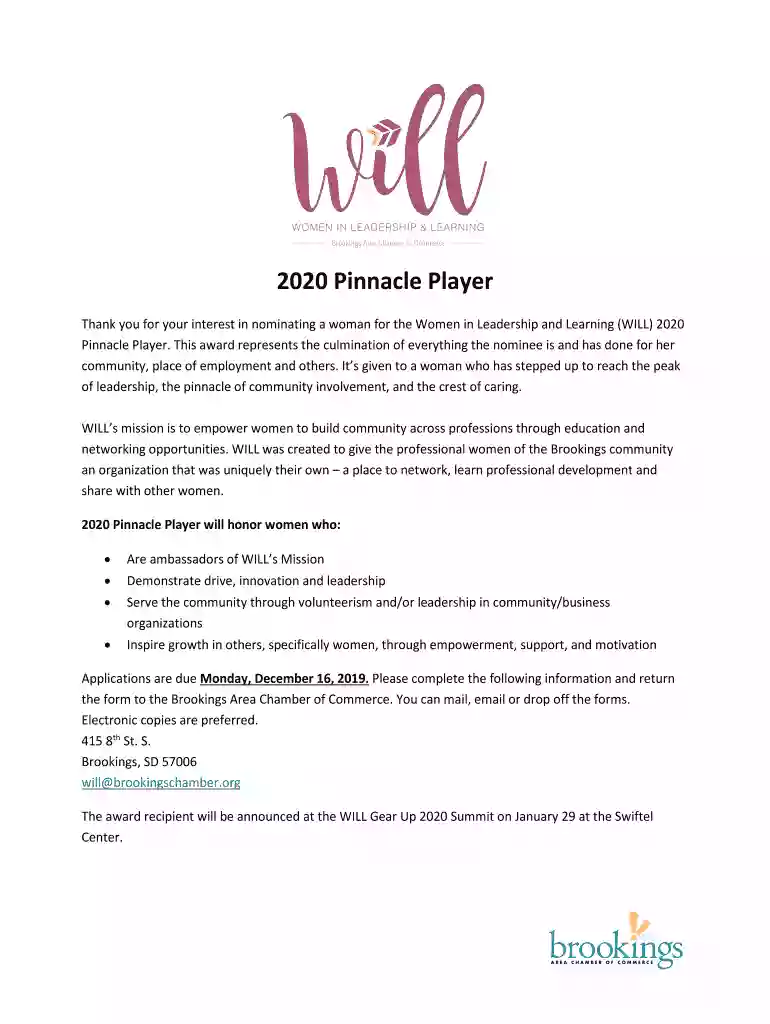
Type text, add images, blackout confidential details, add comments, highlights and more.

Draw your signature, type it, upload its image, or use your mobile device as a signature pad.

Send it via email, link, or fax. You can also download it, export it or print it out.

Start filling out your Pinnacle Player application today for free on our platform!
We've got more versions of the pinnacle player form. Select the right pinnacle player version from the list and start editing it straight away!
| Versions | Form popularity | Fillable & printable |
|---|---|---|
| 2020 | 4.8 Satisfied (59 Votes) |
If you regularly deal with documents stored in your Google Drive, DocHub is a superb option for you to easily and quickly complete, adjust, and approve them. This editor integrates properly with Google services, so you can export your pinnacle player from your Google Drive to the editor without the need of downloading and re-uploading it. Right-click on your document, choose Open With → DocHub PDF Sign and Edit. In our editor, add and assign Signature Fields for all people involved, then click on the Menu option above → Send → select how you want to share your form.
You may quickly complete, edit, and even eSign your pinnacle player using DocHub. Create a new account and begin your free trial. After that, you may upload the document with the form and easily make all the needed edits. No need to print on paper or use a third-party application to sign it, as you can place your electronic signature on your document faster via DocHub.
At DocHub, your data security is our priority. We follow HIPAA, SOC2, GDPR, and other standards, so you can work on your documents with confidence.
Pinnacle athletes are students first and must maintain academic eligibility in order to participate fully. Athletes will maintain a minimum grade point averageRead more
Mar 20, 2026 Pinnacle Peak Pictures was initially formed in 2018 as an alternative label of Pure Flix Entertainment to release films that were not necessarily religious butRead more
Meet the PCI Wind Works teamdedicated experts with diverse experience, training the next generation of wind energy professionals in renewable energy.


