




01. Edit your form online
Type text, add images, blackout confidential details, add comments, highlights and more.

Type text, add images, blackout confidential details, add comments, highlights and more.

Draw your signature, type it, upload its image, or use your mobile device as a signature pad.

Send it via email, link, or fax. You can also download it, export it or print it out.

Start using our platform today for free to streamline your document editing and signing process!
We've got more versions of the CAND 89A (Rev form. Select the right CAND 89A (Rev version from the list and start editing it straight away!
Yes, and it’s really straightforward! DocHub is an online PDF editor with advanced document processing functions that allow you quickly modify your paperwork, fill out blank fields and drop new ones for other people to fill out, and create electronic signatures in several ways. Upload your CAND 89A (Rev, provide information as required, and choose how you want to eSign your template - by typing your name, drawing your signature, uploading its image, or utilizing a QR code.
If your go-to email service is Gmail, you can easily incorporate your DocHub editor into your work. Edit your CAND 89A (Rev with DocHub tools and connect it to your drafts in Gmail. See how easy it can be to exchange papers and work together with a swift PDF editing solution at hand.
At DocHub, your data security is our priority. We follow HIPAA, SOC2, GDPR, and other standards, so you can work on your documents with confidence.
89a 501(c)(3) organizations Enter Amount of tax imposed on the organization during the year. For supporting organizations and sponsoring organizations
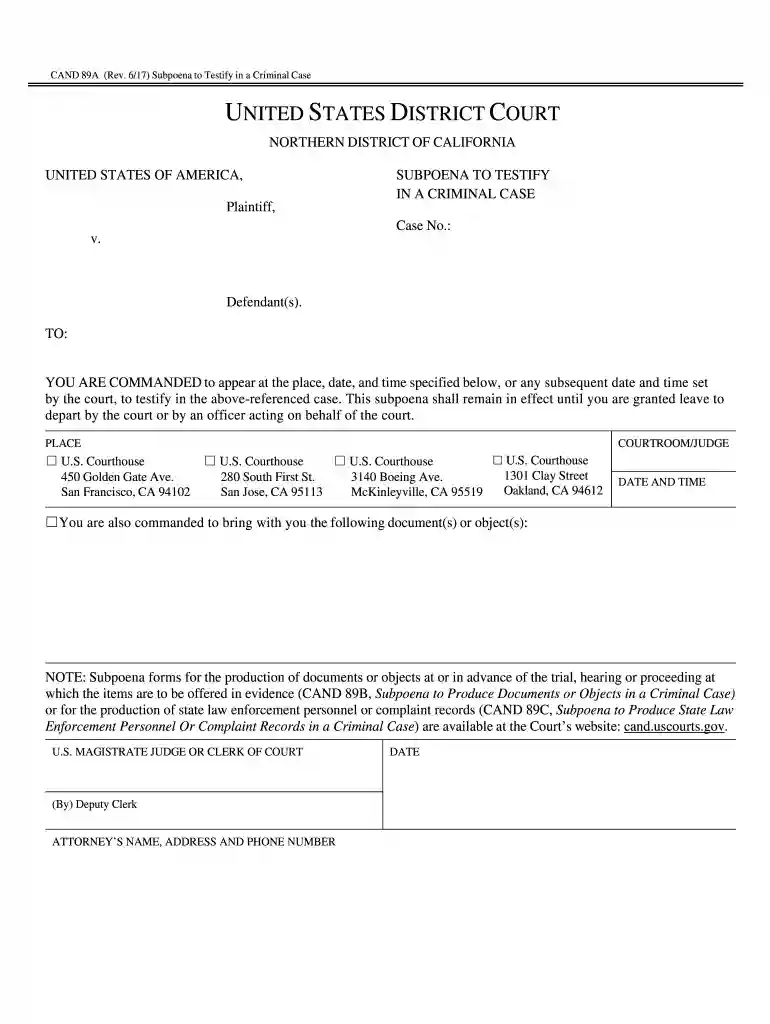
CAND 89A (Rev. 6/17) Subpoena to Testify in a Criminal Case. YOU ARE COMMANDED to appear at the place, date, and time specified below, Subpoena forms for the


