




01. Edit your florida bar application pdf online
Type text, add images, blackout confidential details, add comments, highlights and more.

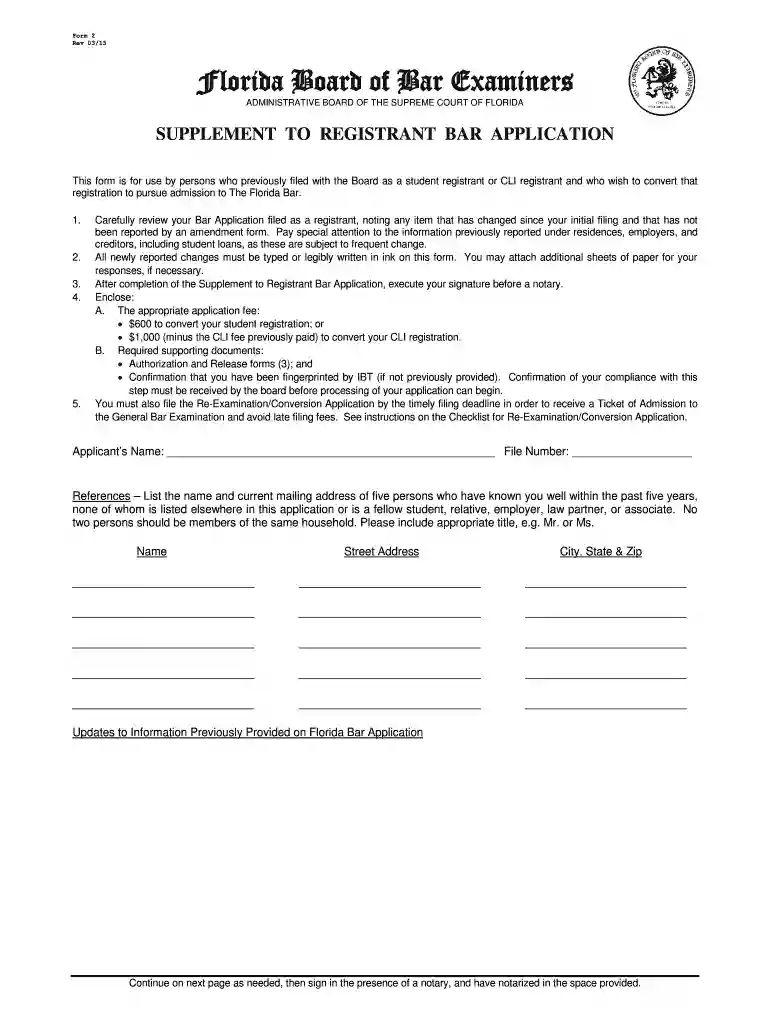
Type text, add images, blackout confidential details, add comments, highlights and more.

Draw your signature, type it, upload its image, or use your mobile device as a signature pad.

Send it via email, link, or fax. You can also download it, export it or print it out.

Start using our platform today to streamline your Florida Bar Application process for free!
We've got more versions of the florida bar application pdf form. Select the right florida bar application pdf version from the list and start editing it straight away!
| Versions | Form popularity | Fillable & printable |
|---|---|---|
| 2015 | 4.8 Satisfied (170 Votes) |
Sure, a typed name is accepted as a legitimate electronic signature when you add it to your document utilizing a compliant solution like DocHub. Simply import your florida form bar application to our editor, click Sign in the top tool pane → Create your signature → Type your name in the proper tab, and decide how it will appear on your document.
You need only a web connection and a web browser to fill out your florida form bar application by using an iOS phone. Open the DocHub website and authenticate. Then, add your document or select it from the list in your dashboard. Then use our editing instruments to fill out your form and preserve all your adjustments. You can also send it to a specified recipient right away.
At DocHub, your data security is our priority. We follow HIPAA, SOC2, GDPR, and other standards, so you can work on your documents with confidence.
For students seeking admission to the Florida Bar, your first step should be to create an account online. Follow this detailed checklist when applying to the
APPLICATION FOR ORDER FOR PUBLICATION OR POSTING (Family Law) Form Approved for Optional Use Judicial Council of California FL-980. State Bar number, and
Every applicant for admission to The Florida Bar must file with the board a Bar Application on the form available on the boards website.


