




01. Edit your dos real estate salesperson application online
Type text, add images, blackout confidential details, add comments, highlights and more.

Type text, add images, blackout confidential details, add comments, highlights and more.

Draw your signature, type it, upload its image, or use your mobile device as a signature pad.

Send real estate salesperson application via email, link, or fax. You can also download it, export it or print it out.

Start filling out your application real estate form today using our platform for free!
We've got more versions of the dos real estate salesperson application form. Select the right dos real estate salesperson application version from the list and start editing it straight away!
| Versions | Form popularity | Fillable & printable |
|---|---|---|
| 2008 | 4.9 Satisfied (47 Votes) |
At DocHub, your data security is our priority. We follow HIPAA, SOC2, GDPR, and other standards, so you can work on your documents with confidence.
If you have questions about the application process, please call 206-685-8936. $50 nonrefundable certificate program fee. Letter of application. CERTIFICATERead more
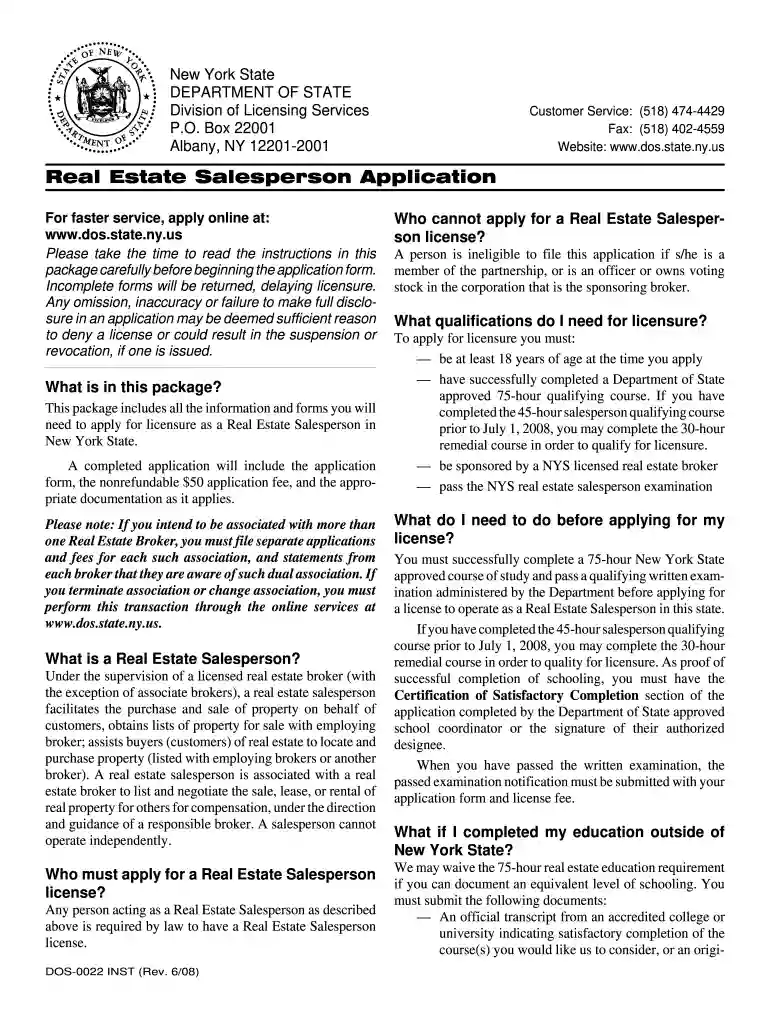
This package includes all the information and forms you will need to apply for licensure as a Real Estate Salesperson in New. York State. A completedRead more
Jan 30, 2018 If you didnt receive Form 1099-S, refer to your real estate transaction documents for the total amount you received for your home.Read more


